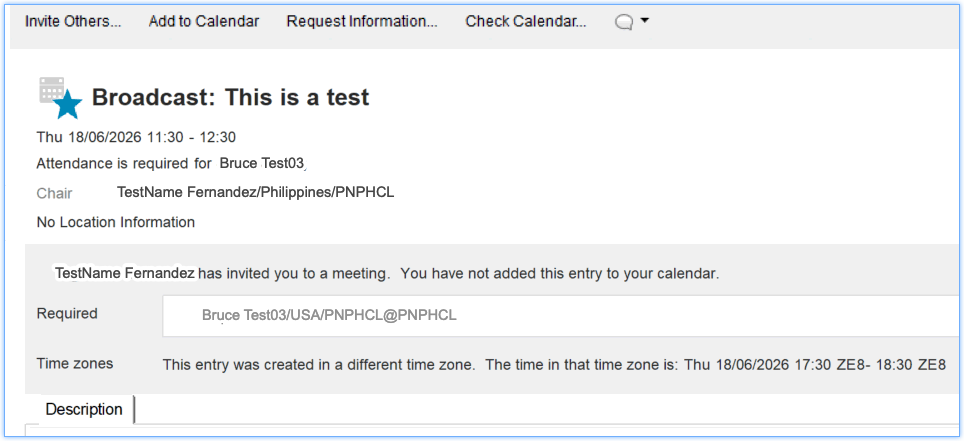
How can I avoid receiving responses from invitees?
There are two types of calendar entries that support the "Do not receive responses from invitees" option: Meetings and Event Announcements. For Event Announcements, this option is always selected and cannot be deselected. and the Meetings, you can always have a option to select it.
Event Announcement
Before you begin
Tip: If sending a meeting invitation to a very
large number of invitees, consider selecting this option. This makes the meeting
invitation a broadcast invitation and, instead of responding, invitees have the
option to add the meeting to their calendars or not.
Procedure
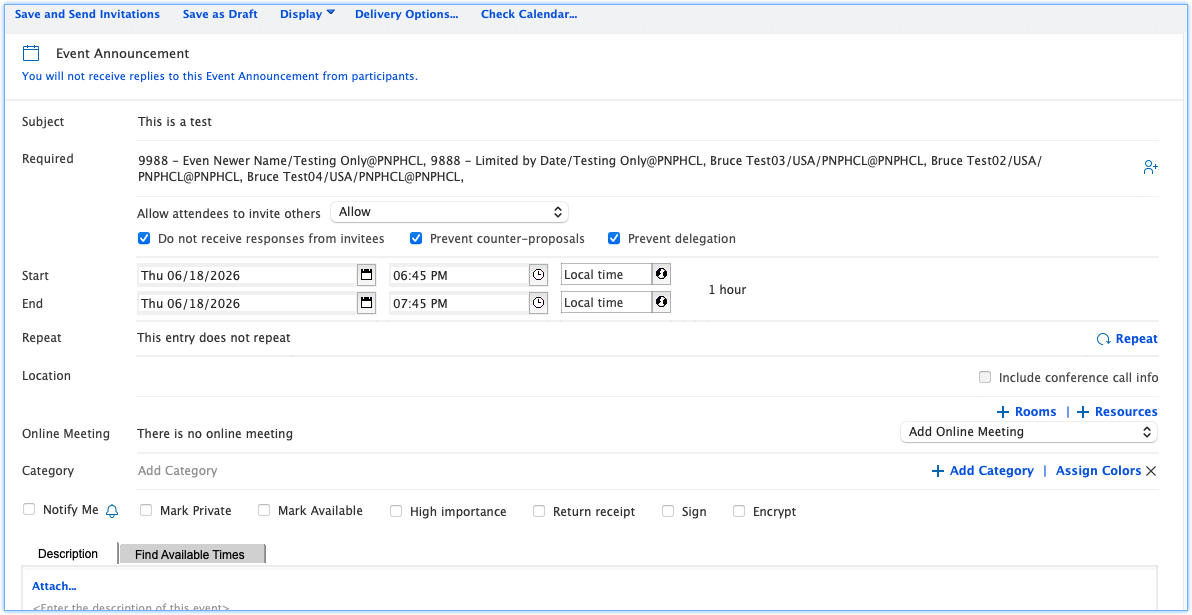
- From your calendar, click New dropdown.
- Select Event Announcement.
- Enter the Subject.
- Fill-in the invitees.
- The Do not receive responses from invitees, Prevent counter-proposals, and Prevent delegation options are automatically selected and cannot be deselected.
-
Click Save and Send invitation.
Meeting
Procedure
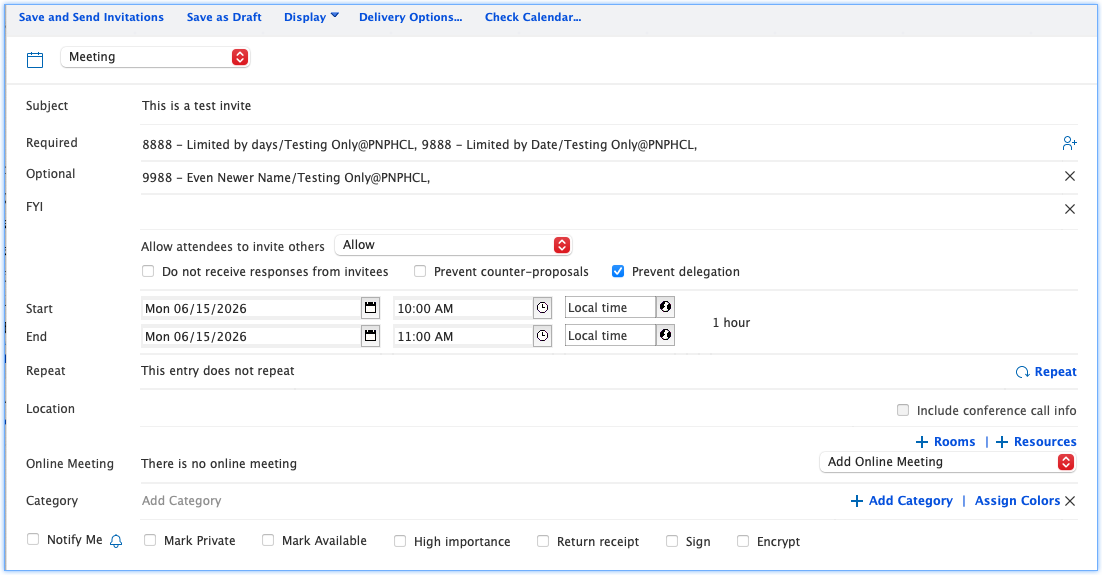
- From your calendar, click New dropdown.
- Select Meeting.
- Enter the Subject.
- Fill-in the invitees.
- You can have the option to select the Do not receive responses from invitees, Prevent-counter proposal and Prevent delegation options.
-
Click Save and Send invitation.
Results