New HCL Notes® 11 theme
HCL Notes® has a new theme for Mail, Calendar, Contacts, and Notebook.
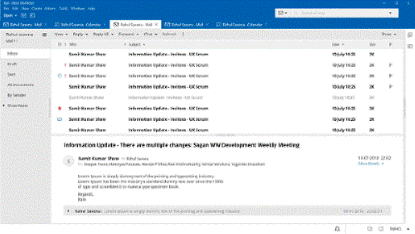
The Notes® 11 theme is on by default, but you can switch the interface to a previous theme. Choose to change the colors or version of your display.
notes.ini setting
Notes 11 supports the notes.ini setting CUSTOM_THEME_COLOR to apply a custom color theme to Notes 11 clients.
notes.ini setting procedure
CUSTOM_THEME_COLOR=<R>,<G>,<B>CUSTOM_THEME_COLOR=128,0,128To evaluate different colors for the theme and to see their color RGB values, from Notes, click . With the HCL theme selected, click Customize Theme. Next to Choose your theme, click the color box.
Updated Teamroom template
Notes 11 supports an updated Teamroom template, however it is not on by default. To view this change, apply teamrm11.ntf to the Teamroom template.