Jump to main content
Solution
- Open HCL IEM Web URL and login with Admin credentials.Create Topology
- Click the customer onboard section, for customers click on the customer action edit
section. Click on the Topology page.
- Click + New Topology Data Button.Figure 1. Add new Topology Button

- This opens the following popup.Figure 2. Topology Creation
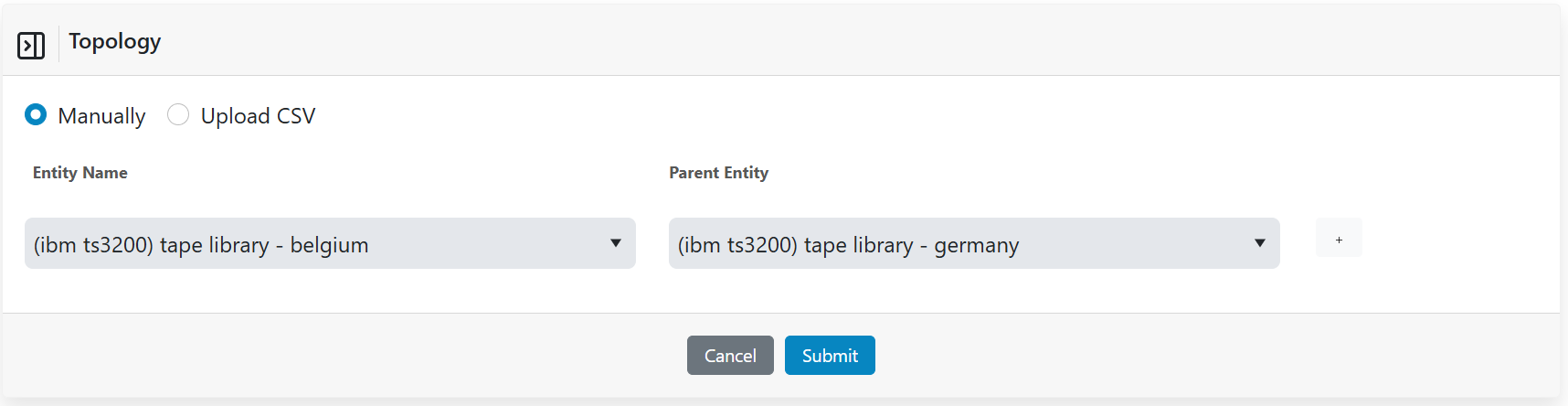
- Select the entity and its parent entity from the dropdowns.
- Click on Submit.
- On successful addition a prompt is displayed.
- Click Ok. The relationship data appears in the grid as shown.
