Solution
- Open HCL IEM Web URL and login with Admin credentials.
Save View
- Click the customer onboard section, for customers click on the customer action edit section. Click on the Entity page.
- Click on the Add Column button first button on the right side of top bar, add
columns as per requirement then save it.
Figure 1. Entity Columns 
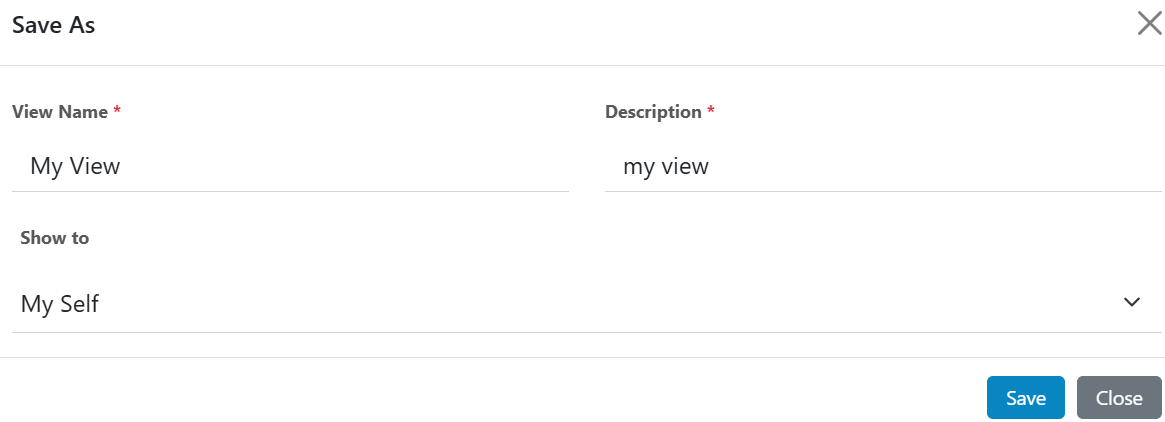
- Click the “Save As” button and a pop-up window will be opened, fill in the details, then click on the save button.
- New added views will be listed in the “Select Entity View” dropdown.
- Expand dropdown and select view selected view will be opened.
Figure 2. Save As View