
IMM Uninstallation
This section lists the steps to uninstall IMM components on all Linux machines.
To uninstall IMM, perform the following steps:
- login to the Linux server and go to the Installer folder. Refer to the section Run the Installer (Step 1 to 3).
- Copy the UninstallIMM.sh file to installer folder.
- Run the following command to uninstall IMM from the
machine.
bash UninstallIMM.shFigure 1. IMM Components Uninstallation. 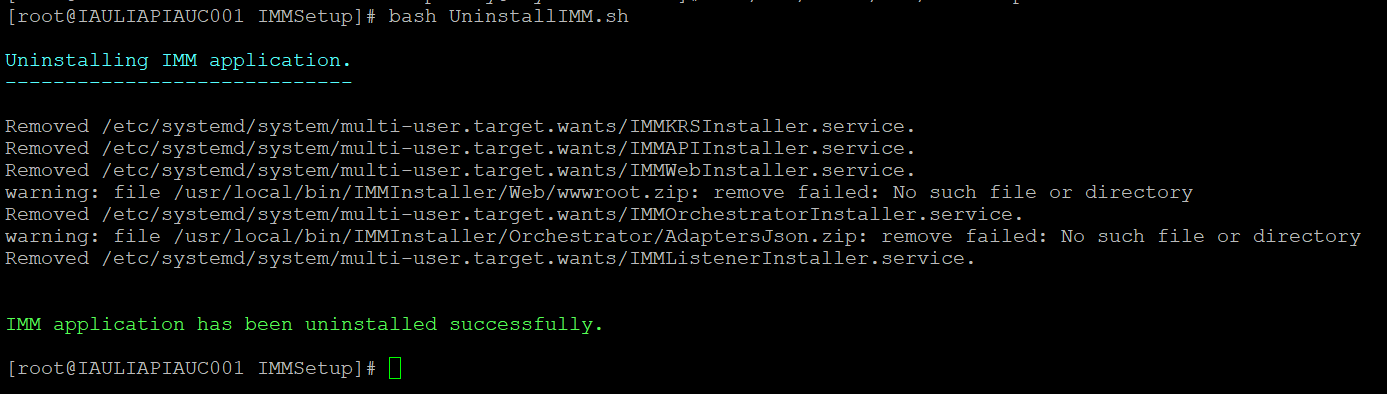
- The IMM application is uninstalled successfully.