The user
should have access to the BigFix Runbook AI installer exe.
Copy the installer on the server meant for Web and Application
components. In this scenario, both Web and Application Components
resided on one server.
Locate HCL_BigFix Runbook
AI_v6.4.1_Installer.exe and click Run as Administrator to
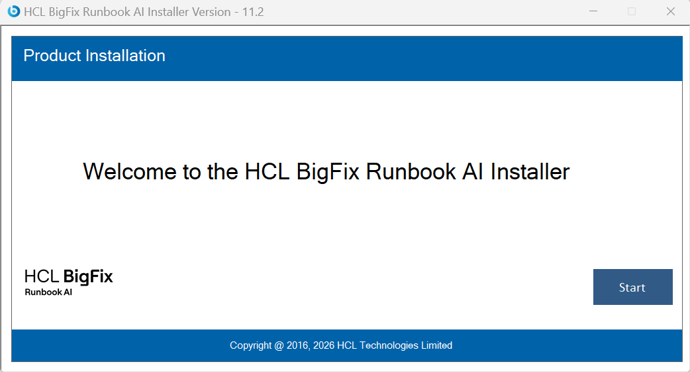
begin the installation. On running the installer, the following
page will appear.
Figure 1. BigFix Runbook AI Implementation
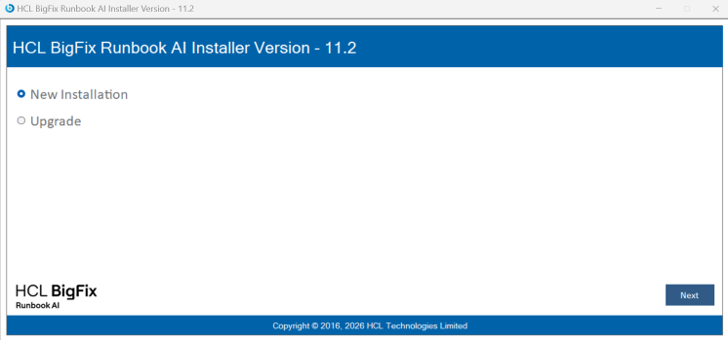
Click Start, the following page appears. It will extract required binaries. Figure 2. BigFix Runbook AI Installer Welcome Page
Click Next. The page lists the setup required for installation
in the left pane and the details of the selected setup in the right
pane.
The next step is to populate the database details.