To start ipload, type the following
at the system prompt ipload.
A decorative splash screen appears and stays on the display
while ipload finishes loading. If you do not want
to see the splash screen, use the -n flag, ipload -n.
The
first time you start ipload, it automatically creates
the onpload database. The ipload utility also puts
certain default values into the database.
When ipload starts,
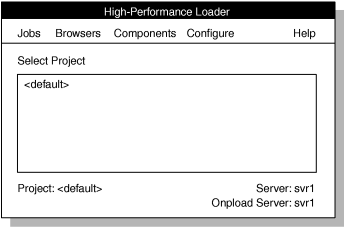
the High-Performance Loader (HPL) main
window appears, as the following figure shows. Figure 1. The HPL main window
Tip: To exit from ipload,
choose Exit from the Jobs menu.
The onpladm command-line
utility provides the same functionality as the ipload graphical
user interface.