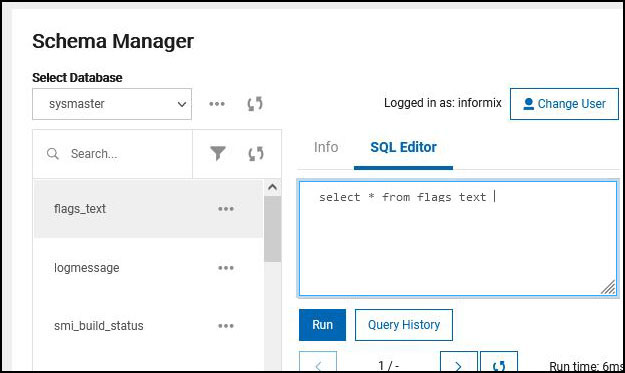
SQL Editor
Why use the SQL Editor?
The SQL editor allows user to run Structured Query Language (SQL) statements in a InformixHQ for the Informix database server. User may use SQL editor to retrieve, create, change, or delete data in a database, if user has database permissions to perform these actions. In short, it creates a way for managing and manipulating data in the database.
How to use the SQL Editor?
Follow the steps given below to navigate to the SQL editor:
- Select server in informixHQ on which you have to run SQL query.
- Select Schema Manager from side menu.
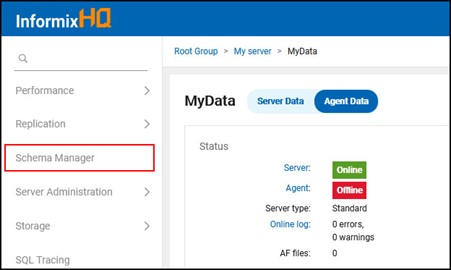
- Once user clicks on Schema Manager menu, Schema Manager page shows below tabs:
- Info : Tab will show all the details (Properties) for selected database & table.
- SQL Editor : Tab allows user to run SQL query for selected database & table.