
Events Overview
This page provides a brief overview of events and their role in your marketing campaigns.
What is an event?
An event refers to any action performed by a customer while interacting with your business.
For example, consider a typical customer journey when purchasing a product:
- The customer visits your brand’s website, and the homepage loads.
- The customer scrolls the page and clicks on the desired product.
- The customer checks for offers and adds the product to the cart.
- The customer receives an email about an ongoing offer and clicks the email link.
- The customer is directed to the “Buy Now” page and completes the payment.
In this scenario, the following actions are considered events:
- Page Load: When the website homepage loads.
- Track: When the customer scrolls the page.
- Click on Product: When the customer clicks the product.
- Add to Cart: When the product is added to the cart.
- Click on Email Link: When the customer clicks the email offer link.
- Page Load: When the customer is directed to the "Buy Now" page.
- Order Placed: When the customer completes the payment.
Types of events in HCL CDP
Events in HCL CDP are categorized into Standard Events and Custom Events.
Standard events
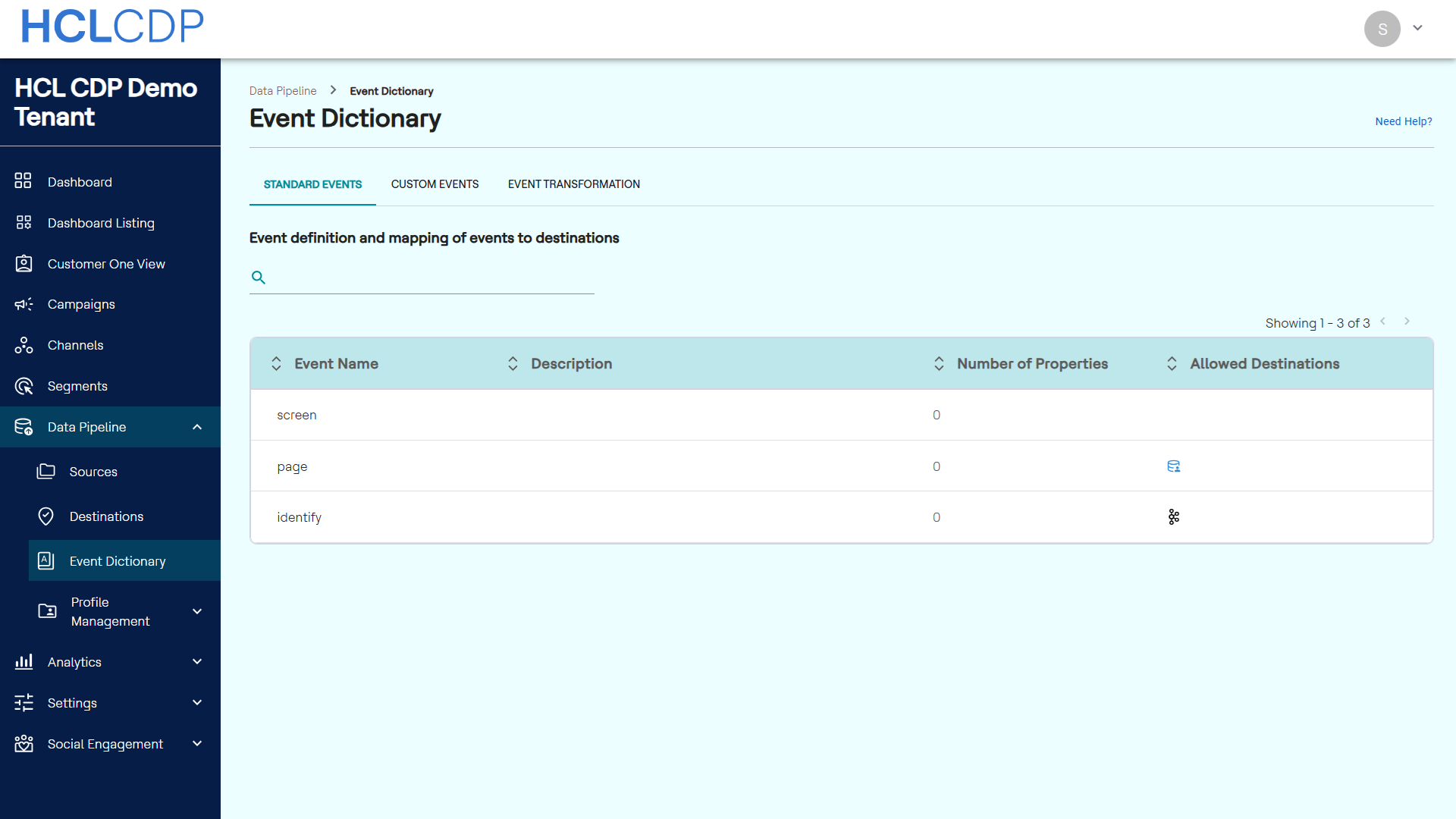
Standard events are pre-defined in HCL CDP with standard mappings and attributes for various destinations. These events are automatically mapped and include:
- Identify: Identifies the user and merges the cookie ID with the existing profile. Examples include login or subscription. Learn more.
- Page: Tracks the pages viewed by the user. It helps create a customer funnel and identifies drop-off pages. Learn more.
- Screen: Tracks the screens viewed by the user on an app. It helps create a customer funnel and identifies drop-off screens. Learn more.
To view standard events, navigate to Data Pipeline > Event Dictionary > Standard Events.
Custom events
Custom events are not pre-defined in HCL CDP and do not have standard mappings. Businesses must create and map these events to destinations as needed.