Onboard Tenant Account
About this task
After creating a tenant account in the admin portal, backend onboarding is required to complete the setup process. This step ensures that the tenant is fully recognized by the system and properly integrated across all supporting services.
To enable full functionality, the tenant account must be registered in the application database. For clients with an associated campaign ID, this identifier must be inserted into the database and propagated across all dependent services. These tasks are typically performed by platform administrators or backend operations teams to ensure smooth and secure onboarding.
Perform the user-interface steps for tenant onboarding.
Procedure
-
Login to the aws account and click Create Key.

-
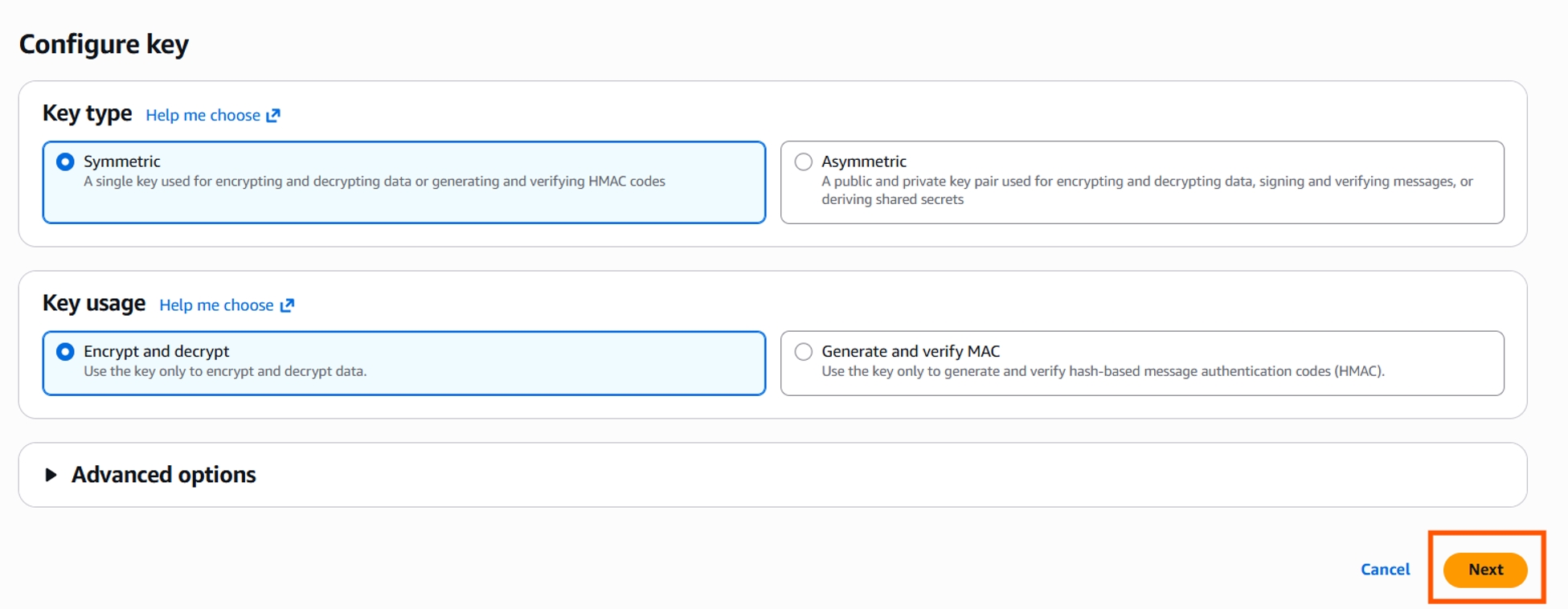
Use the default values, and click Next.
-
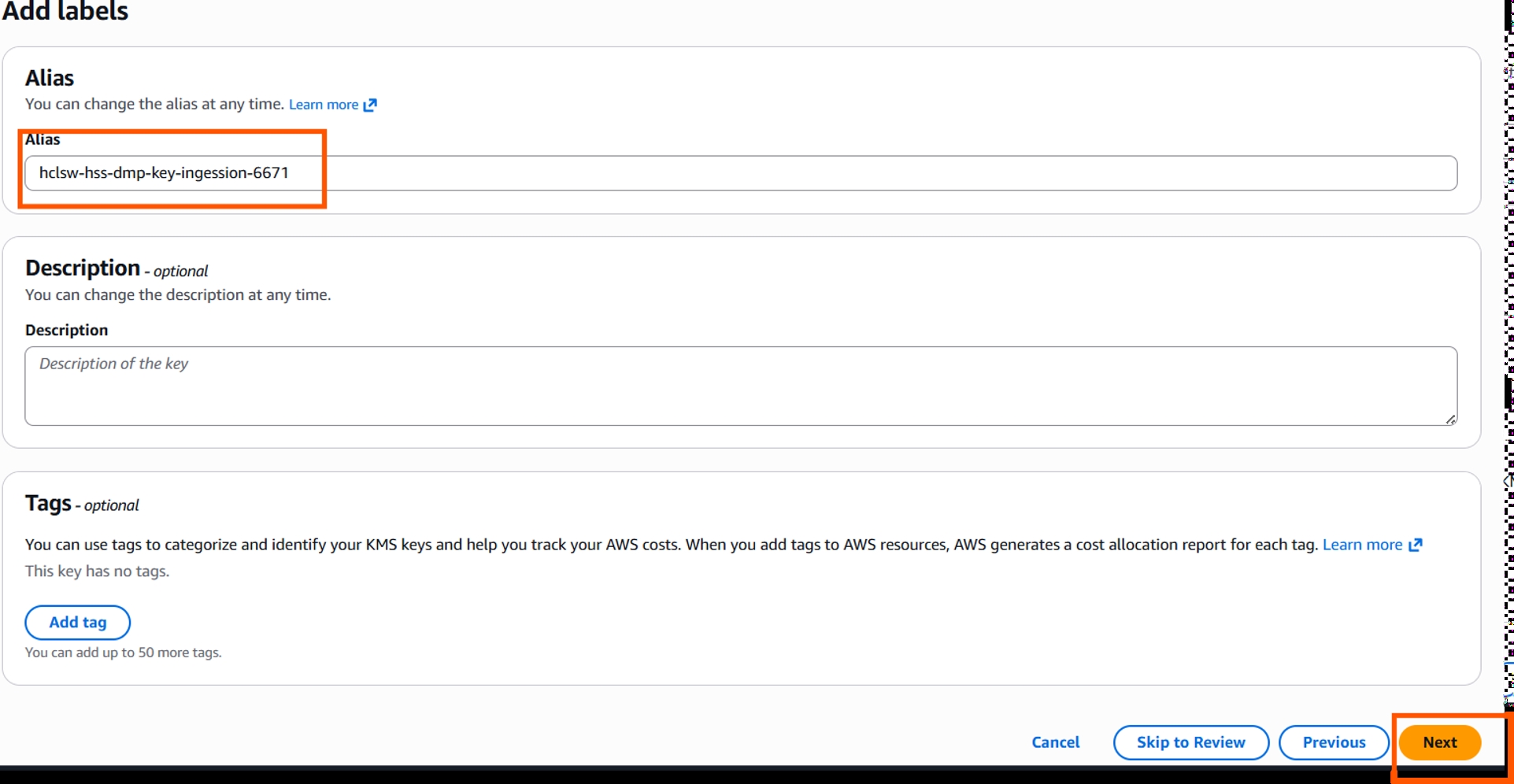
In the Alias field, enter alias name and description, and Add tags, if
required. Click Next.
-
Uncheck the Key deletion, and click Next.

-
Select the Key users with required role and permissions from EKS level to the
AWS like put S3, Glue, Athena, and SQS.
![Define key usage permissions]](create_kms_key5.jpg)
- After KMS key is created, copy and add the key in HCL CDP admin-ui.
Tenant Onboarding
Procedure
- After successful creation of a client, Login to HCL CDP Admin UI, and create an tenant accout. For more information on createing tenant account, refer.
-
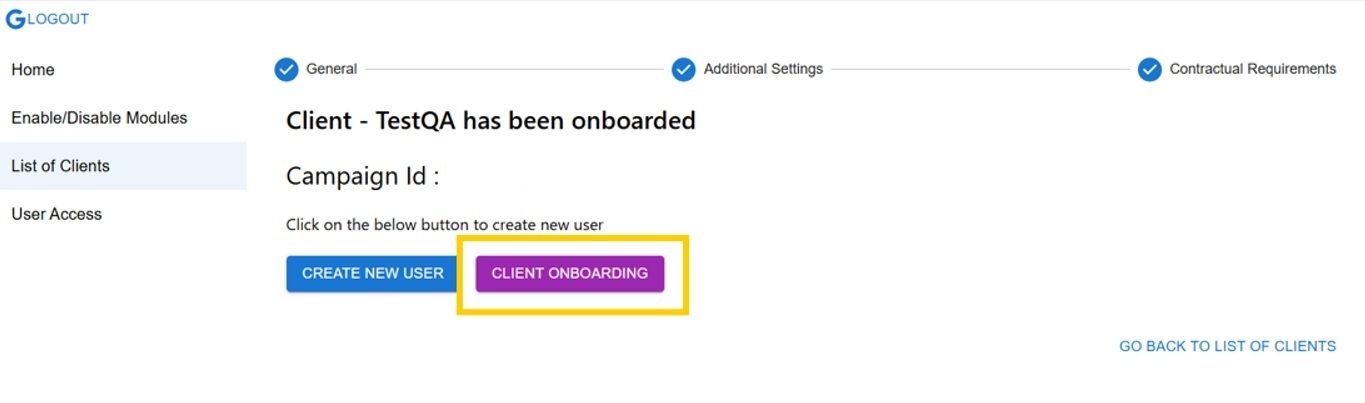
After successfully creating the tenant account, you will be navigated to
the Client Onboarding page. Click CLIENT
ONBOARDING.
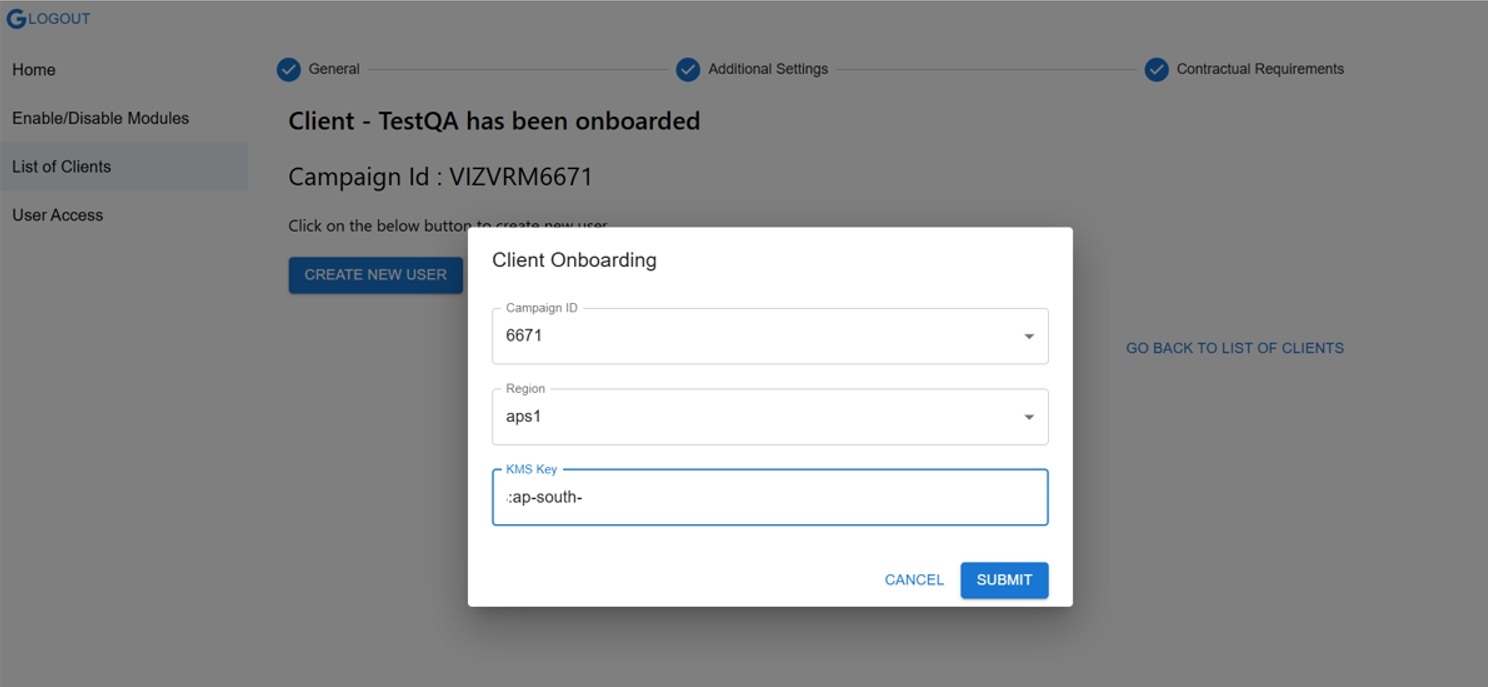
- In the Client Onboarding pop-up, a default CampaignID will be generated and assigned. Select the region and add the KMS key which is created from AWS.
-
Click Submit.
-
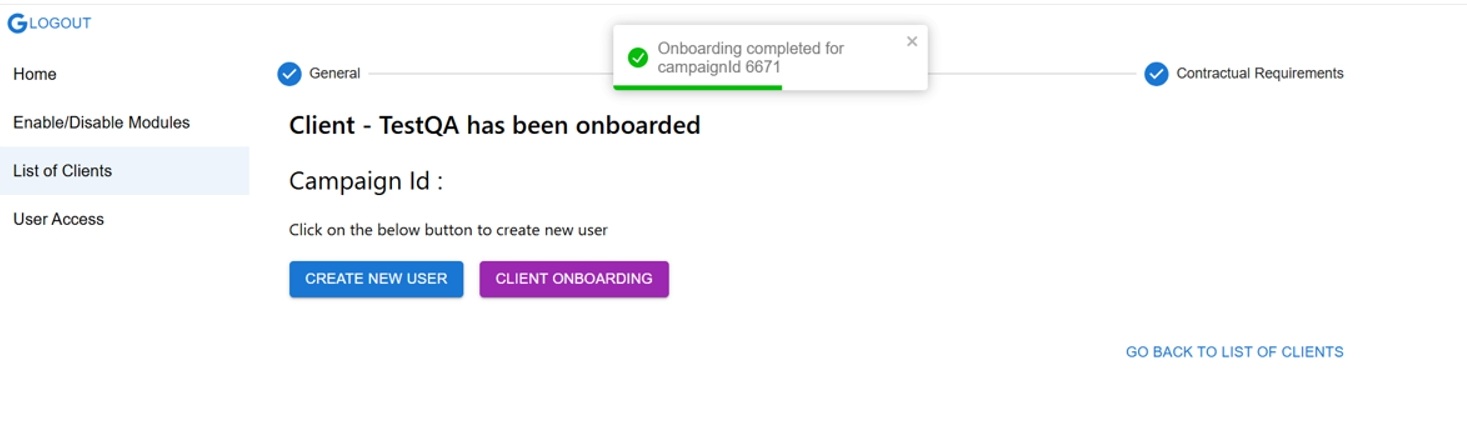
After successful tenant creation, the Onboarding completed message will be
displayed.