Locating and downloading DX Compose products
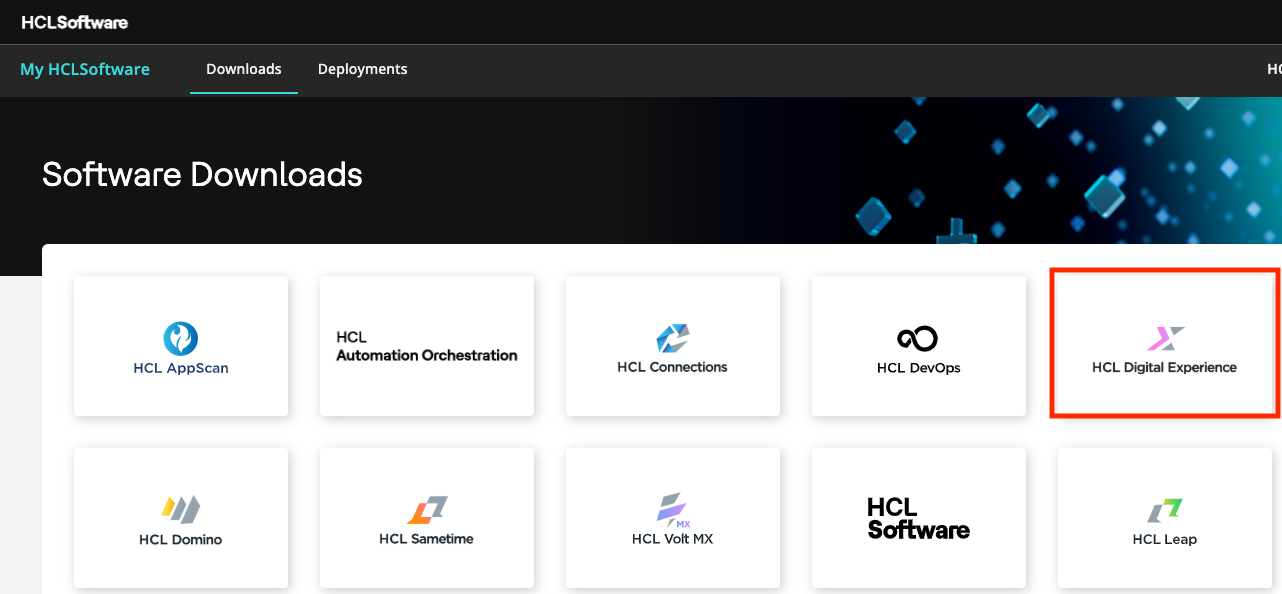
After authenticating to the My HCLSoftware (MHS) portal, Digital Experience (DX) Compose software and updates entitled to your organization are presented through selections from the HCL DX offerings tile:
The latest versions of the software made available are also shown for reference.
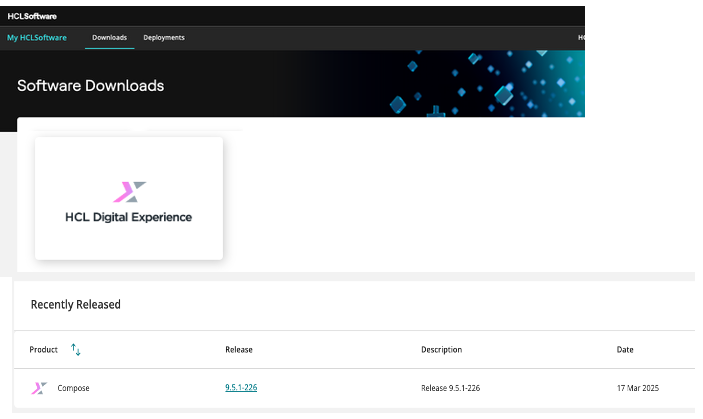
HCL DX Offerings and key components and entitlements
Refer to the following list for the HCL DX Compose offering and key offering entitlements and components.
 |
||
|---|---|---|
| DX Offering | Included entitlements and components | |
| HCL Digital Experience Compose 9.5.x (Tiers 1 – 3) | DX Compose | HCL Leap* and MX Foundry* |
*Entitlements provided for use with HCL DX Compose deployments and may not be installed independently without acquiring a separate license. Reference entitlement use permissions in the HCL DX offering license files published on the HCL Software License site.
HCL DX Compose Cumulative Fix releases
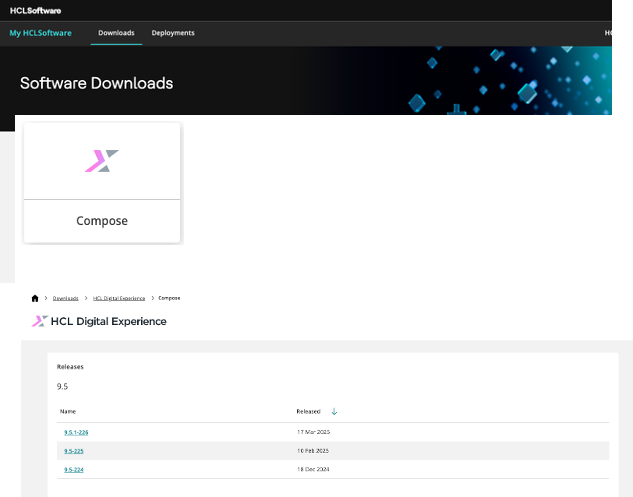
HCL DX Compose Continuous Delivery Cumulative Fix (CF) releases are presented within each entitled offering and supported release version. Refer to the following example:
-
For the HCL DX Compose offering (Tiers 1 – 3), Continuous Delivery CF updates are presented in the DX – Compose Offerings product selection in MHS.
HCL license agreements
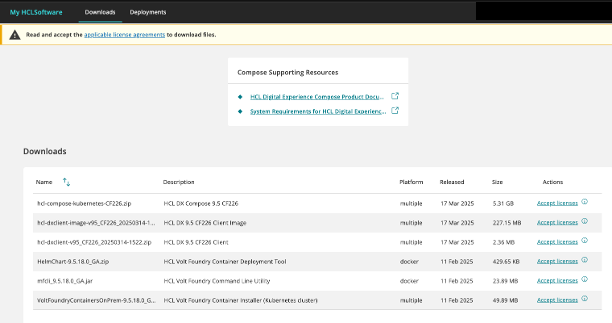
Refer to the following steps to download the files:
-
Accept the applicable license agreements.
-
Locate the file(s) you want to download then click the download icon under Actions.
-
Verify or update the path provided to begin downloading.
If you encounter issues with finding software or downloading files, refer to the Customer Support FAQ section for support.