Add a Deployed Script Application to Page
-
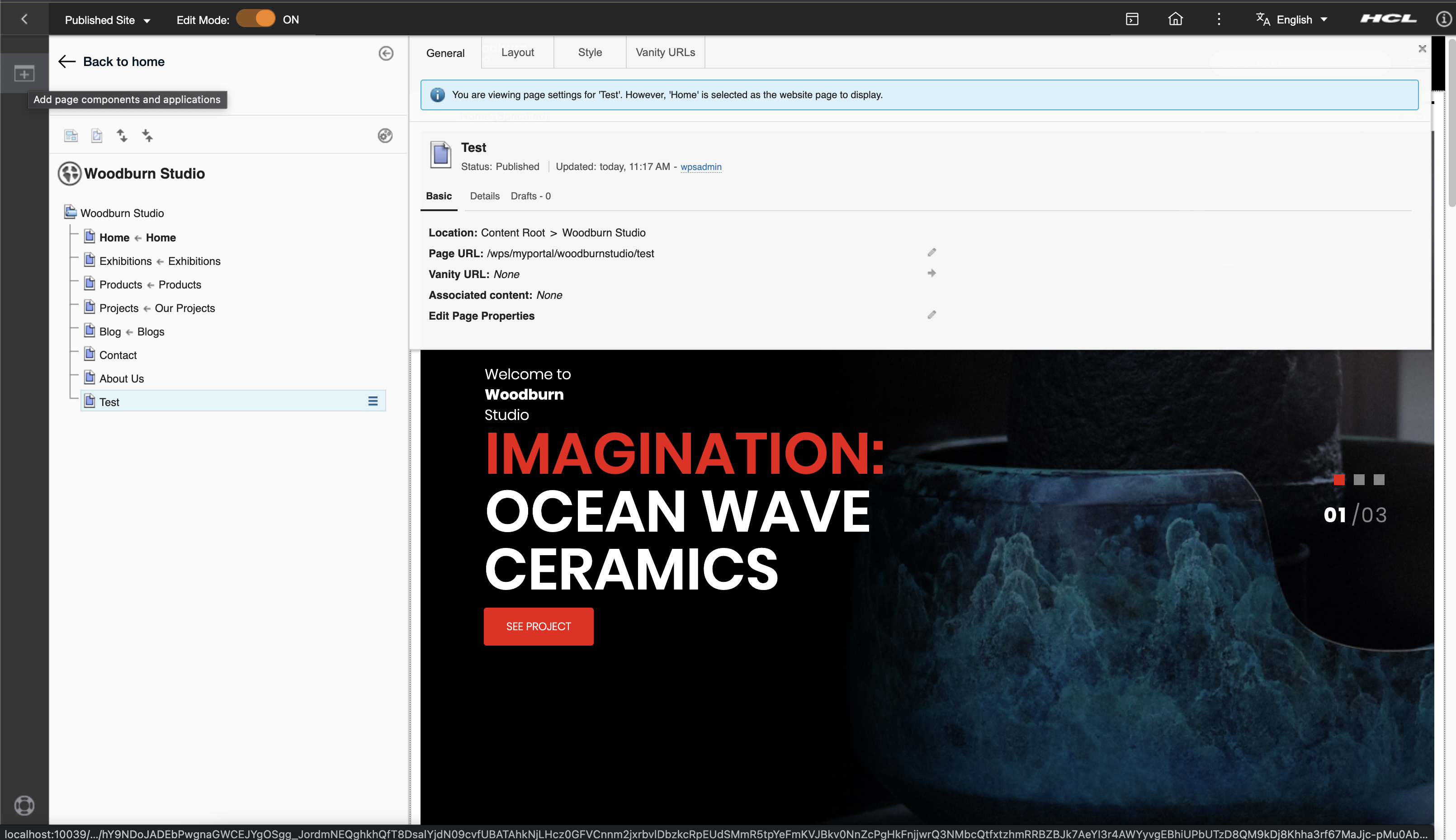
Click the [+] Add page components and applications icon near the upper left-most side:
-
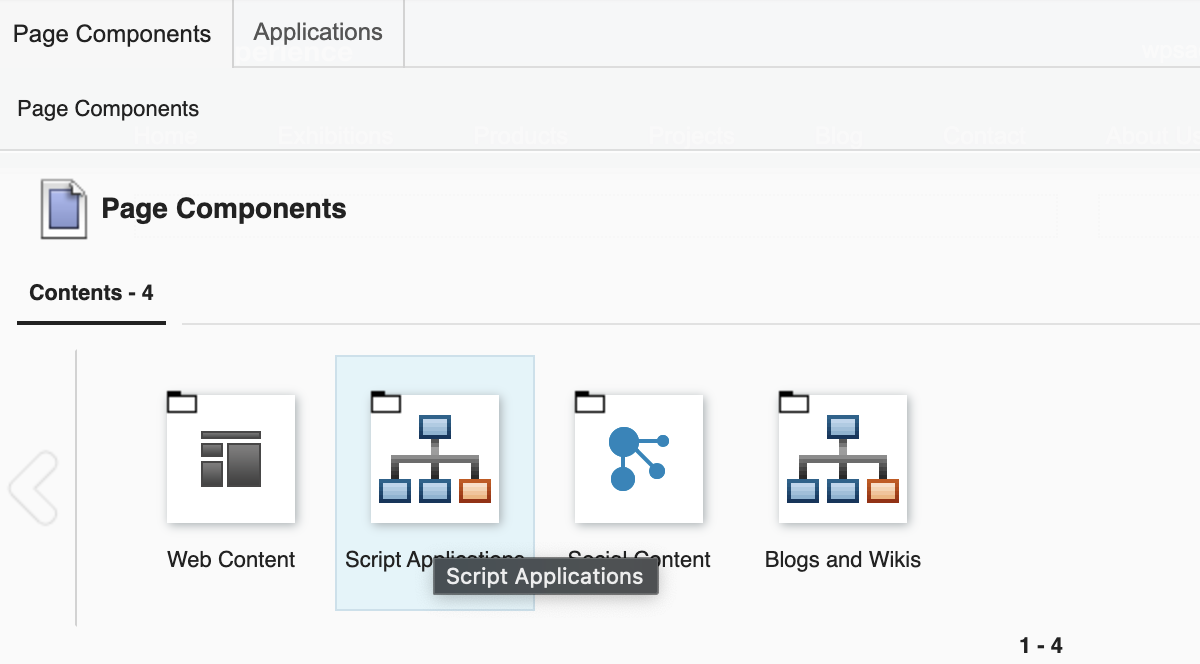
Click the Script Application icon.
-
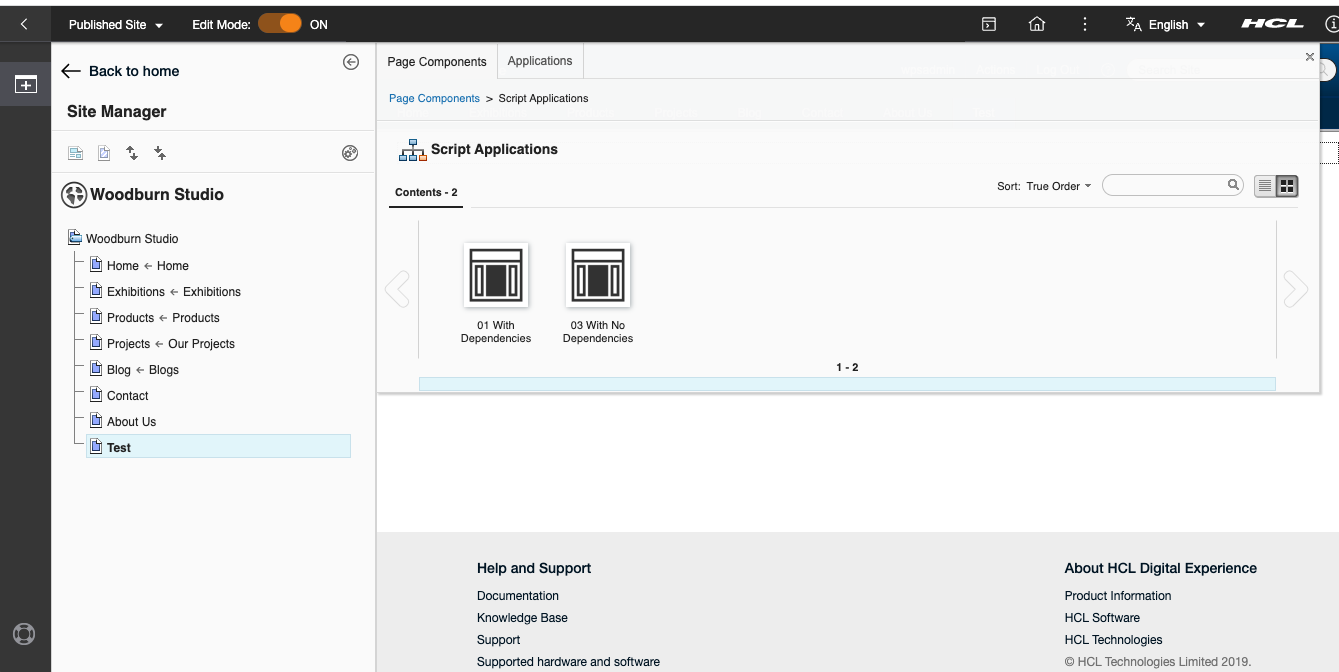
Check if the script is loaded successfully.
-
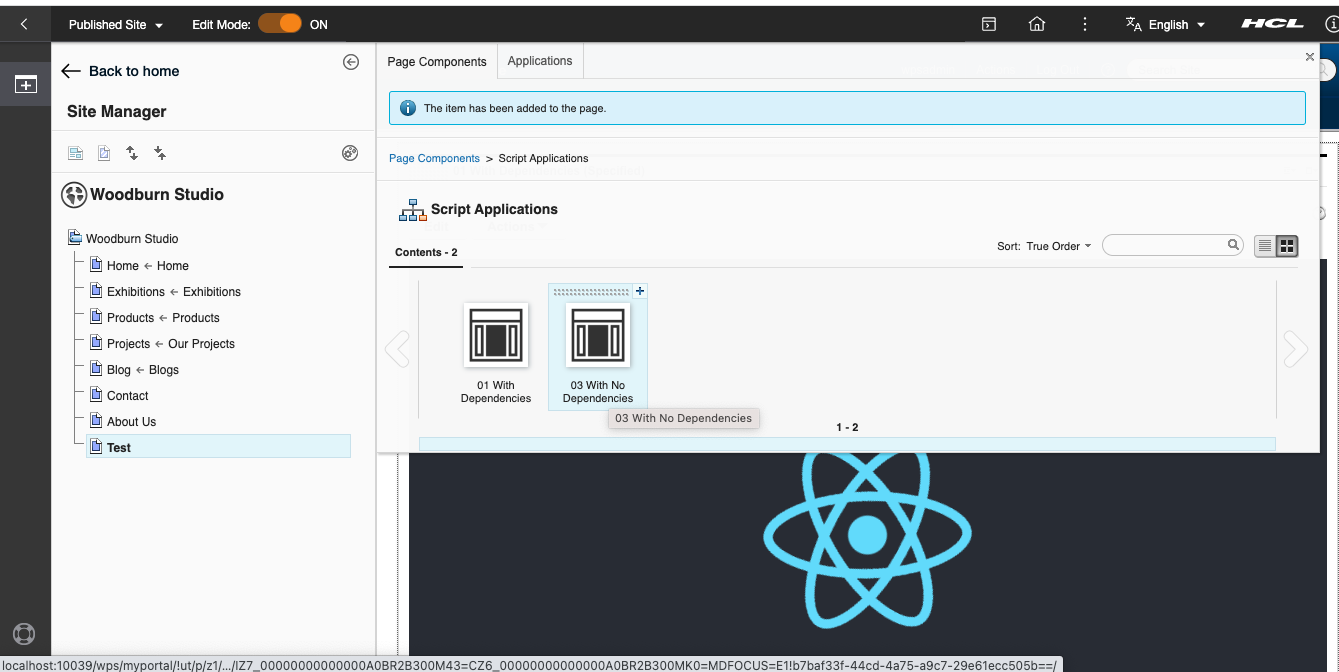
Click the Add this content to the page button.
-
Click the page name and check if the script is rendered correctly.
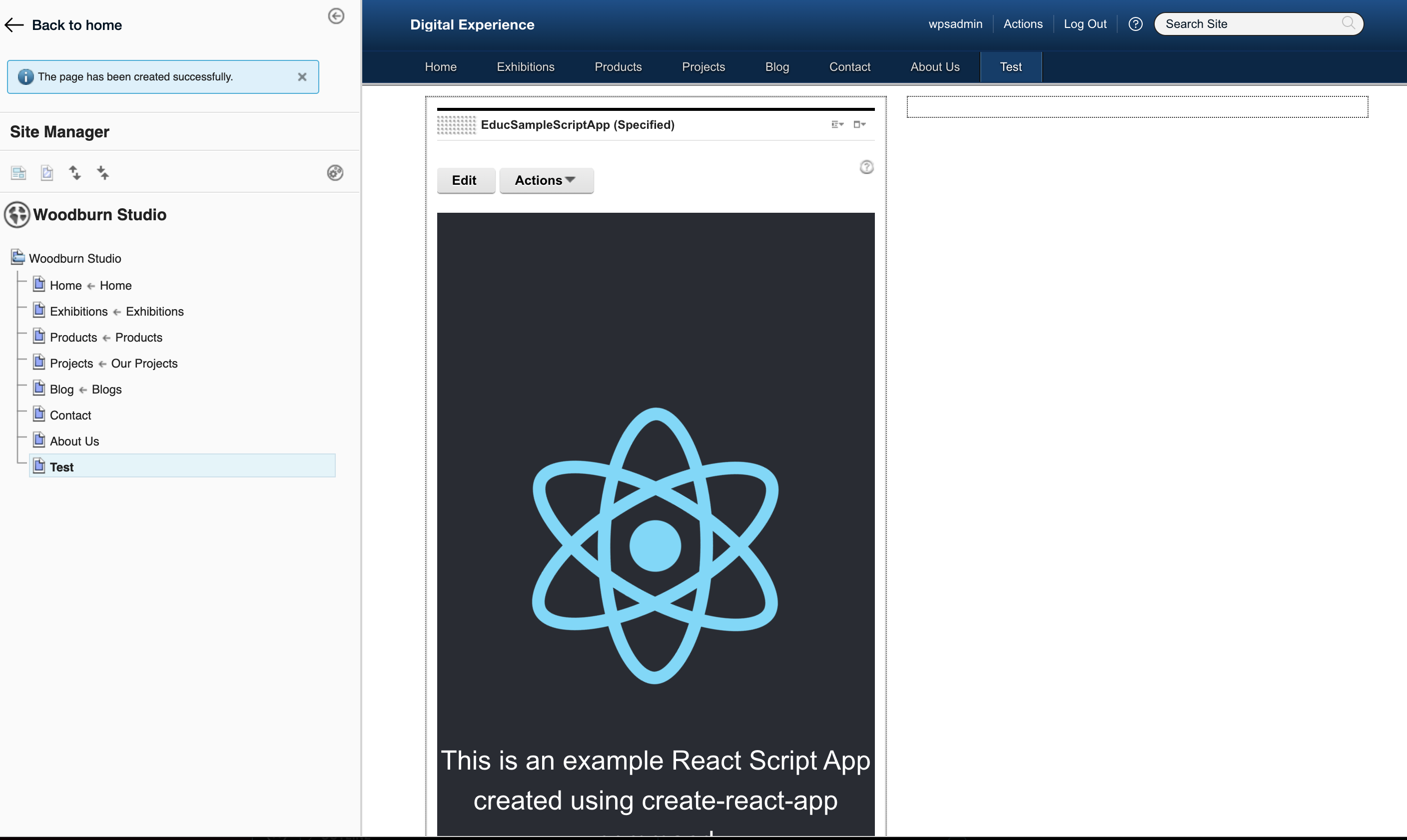
-
Turn off edit mode and check the page.