DAM API for Friendly URLs
This section describes the DAM API that allows you to create a friendly URL for an asset.
Note
- Starting with CF207, the collection unique-name option is added, which can be used in the friendly URLs instead of the collection IDs.
- By default, friendly URL feature is disabled. For instructions on how to enable and configure the friendly URLs, refer Configure Friendly URLs.
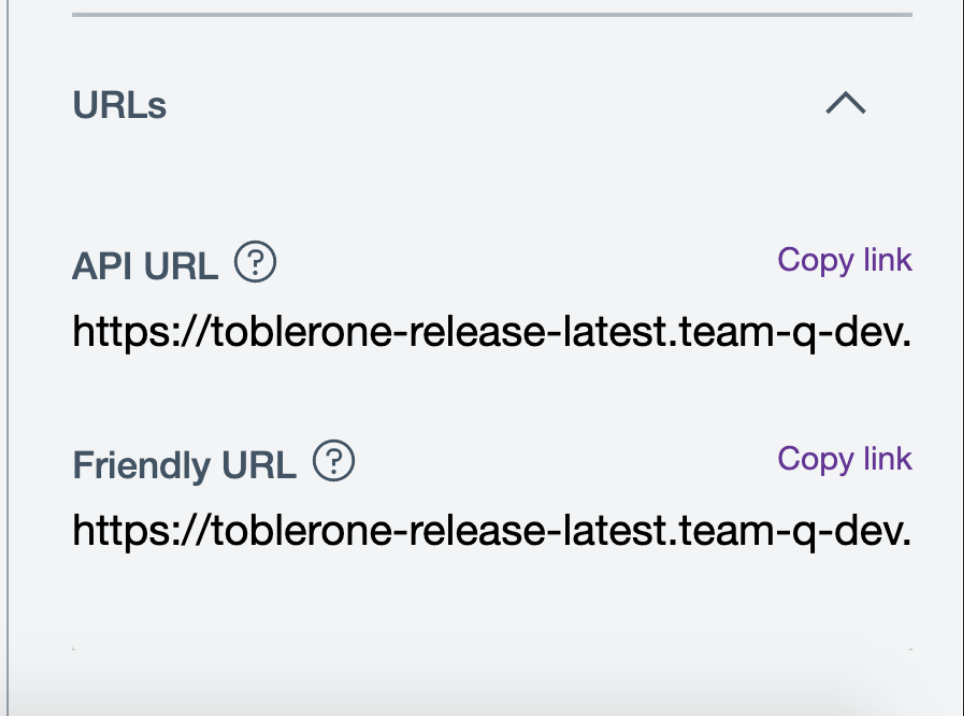
- A section called "URLs" has been added to the asset's inspector panel to allow users to copy the friendly URL & API URL
Important:
- To set friendly URLs, assets must always have a unique name in a collection.
- You cannot upload an asset with a file name that already exists in a collection; doing so returns an error message that says you must update the file name and try uploading again.
- For existing assets that have duplicate names in a collection, you must rename these assets so you can set friendly URLs.
- You can provide a unique name whenever you save the asset as new.
What is a friendly URL?
A friendly URL makes a web address easy-to-read by using words to describe the content, making it easier to remember. With the DAM API, you can set a friendly URL.
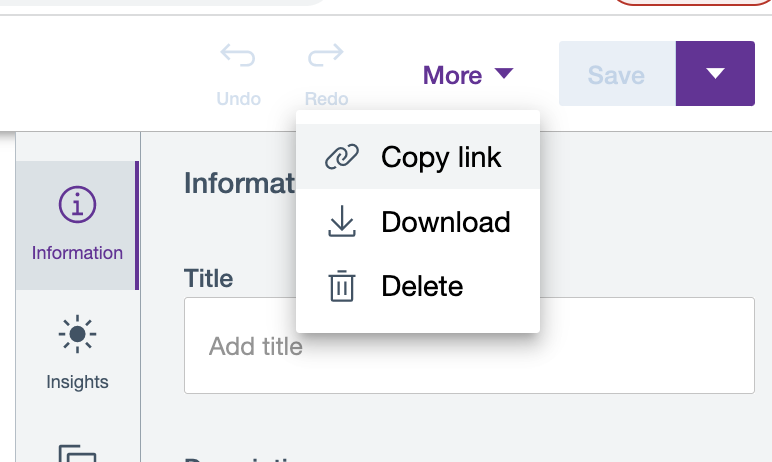
In contrast, a binaryUrl you get from Copy link on the Edit page, consists of a string of characters representing the collection_id, item_id, and rendition_id.
Sample binaryUrl:
/collections/5c11a585-c8e6-4ef7-ba6b-6c79977ee408/items/e0a81aeb-86bb-42a8-8287-338a65e13db1/renditions/8b5e2885-e7ca-4a68-83ed-24faf58ca574?binary=true
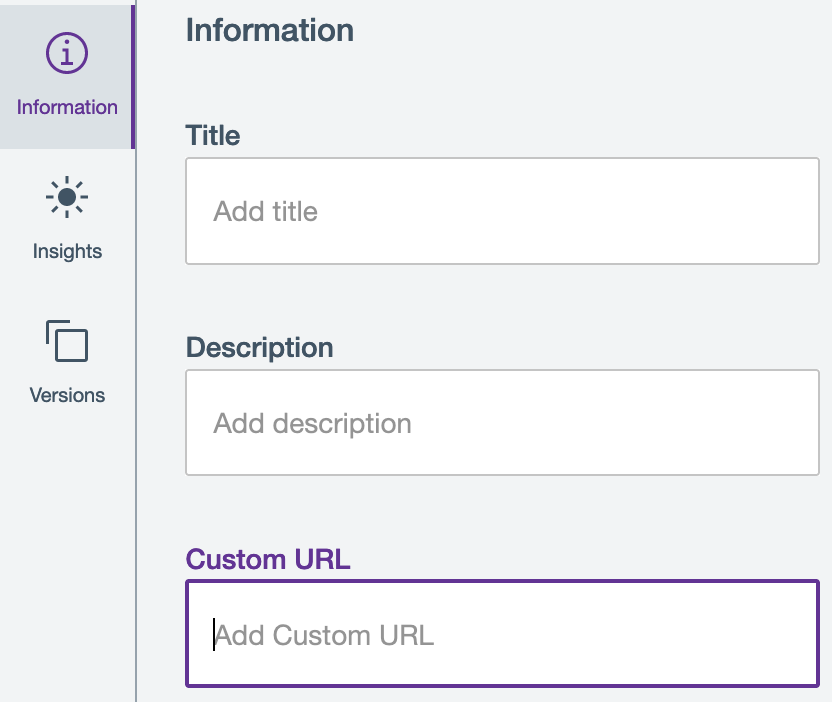
Meanwhile, a customUrl provides the original rendition of an asset. The customUrl is not related to a friendly URL.
Sample customUrl:
https://sample-url.com/dx/api/dam/custom/car
Using the DAM API explorer, you can set a friendly URL for each asset, individually.
You can get the content of an asset by choosing a specific property such as:
- The
collection_idor collection unique-name. - The
item_id, file name, or custom URL of an asset. - The
rendition_idor the rendition type. - The version number for each version of a rendition.
Here is a DAM API URL with an item ID, rendition ID, and version ID:
/collections/7e86ff73-a12a-4180-9db1-387f59674b6a/items/3ea7e44b-38a1-4abc-bc3b-46584a29efd3/renditions/4ea7e44b-38a1-4abc-bc3b-46584a29efd7/versions/8aa7e44b-38a1-4abc-bc3b-46584a29efd9
With a friendly URL for the collection unique-name, asset file name, rendition name, and version number, the DAM API URL looks as follows:
/collections/collection-one/items/img_1705.jpg/renditions/Desktop/versions/2
How to set a friendly URL for an asset using DAM API explorer
Before doing the steps in this section, you must have the following information from the asset:
- The
collection_idwhere the asset is located (required). - The
item_idof the asset to set the friendly URL for (required). -
The
rendition_idfor the asset rendition (required, as applicable). -
Open the DAM API explorer.
-
From the
CollectionControllerorRenditionController, select the API to use and provide thecollection_id,item_id, orrendition_id.- For the collection ID field, you can use the
collection_idor the collection unique-name. - For the media asset ID field, you can use the
item_idor the file name of a specified media file. - For the rendition ID field, you can use the
rendition_idor the rendition type.
- For the collection ID field, you can use the
-
Click Execute to run the API.
-
Check the request API URL looks similar to the following:
https://sample-url.com/dx/api/dam/v1/collections/collection-one/items/car.jpg/renditions/Desktop/versions/1. -
In the response data, check that the binary, thumbnail, and self URLs have friendly URLs similar to the following: ``` binaryUrl: /collections/collection-one/items/car.jpg/renditions/Desktop?binary=true.
    ```
thumbnailUrl: /collections/collection-one/items/car.jpg/renditions/Desktop?thumbnail=true.
self: /collections/collection-one/items/car.jpg/renditions/Desktop.
How to change duplicate asset names using DAM
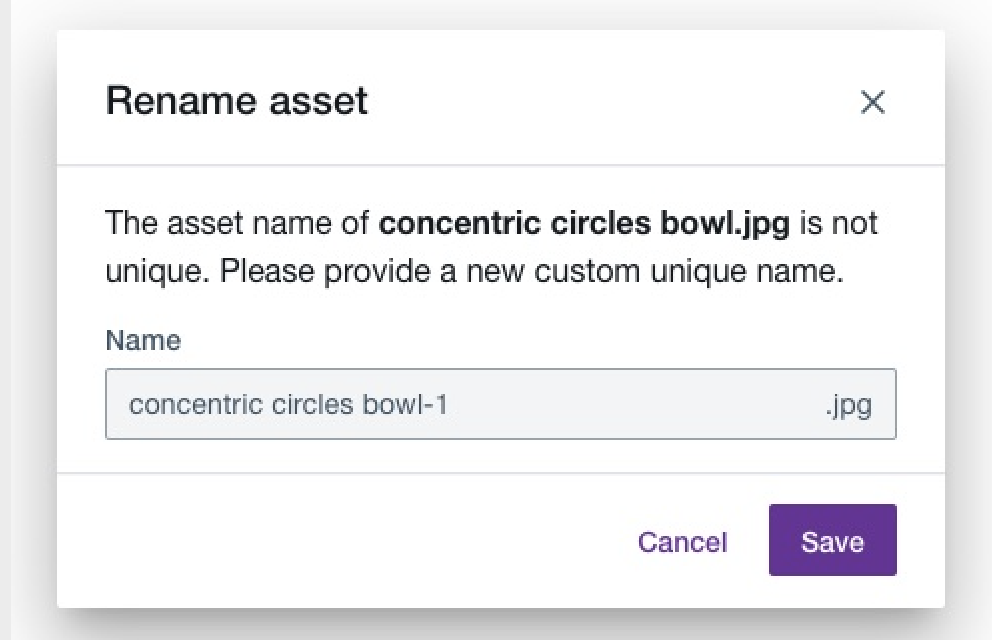
If an asset happens to have the same name with another asset in a collection, a notification is displayed in the Information panel.
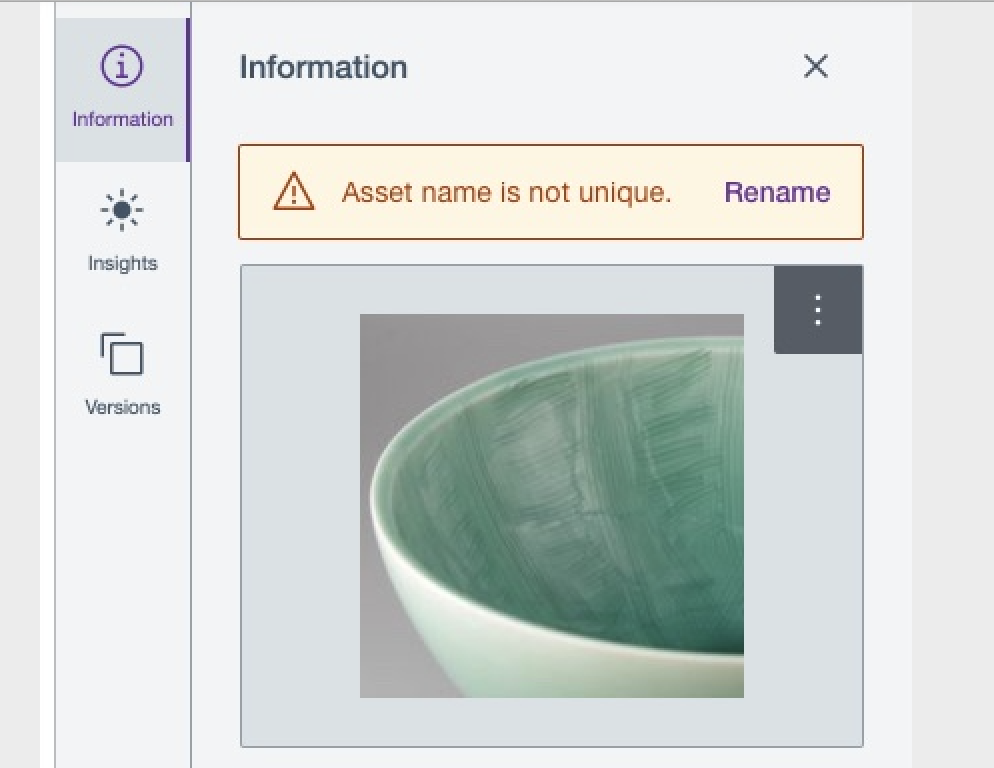
You can click Rename from the notification and provide a unique name.
What is collection unique-name?
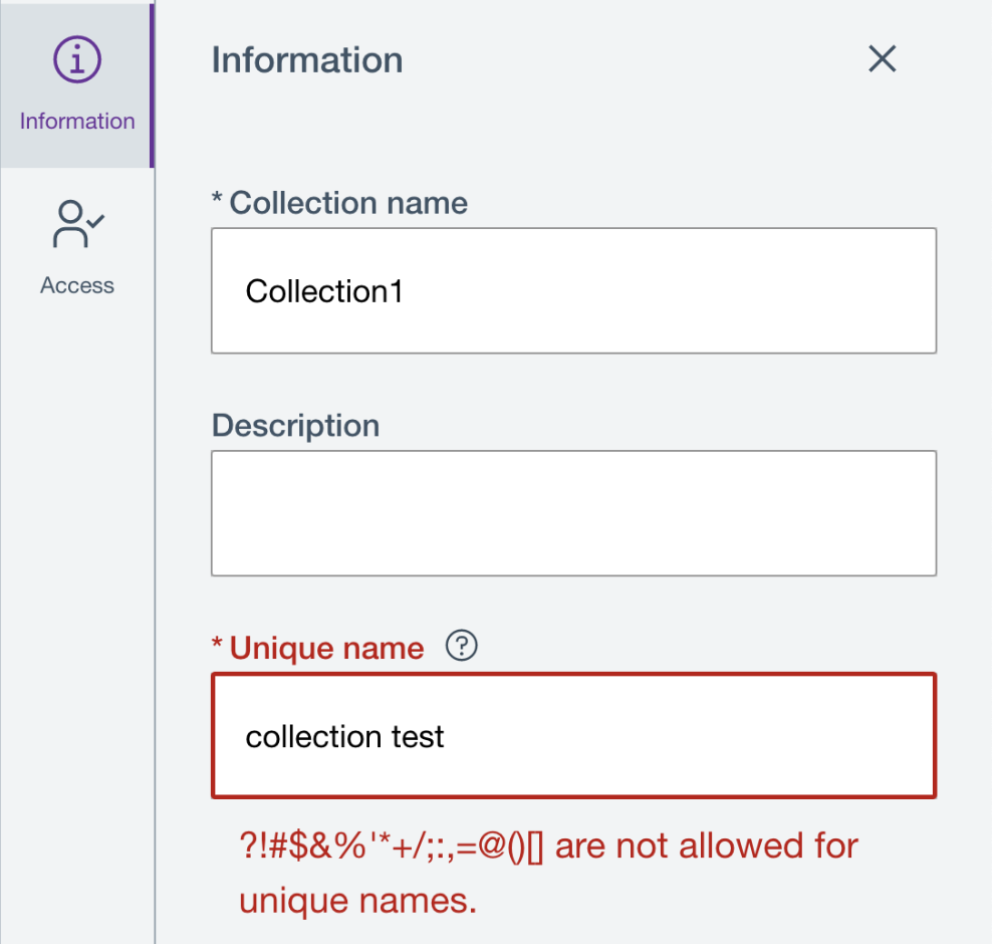
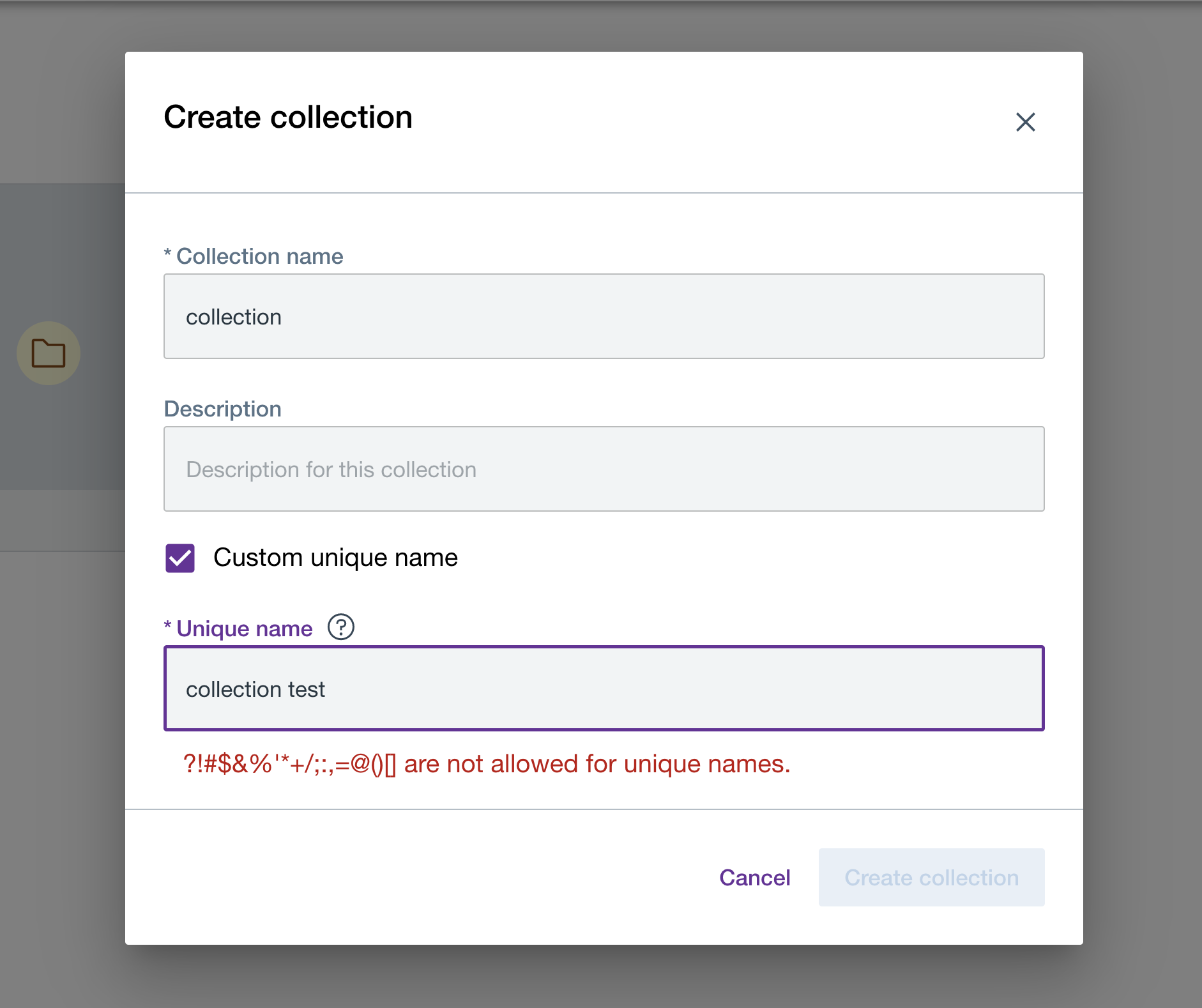
Collection unique-names are the unique identifier for each collection which can be used in friendly url instead of collection UUID to access DAM assets. Collection unique-names supports all languages as per existing system. Collection unique-name does not support any URL reserved characters(e.g. "?!#$&%'*+/;:,=@()[]").
How collection unique-names are generated?
- While creating a collection, the user has a provision to enter a custom collection unique-name.
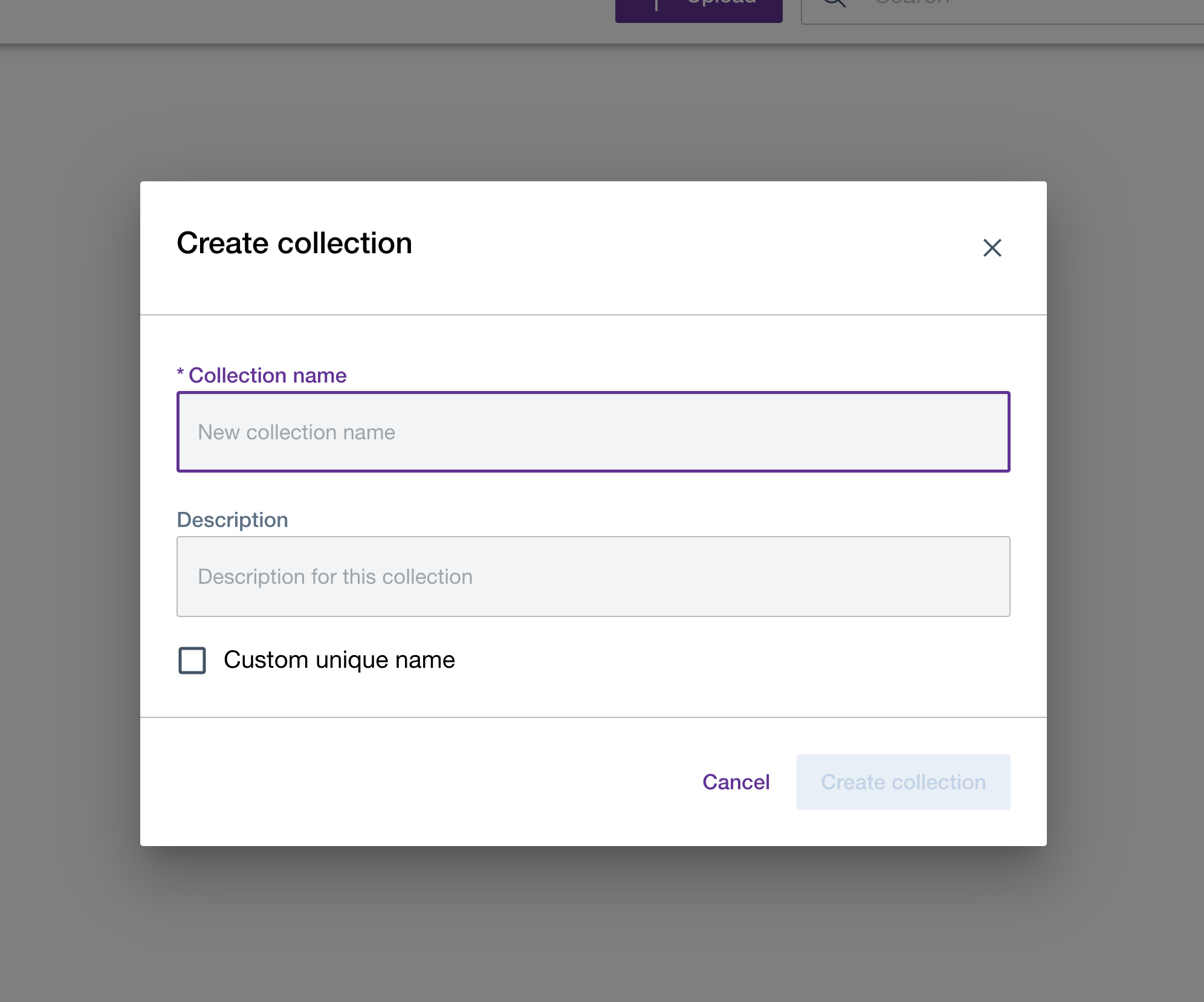
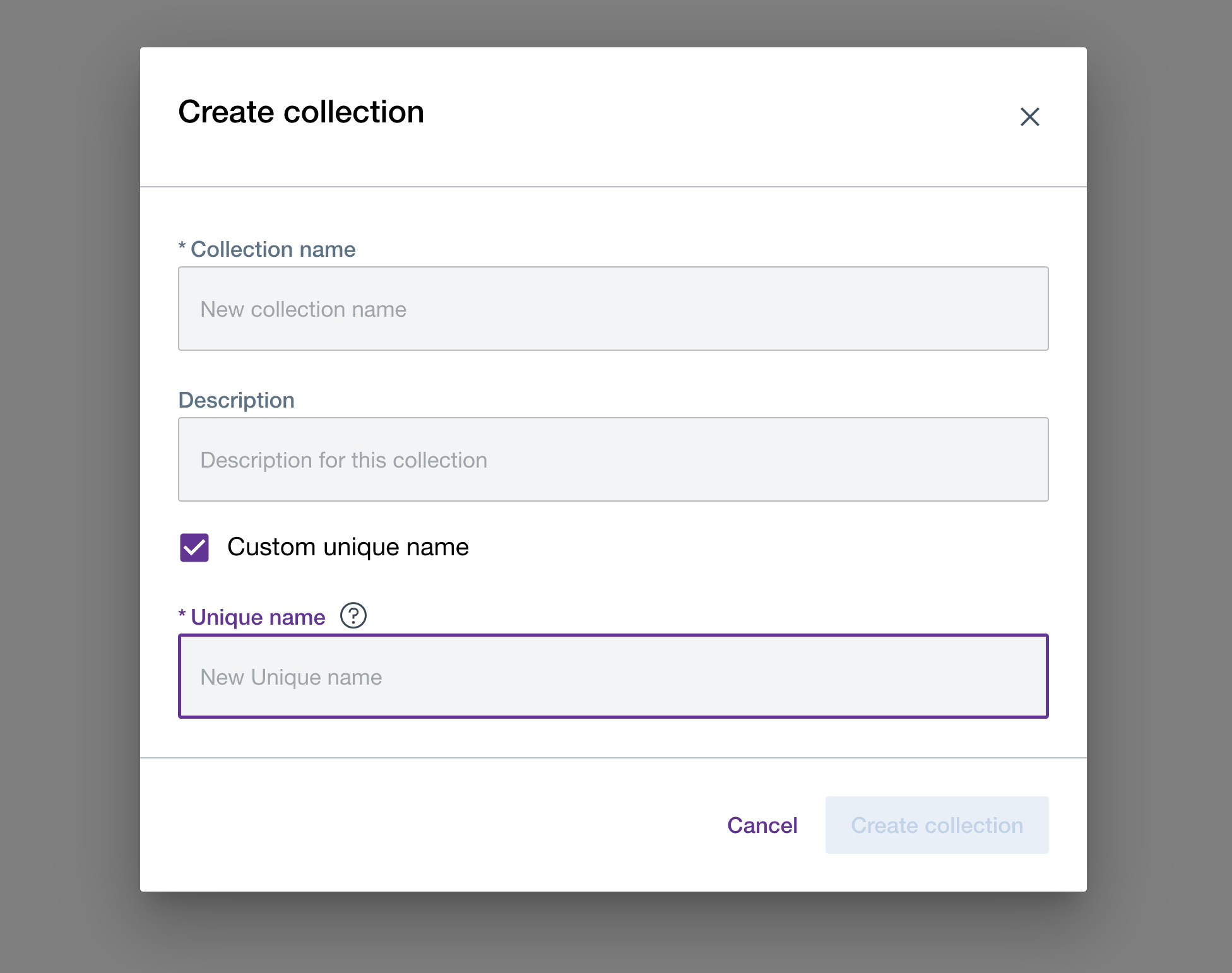
- Collection unique-name is an optional field. If it is not provided by the user, the system will generate a collection unique-name based on the collection name replacing all the URL reserved characters (e.g. "?!#$&%'*+/;:,=@()[]") with underscores.
- Collection unique-names will follow simple format of adding “_Number” for collections having same collection-names.
- For existing collections, the system will generate a collection unique-name based on the collection name by using the migration script.
How can the user change the collection unique-names?
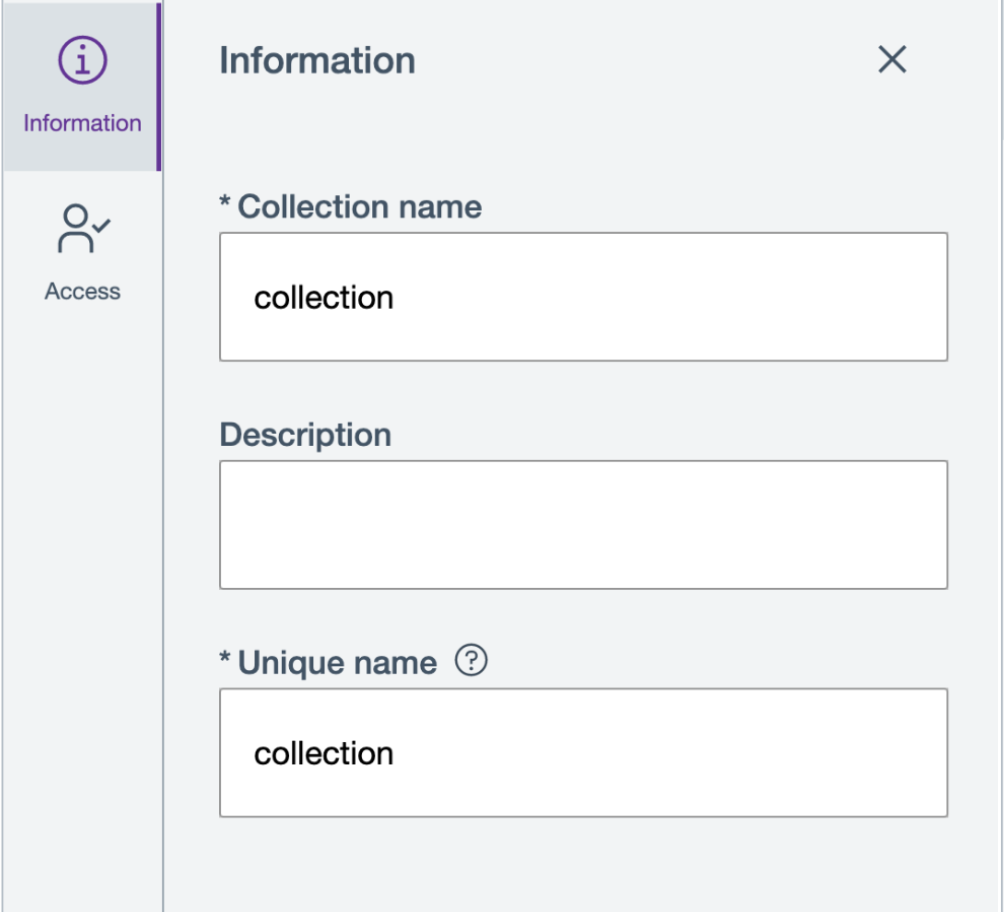
Once the collection unique-name is generated, user will be able to view/edit the collection unique-name in the collection information panel.
What happens if collection unique-name already exists while creating collection?
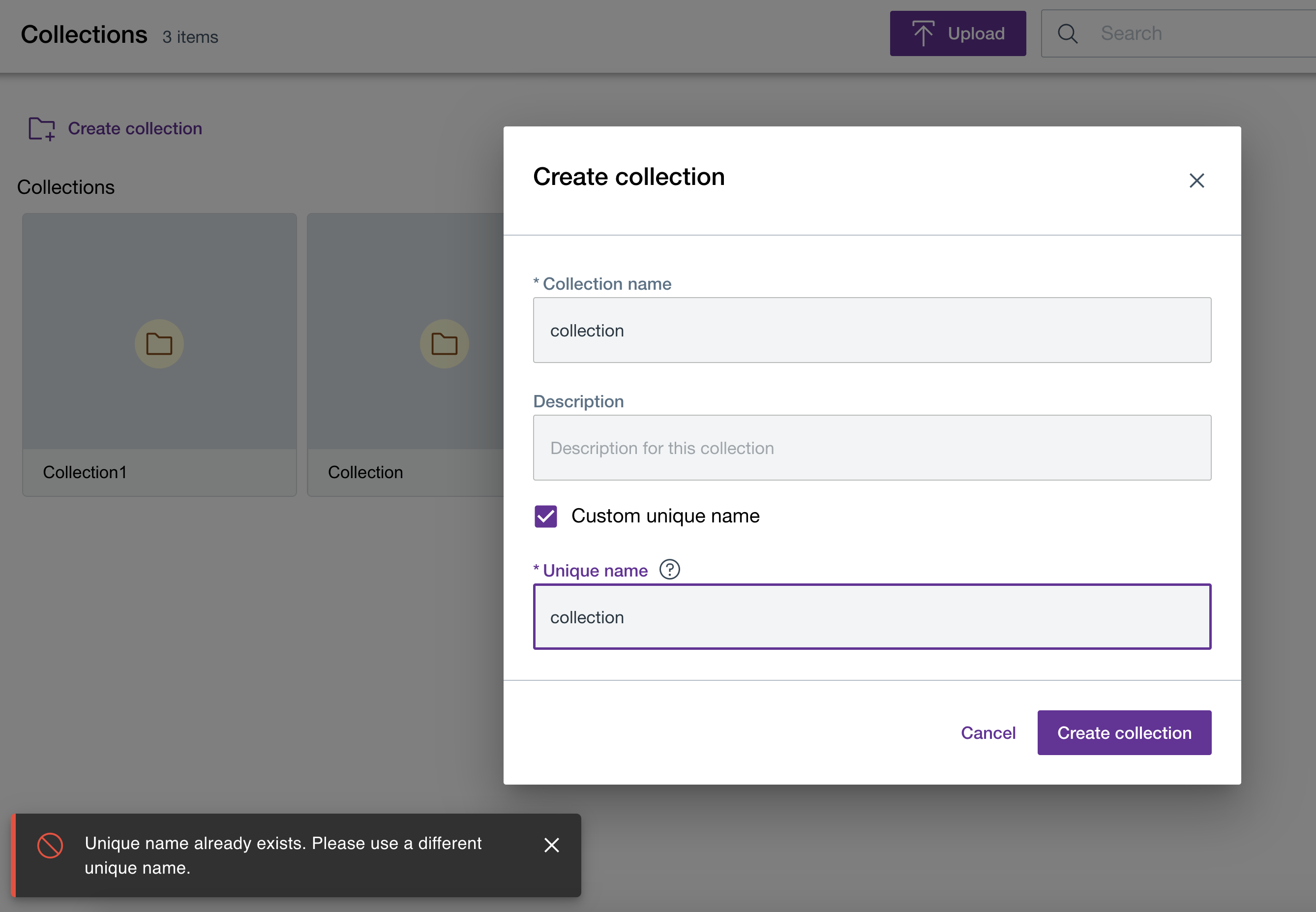
When creating a collection, DAM checks for any duplication of the unique-name and prompts with an error message if a duplicate is found in any other collection.
Copying friendly URLs for assets
Users can copy the friendly URL and API URL of an asset from the URLs section of the asset's inspector panel