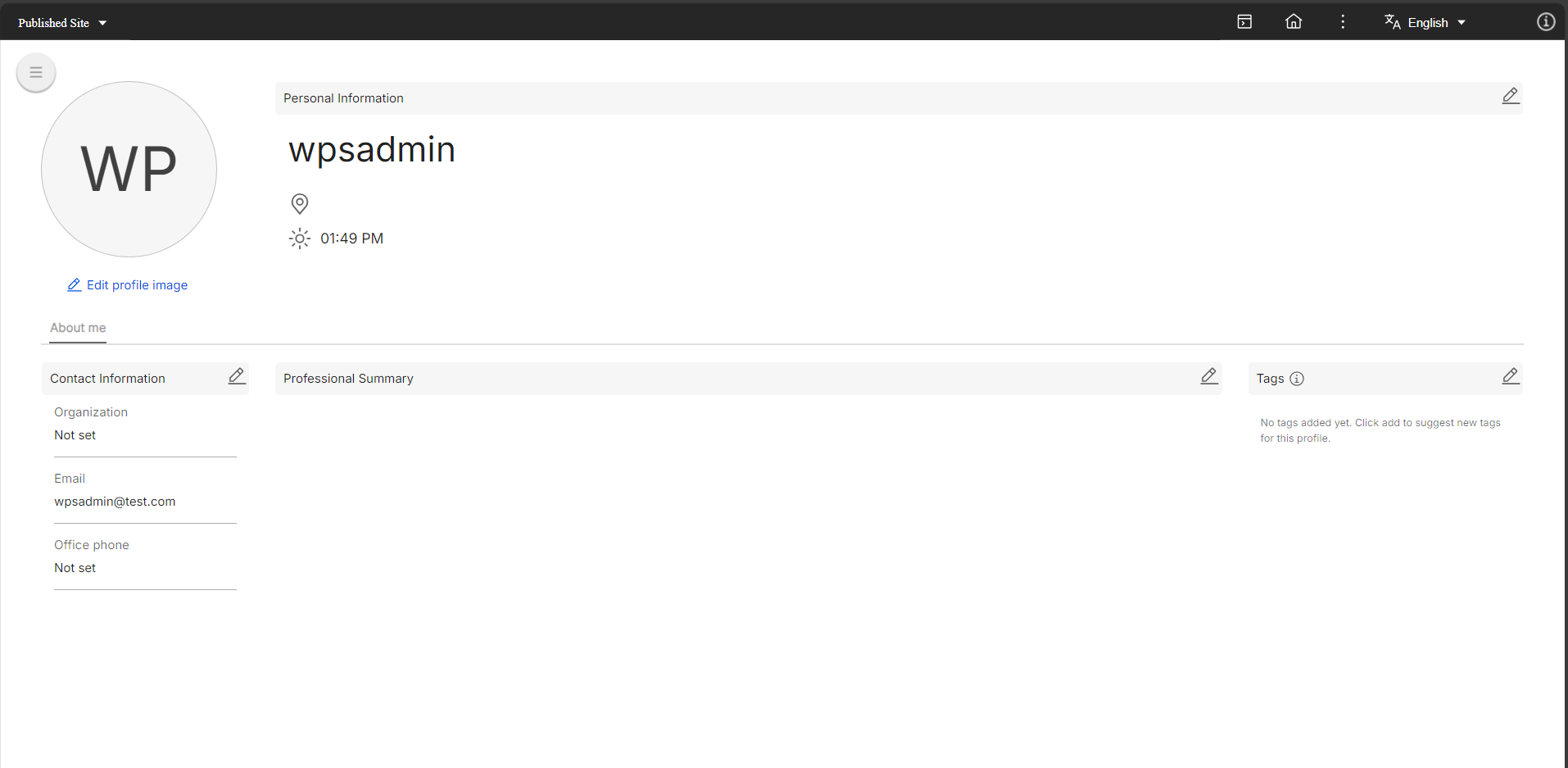
Creating My Profile links
You can add a link to your pages that takes you to your profile. There are many ways to achieve this. In the context of this document, we will provide guidance on how to add a My Profile link to Woodburn Studio.
Creating a My Profile link
To create a link to your My Profile page, follow these steps:
-
In the Practitioner Studio homepage, go to Applications menu > Administration > Site Management.

-
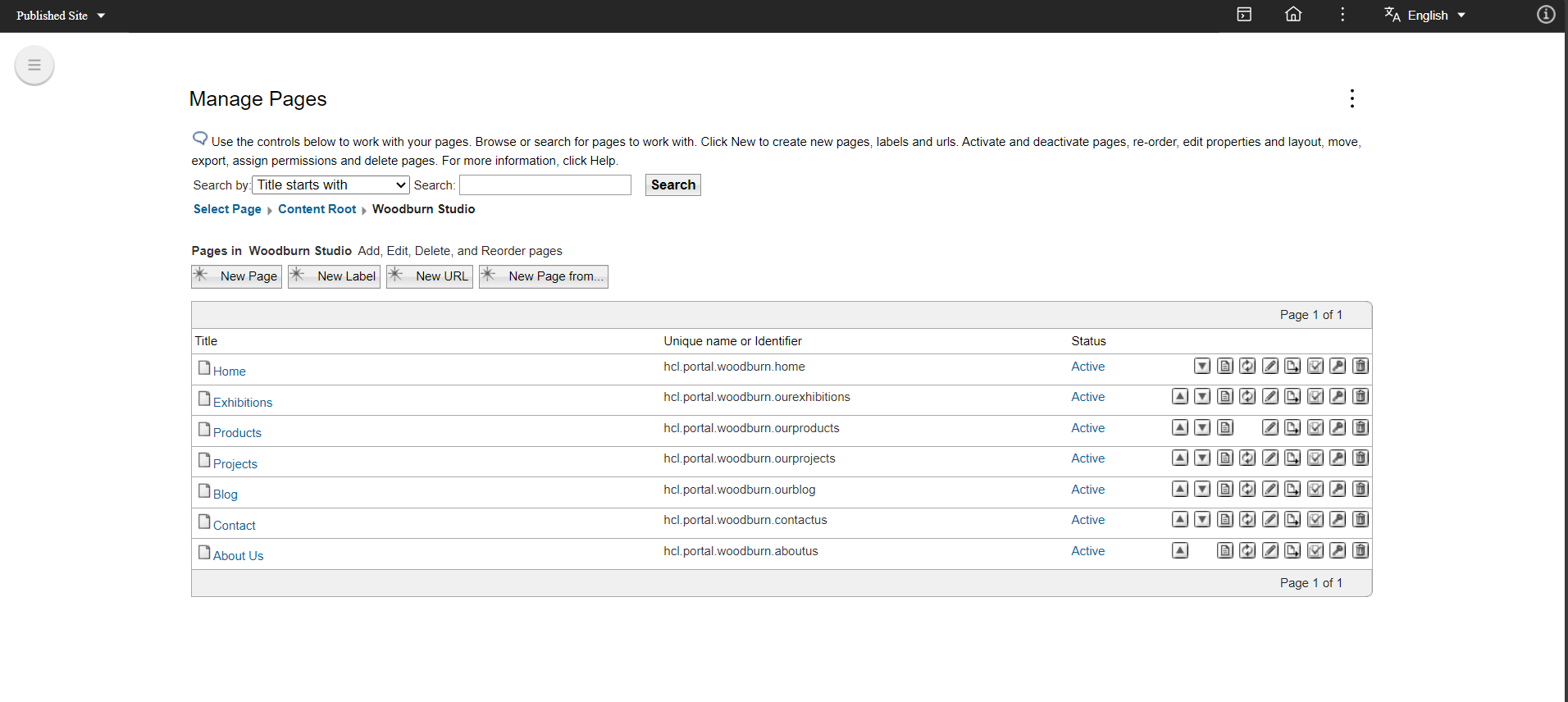
Click Content Root > Woodburn Studio.
-
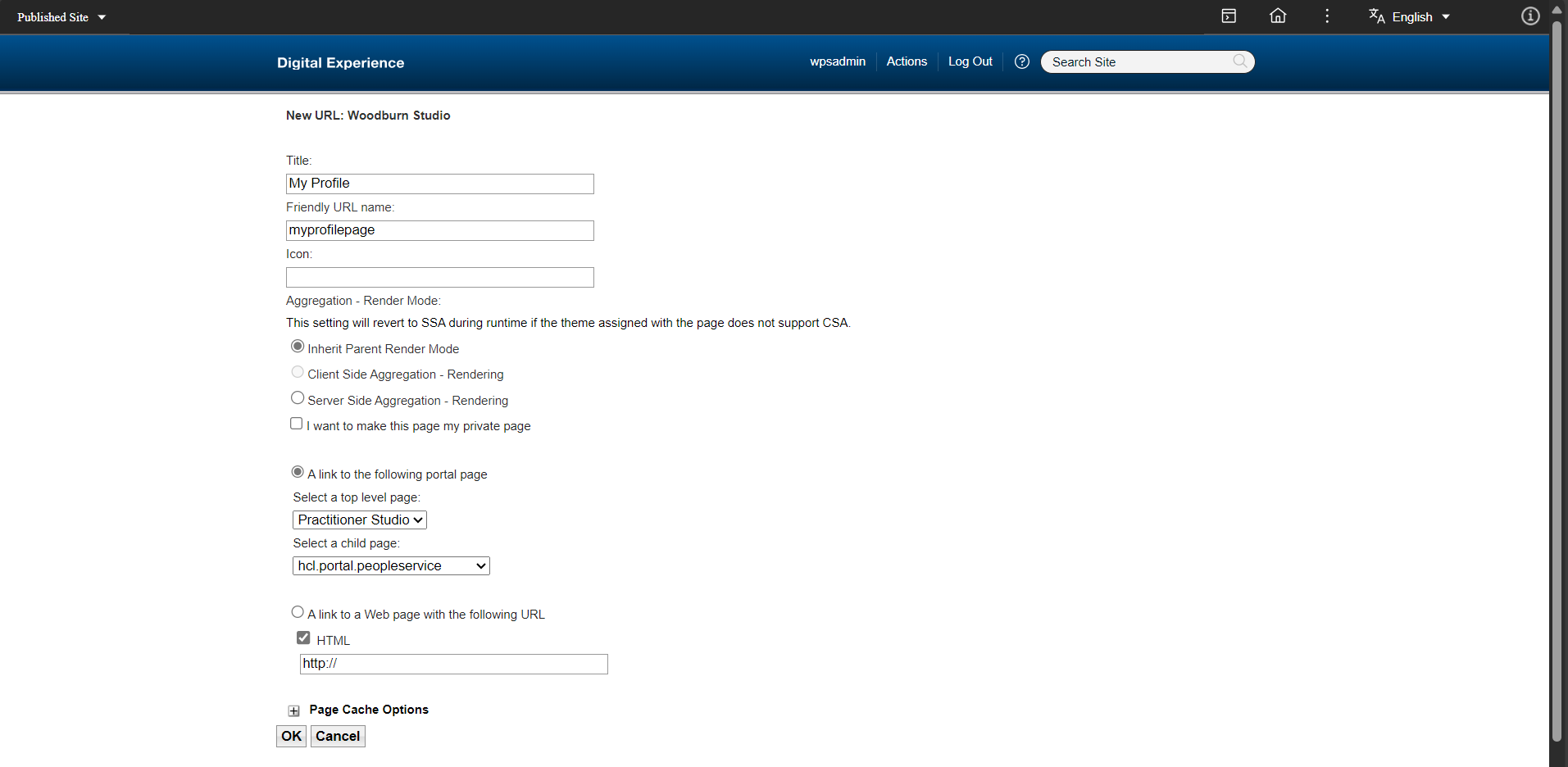
Click New URL and add the following details, then click OK:
- Title: My Profile
- Friendly URL name: myprofilepage
- A link to the following portal page:
- Select a top-level page: Practitioner Studio
- Select a child page: hcl.portal.peopleservice
After saving, the My Profile link will be listed in Manage Pages.
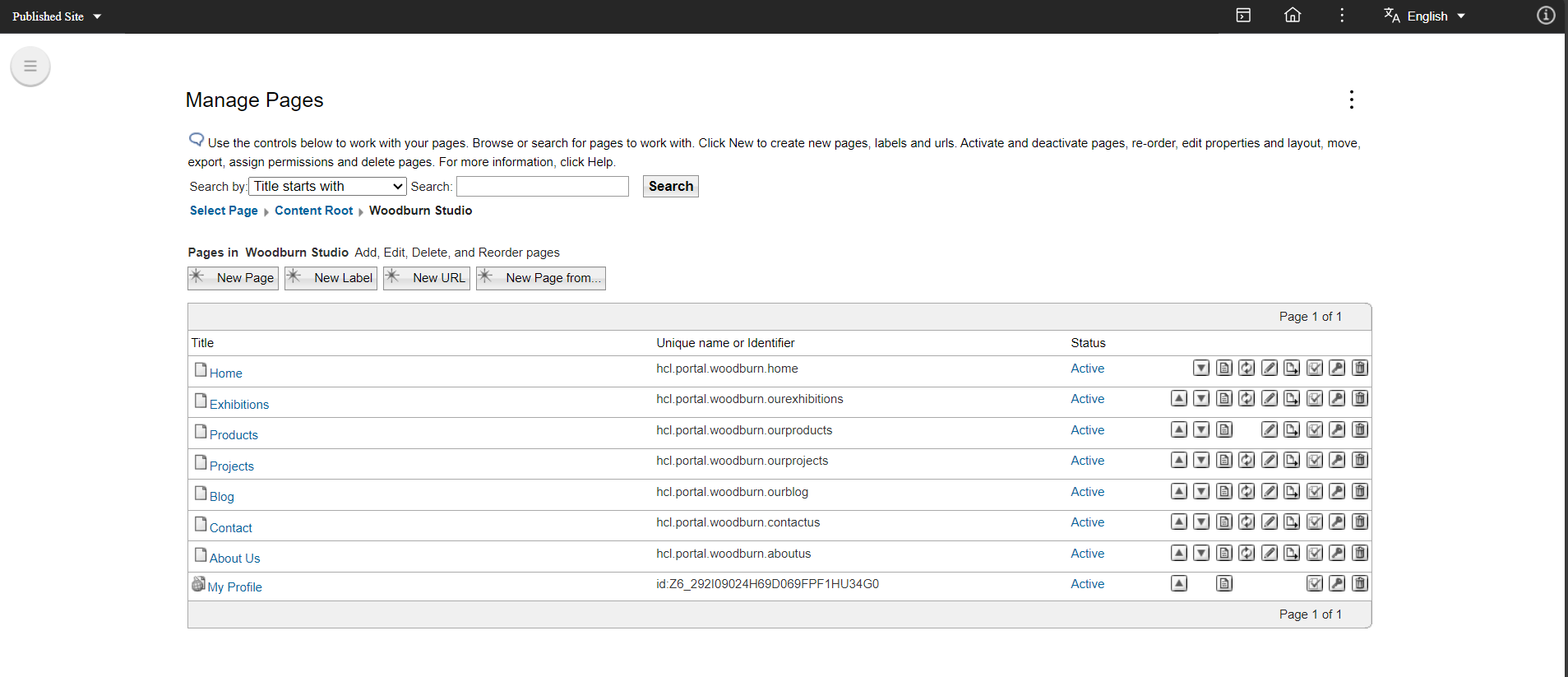
Verifying the "My Profile" link
To verify the link, perform the following steps:
-
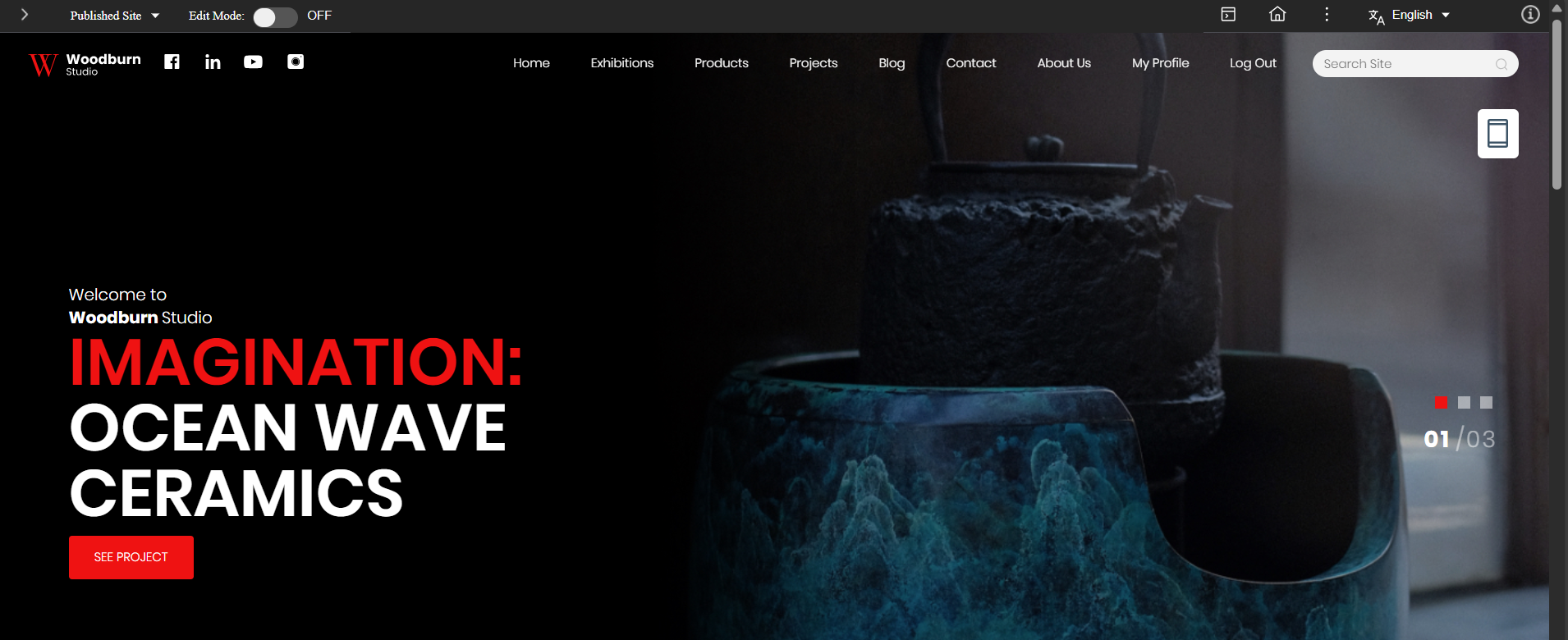
Go to the Woodburn Studio homepage. You should see the My Profile link in the top navigation menu.
-
Click My Profile to view your profile page.