Once your FIX dictionary is added to HCL DevOps Test Integrations and APIs (Test Integrations and APIs), you can apply the FIX dictionary to
messages in applicable test actions (that is, to text nodes).
About this task
To apply an existing FIX dictionary to a message, follow these
steps:
Procedure
Create a test in an operation that contains a reference to a transport that supports text
messages.
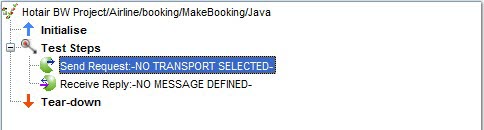
Add an outbound or inbound messaging action to the Test Steps phase
of the test (for example, Publish, Send Request).
Open the messaging action for editing.
Select a transport and Text formatter.
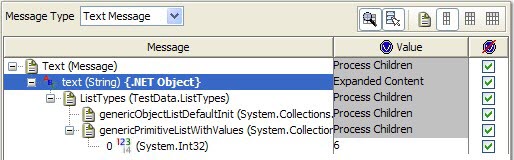
In the message area, right-click the text (String) element and
select Schema from the pop-up menu.
In the Schema Selector window, Schema Type
field, select Business & Finance > FIX Dictionary.
A list of schemas and roots is displayed, based on FIX schemas that have been previously
imported into the Schema Library.
No Formatter Properties are used with FIX dictionaries.
In the Content Options section, select or clear the following options as needed:
Retain existing content
Select this option to apply a schema or expand a field without losing the original data. If the
attempt to use the original data fails, the data is displayed with red Xs. If you clear this option,
data is cleared before the new schema is applied. In cases where the data is assumed to be retained,
this option is not displayed.
Include Text nodes
Select this option to generate Text nodes with the message.
Include optional nodes
If the schema includes optional fields, select this option to add them to the message.
Before Test Integrations and APIs version
8.7, additional options were displayed when you applied a schema to a message:
Accept fields in any order
Ignore missing fields in received message
Ignore additional fields in received message
Enable validation of time-based fields
These options can be set in the project preferences. Click Project > Preferences > Message.
Click OK.
The schema is applied to the original message, including the structure and content that is
defined in the selected dictionary and root. For more information, see Applying schemas and formats to messages.