Introduction to DevOps Test Hub
HCL DevOps Test Hub (Test Hub) is a web-based continuous testing platform that consolidates test data, environments, test runs, and reports. It is built on cloud-native technologies and Docker, and it supports API, functional, and performance tests. Test Hub offers scalability across cloud and on-premises systems with Kubernetes and IBM® Red Hat OpenShift support.
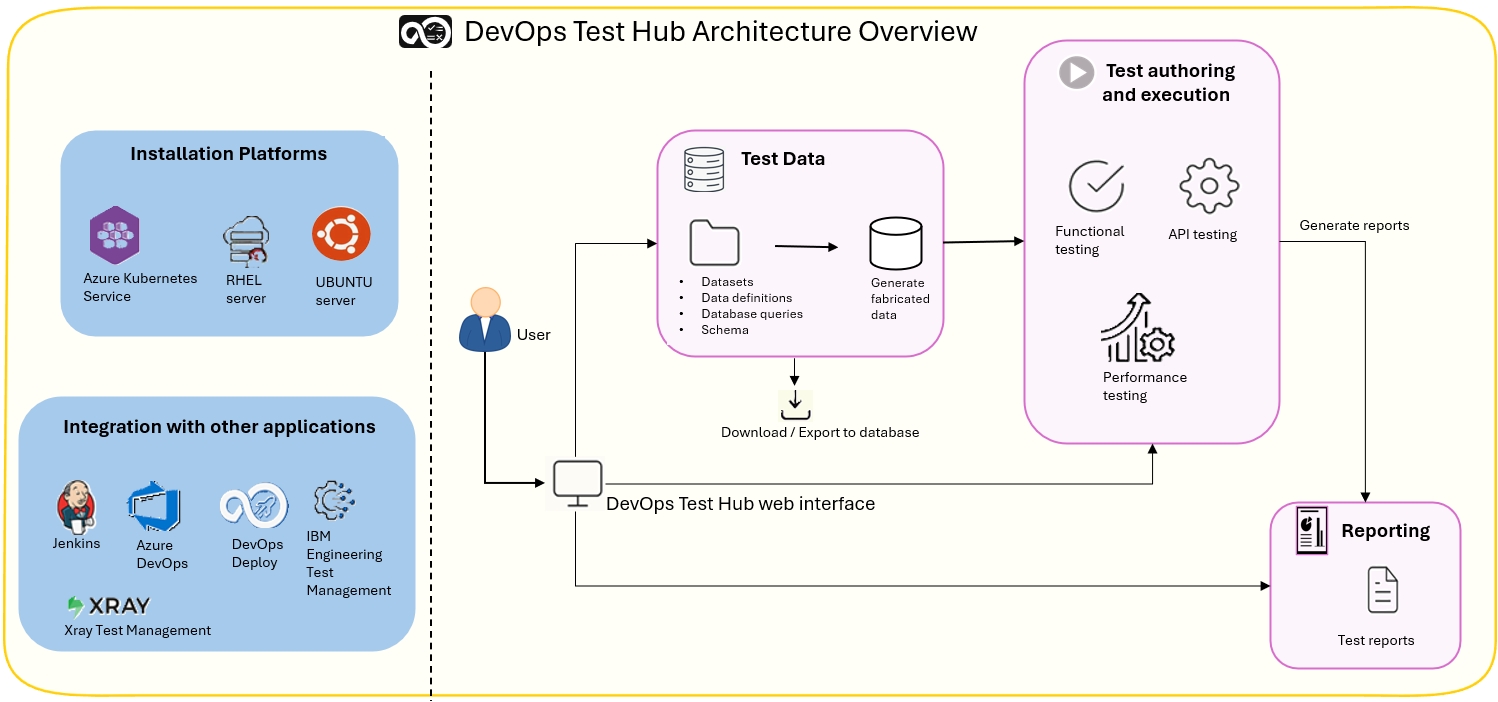 Unified test dashboard
You can use the intuitive dashboard to create, manage, and track test activities. By using the dashboard, you can efficiently manage test data and collaborate with your team on test requirements.
Login page
The login page is the primary access point to the platform. Only registered users can access project data and testing environments. If you are a new user, you must complete the registration process before you can log in.
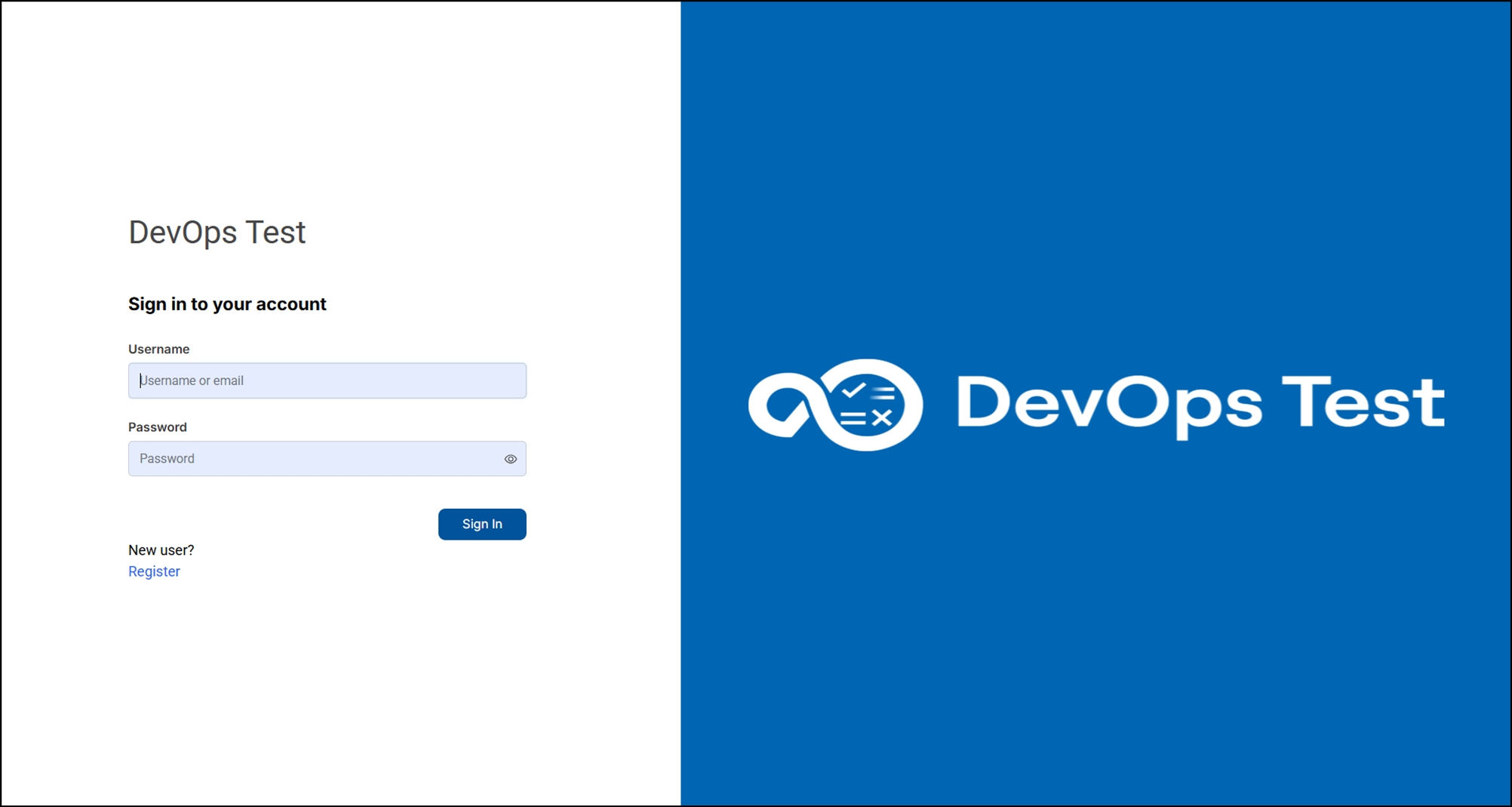
Home page
The home page lists your projects and other projects, which makes it easy for you to manage different projects within an organization. You can request access to join existing projects, create a new project, and view archived projects.
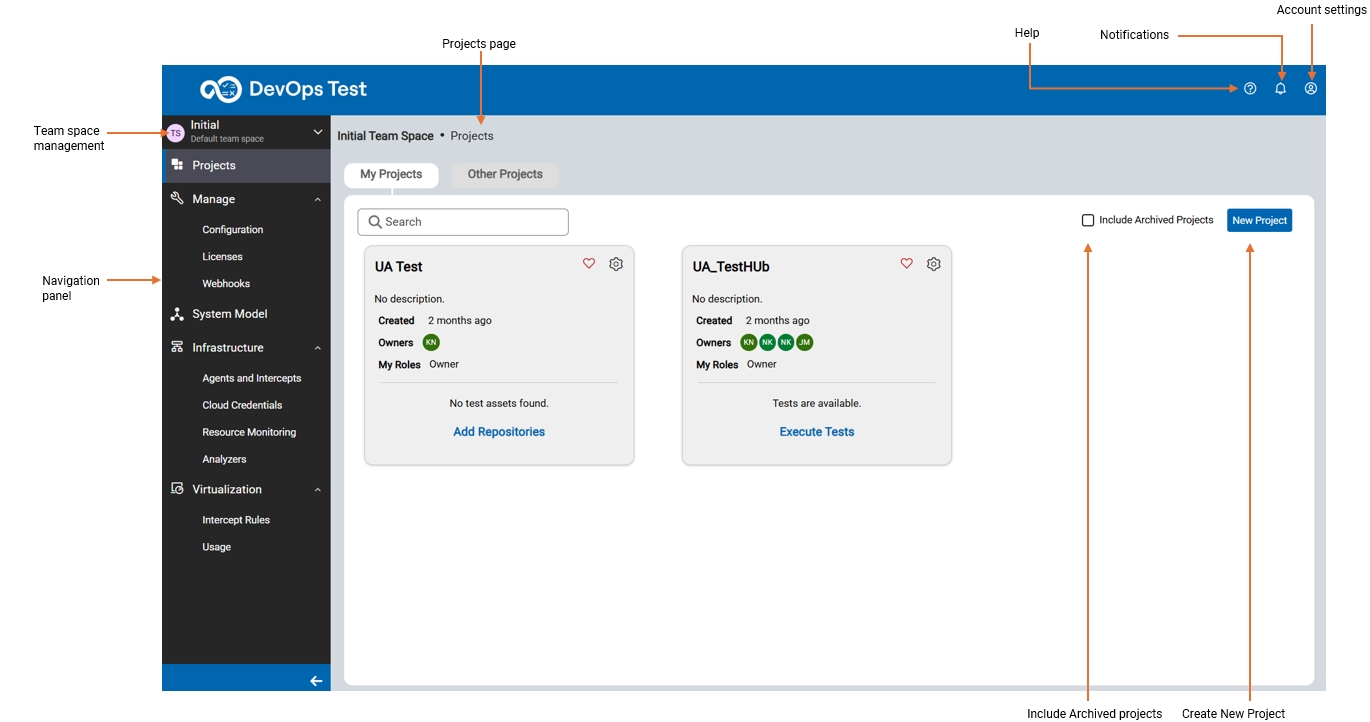
Navigation panel
The navigation panel in Test Hub provides quick access to sections such as Projects, Manage, System Model, Infrastructure, and Virtualization. You can easily navigate your projects, configure settings, define system models, monitor infrastructure, and manage virtualization. Each section of the dashboard is designed to support you with a specific function, making your testing workflow more efficient and intuitive.
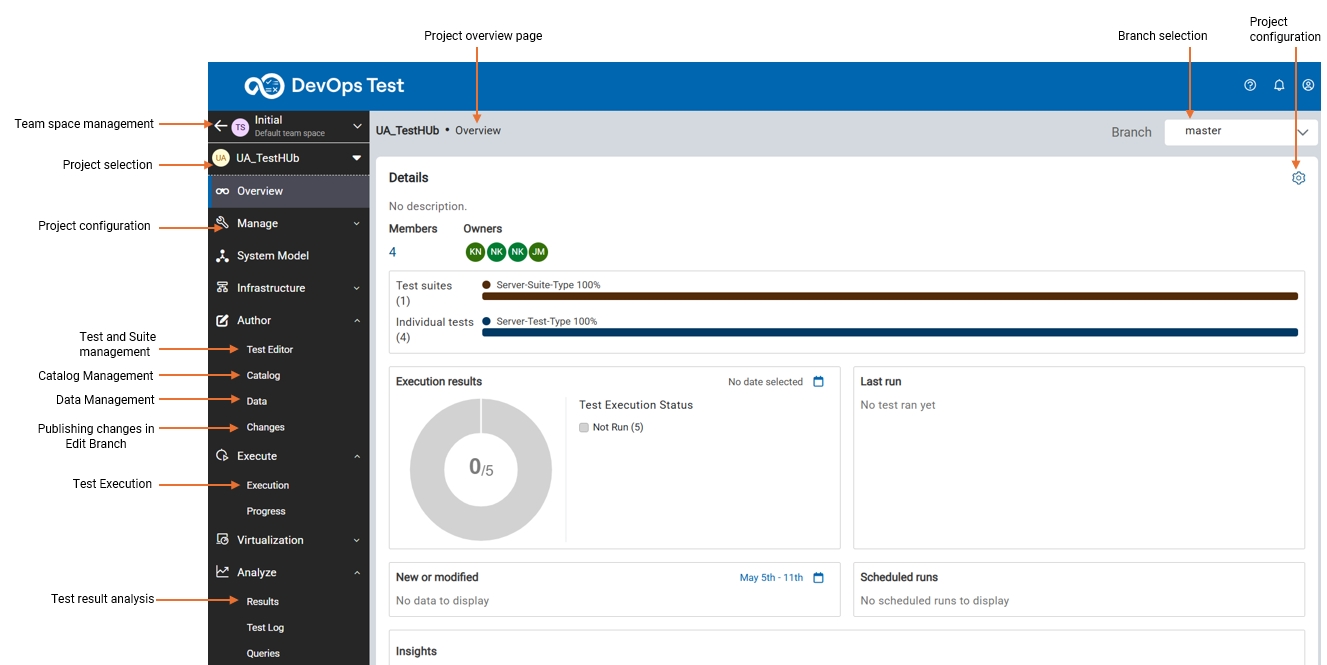
After you select a project, the panel displays the Author, Execute, and Analyze sections for test creation, data management, test execution, and reporting activities.
Overview page
You can manage and monitor all testing activities in one place on the project Overview page.
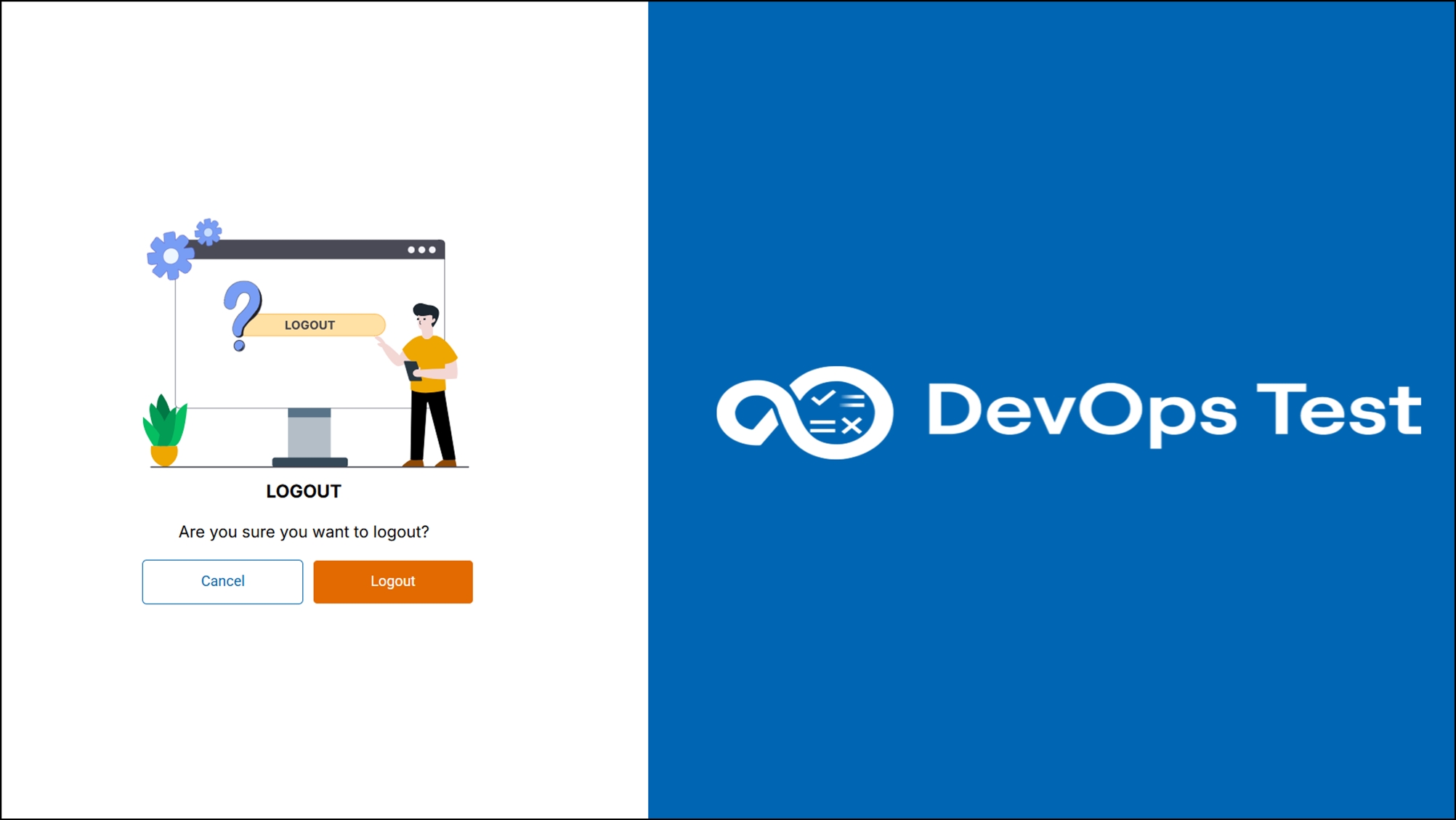
Logout
When you want to end your session with Test Hub, you can log out by
clicking the profile icon  , and selecting Logout.
Click here to watch the visual walkthrough.