Profile READMEs
To display a Markdown file in your DevOps Control user or organization profile page, create a repository named .profile and add a new file named README.md to it.
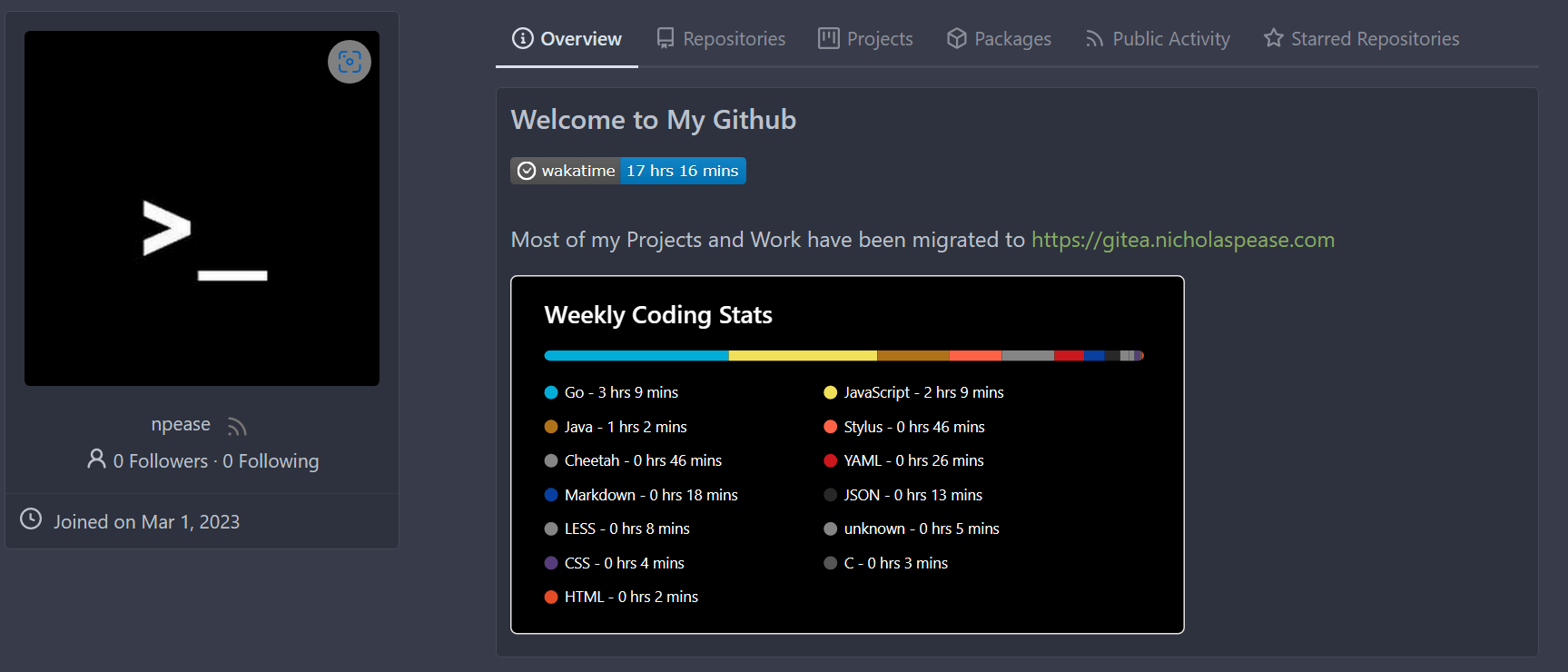
DevOps Control will automatically display the contents of the file on your profile, in a new Overview above your repositories.
Making the .profile repository private will hide the Profile README.
Example of a user with .profile/README.md: