Enabling Slack for HCL Connections integration
Enabling Slack for HCL Connections integration
About this task
Slack workspace administrators can install the HCL Connections app in their Slack workspace to make the integration available through direct messaging or in all channels within that workspace.
Adding the app into a Slack channel
Procedure
-
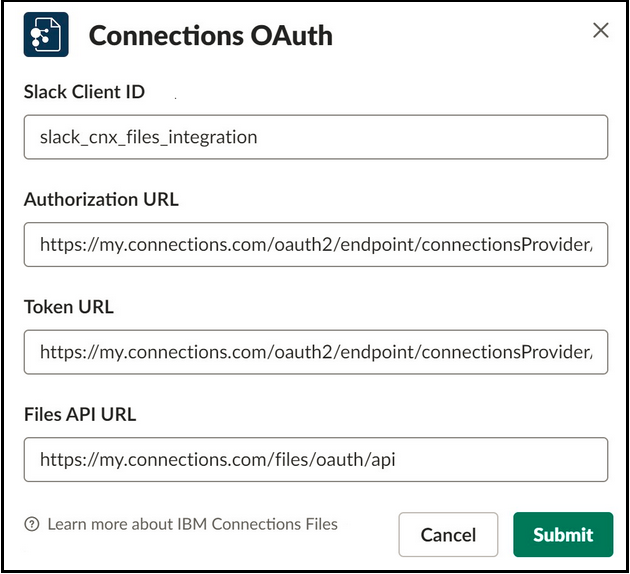
The Connections OAuth dialog box allows you to setup or update your HCL Connections
details.