Regenerate the webserver plugin
After installing new services, apply the new routing rules on the webserver by regenerating the plugin.
Procedure
-
Navigate to .
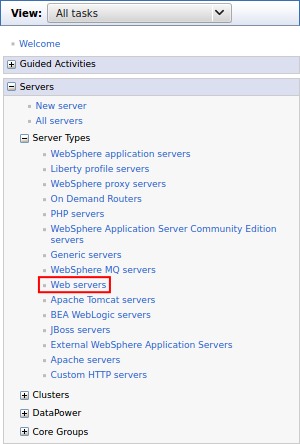
-
Select the checkbox for the webserver, and click Generate Plug-in.
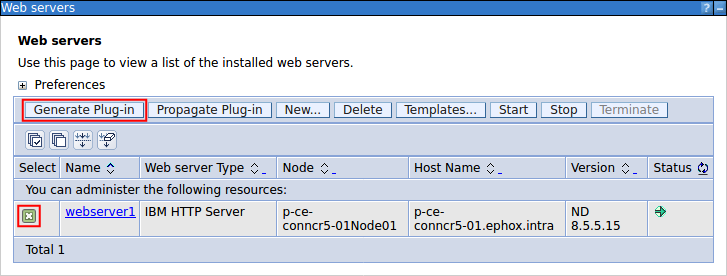
Figure 1. Message received when the webserver plugin has generated. 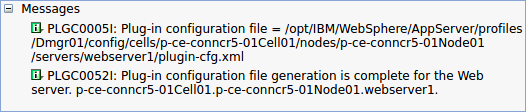
-
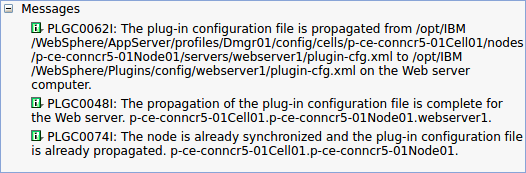
Once the plugin has been generated, select the checkbox for the webserver, and click Propagate Plug-in.
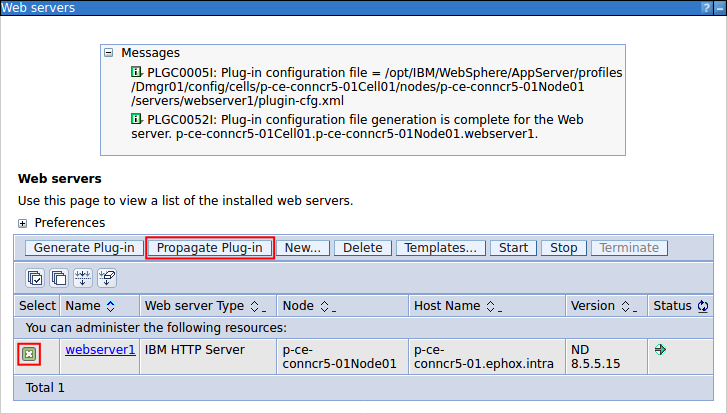
Figure 2. Message received when the webserver plugin has propagated.