
Managing Providers
The SSO needs to be activated for the provider to log on to the global admin console. The super admin requires a provider’s SAML metadata file.
To manage a provider,
- In the left navigation bar, click Providers Management.
- It redirects you to the Providers screen.
Figure 1. Figure 15 - Managing Provider 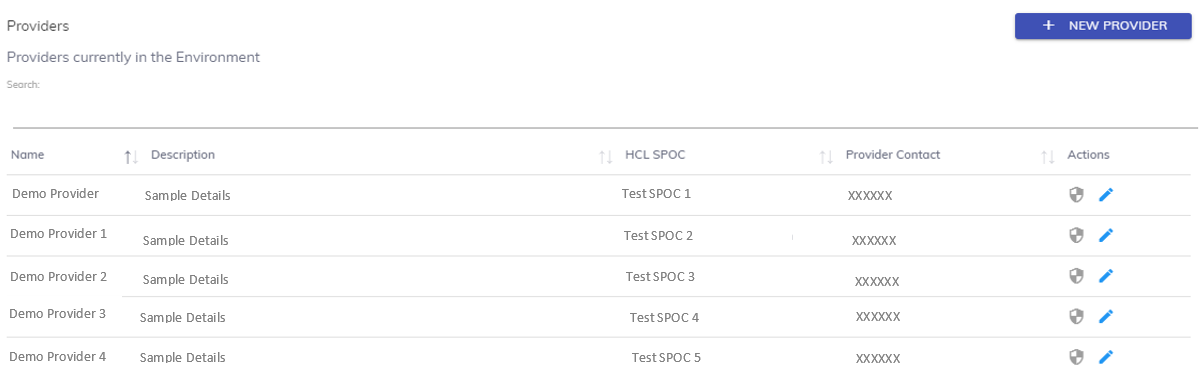
- The screen includes the list of existing providers in the
environment and
 button to create a
new provider.
button to create a
new provider. - Listed below are the details of the columns.
Name - Name of the provider
Description - A brief explanation about the provider
HCL SPOC - Name of the HCL employee aligned with the provider
Provider Contact - Contact details of the provider
Action - Option to configure SSO or edit the provider