Update a Flow
On the Workflow List page, there is an edit icon corresponding to every flow on the left side.
- To edit a flow, click on
 icon.
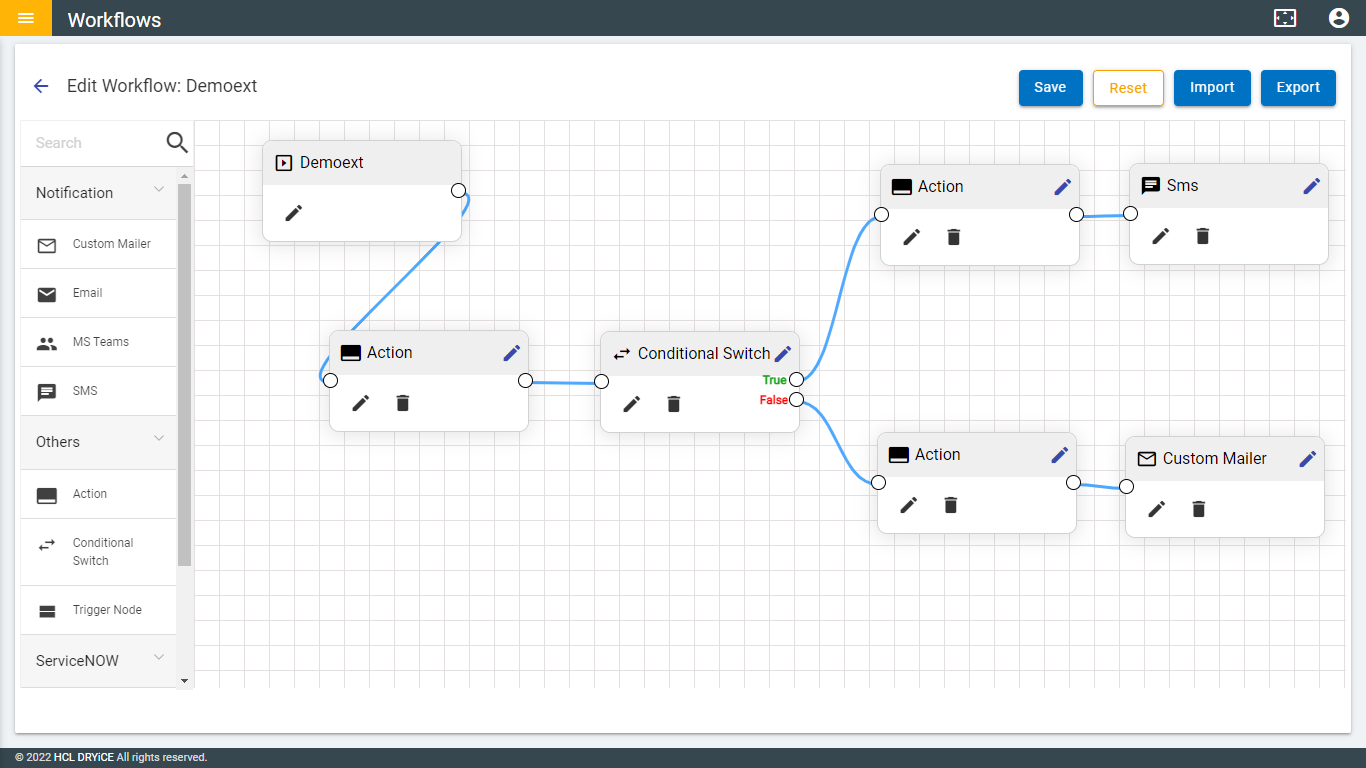
You can also click on the flow name. After that, it will go to the
Workflow Edit page. The flow name will be shown at
the top left corner. The Edit page looks like the following
image:
icon.
You can also click on the flow name. After that, it will go to the
Workflow Edit page. The flow name will be shown at
the top left corner. The Edit page looks like the following
image:
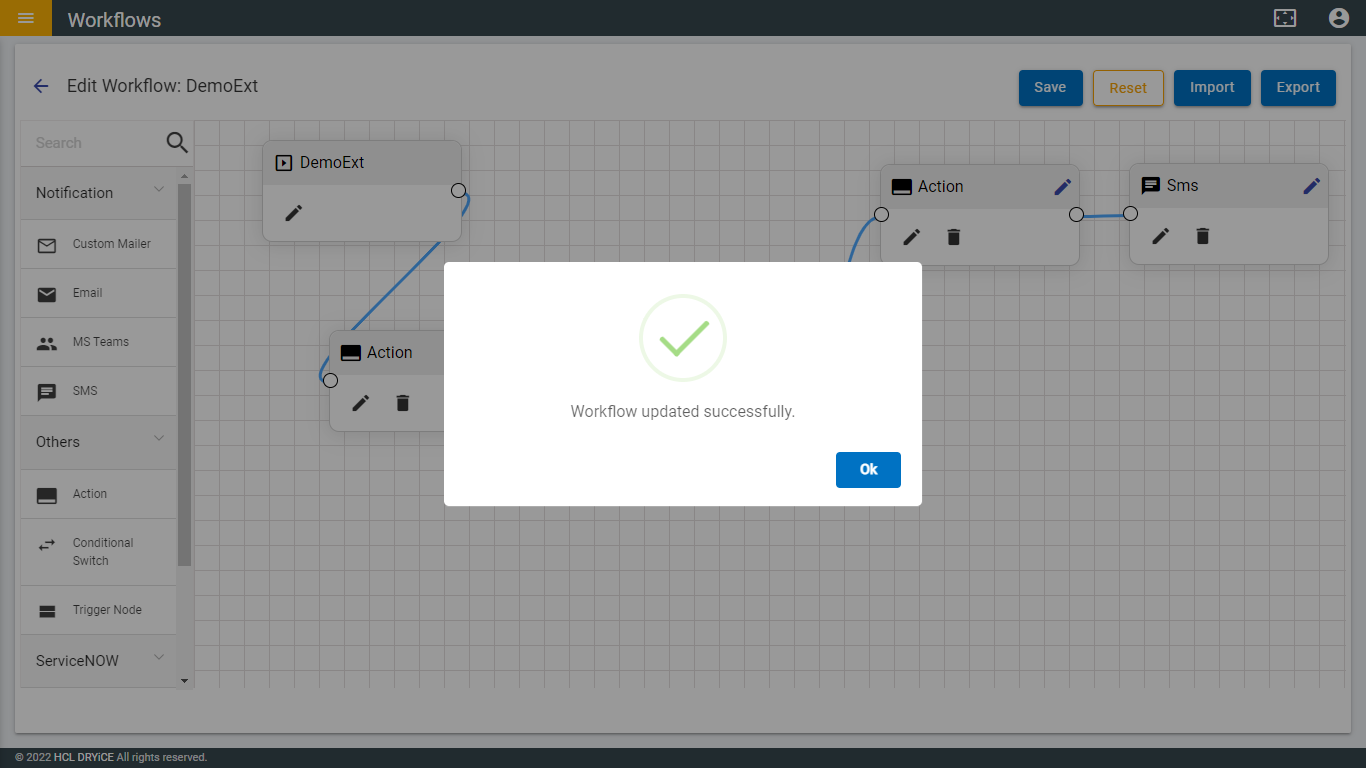
- After editing the flow, click on the Save button and the following pop-up will be shown.
- Then click on “Ok” and it redirects to the Workflow List page.