Delete Agent
- To delete an existing agent, the admin should click on the
delete icon
.png) associated with the
agent they wish to delete. The following message appears for the
confirmation to delete the agent:
associated with the
agent they wish to delete. The following message appears for the
confirmation to delete the agent:
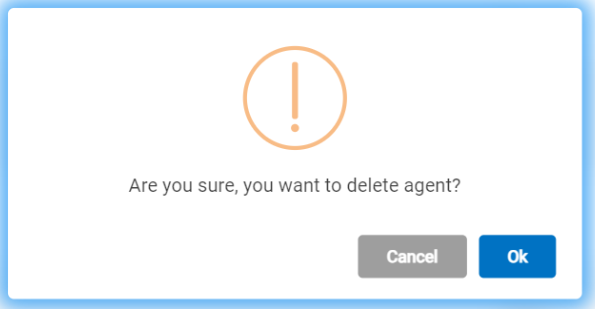
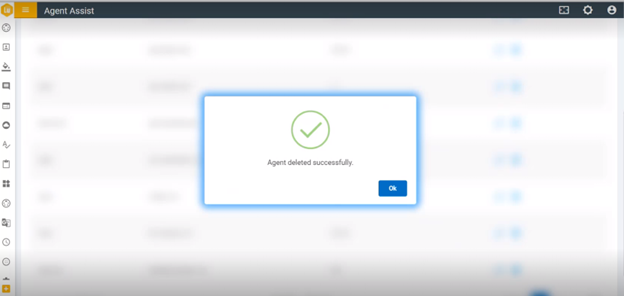
- Click Ok to delete or click Cancel to cancel the delete action. On clicking “OK”, the following success message appears: