
Configuring the Protection Status for Endpoints
Procedure
- Navigate
to . The Protection
Status screen appears with the Endpoints tab displaying.
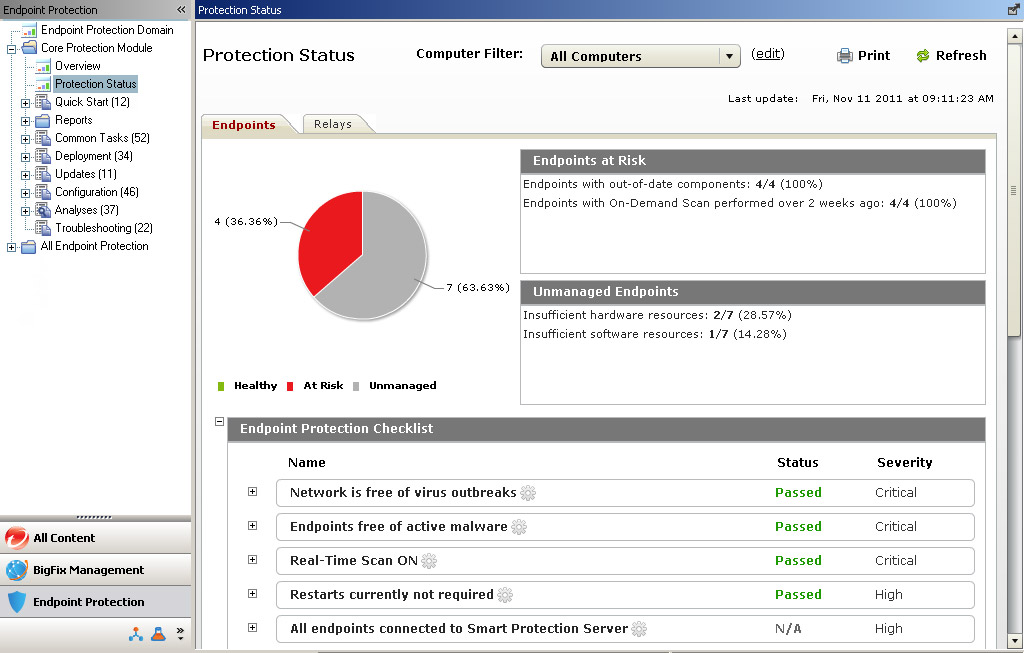
- Move the
cursor over one of the items
in the checklist.
An icon
 appears next to the item
in the checklist.
appears next to the item
in the checklist. 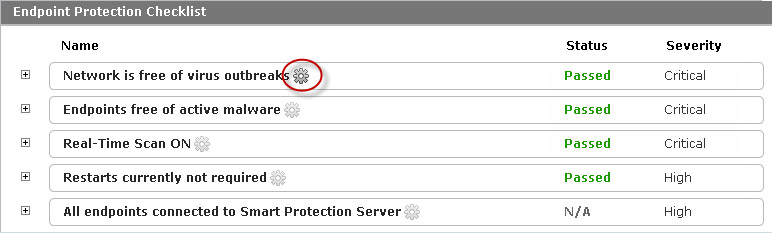
- Click the icon. A configuration screen
for the setting
appears.
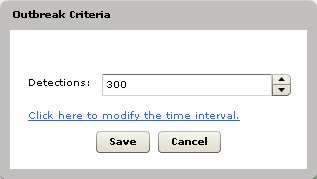
- Modify the settings for the checklist item.
- Click Save.
- Modify other items in the checklist as required.