
Scan progress
When a scan begins, the Progress panel appears below the Result list.
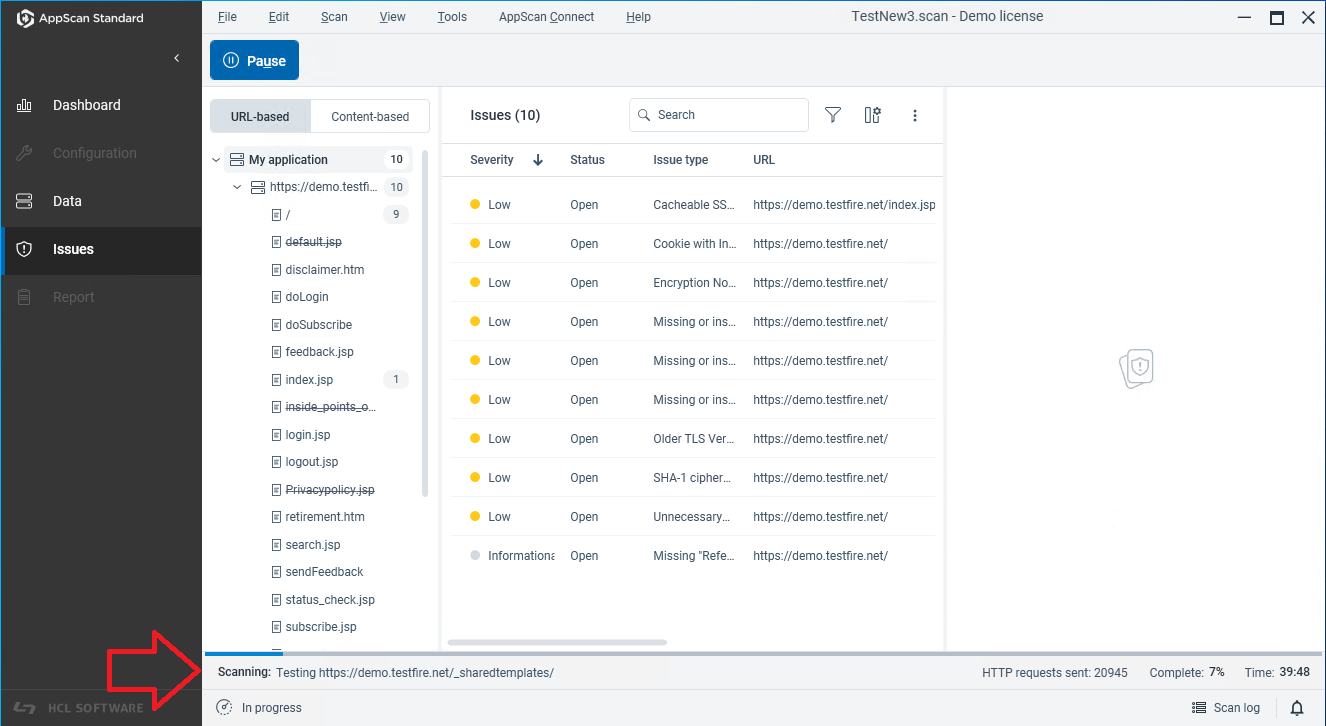
This shows:
- Current® URL being explored or tested.
- Percentage completed of the Explore or Test stage.
- If this is a subsequent scan phase, the current phase number (see Automatic multiphase scanning).
- Amount of time (mm:ss or hh:mm:ss or dd:hh:mm:ss) since the scan began.
If the scan is stopped, either due to communication issues or by your request, the scan status is updated accordingly. It shows:
- Communication issues and timeout before automatic resume.
- Notification that scan is incomplete.
- "More Information" link, which opens a dialog box explaining what has been done so far and how to continue.
If you choose to recover the scan, AppScan resumes from the last saved scan state. Depending on the information that was saved, the scan may continue using a broader mode, such as a Full Scan.