HCL AppScan RapidFix integration
HCL AppScan RapidFix is an AI-driven solution that automates the triage and remediation process for application security vulnerabilities. HCL AppScan RapidFix applies to SAST results.
AppScan offers two RapidFix options to support your remediation workflows::
-
AppScan’s native auto triage and fix
capability requiring no additional configuration,
or
- Advanced remediation engine but requiring an additional subscription and configuration.
RapidFix results are integrated into the AppScan 360° interface for quick identification and action.
Acquiring and installing HCL AppScan RapidFix
To enable RapidFix with AppScan’s native auto-triage and fix features, contact your AppScan 360° representative to enable this functionality for your organization.
To enable RapidFix with advanced features, subscribe to RapidFix in the AppScan 360° interface:
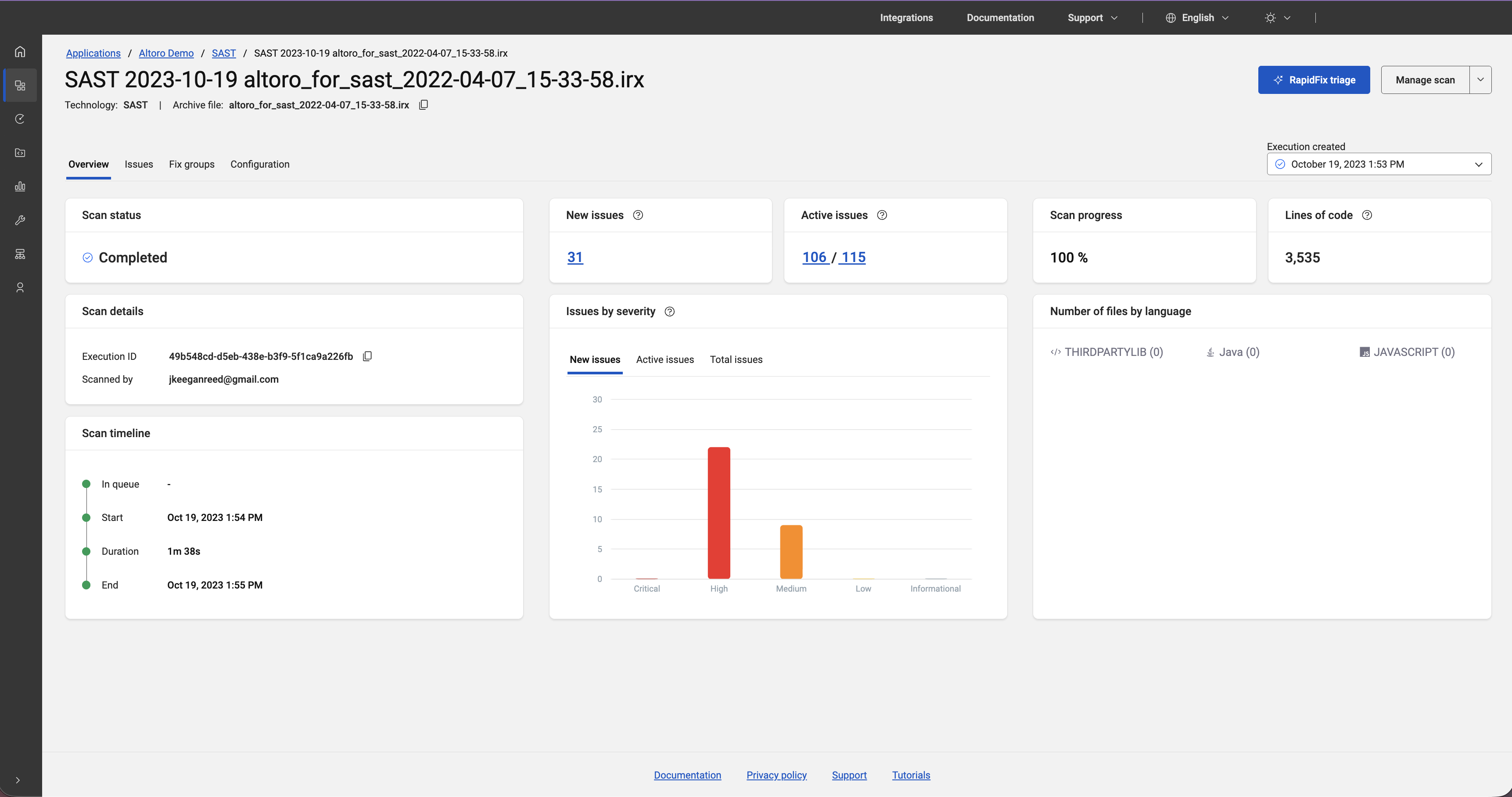
- Click RapidFix triage from the single scan view of a static analysis (SAST) scan, then click
Learn more on the resulting dialog box. AppScan 360° opens a new browser window from which you can request
more information from the HCL sales team.
Once subscribed, install Pixee Enterprise Server according to the instructions here.
Remediating results using HCL AppScan RapidFix
- Clicking RapidFix triage from the single scan view
shows a summary of RapidFix findings. Click View
suggestions to go to the Issues page.
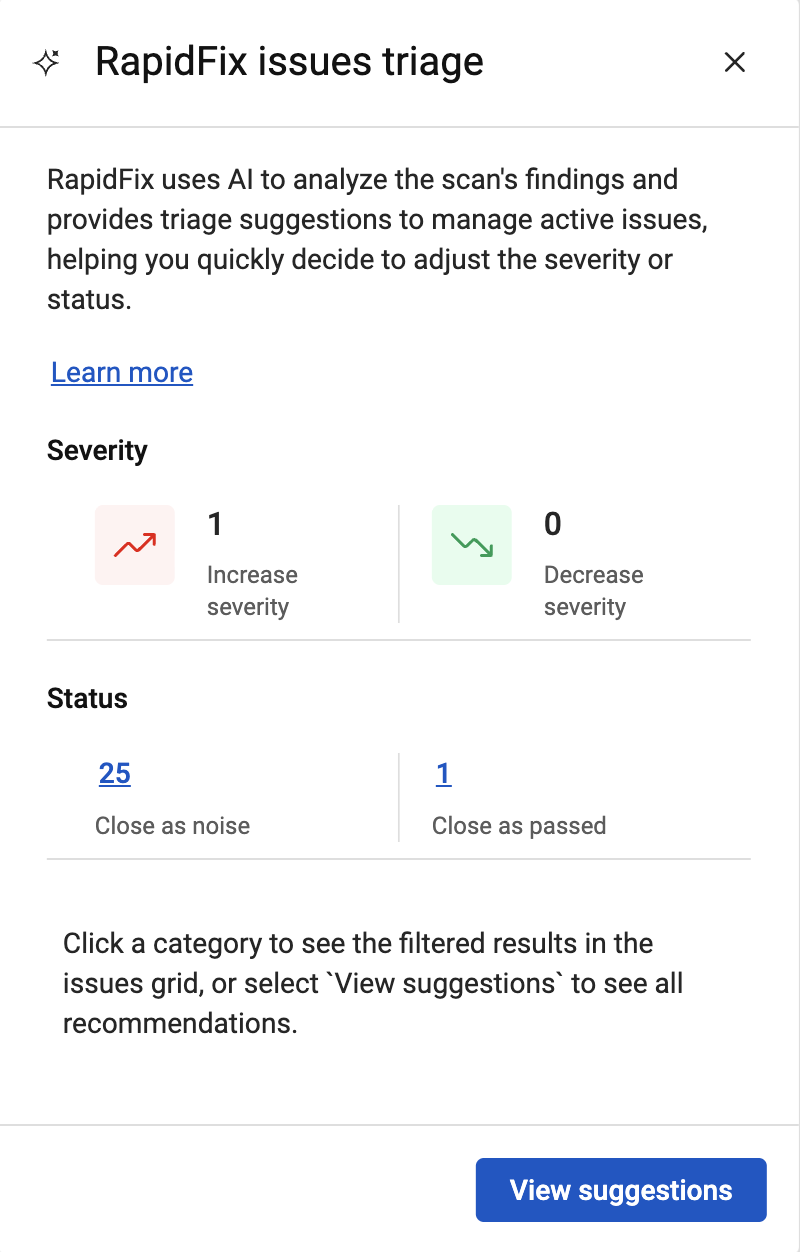 Click View suggestions to
go to the Issues page.
Click View suggestions to
go to the Issues page. - The RapidFix icon (
 )
displays for a scan on the Scans and
sessions page.
)
displays for a scan on the Scans and
sessions page. 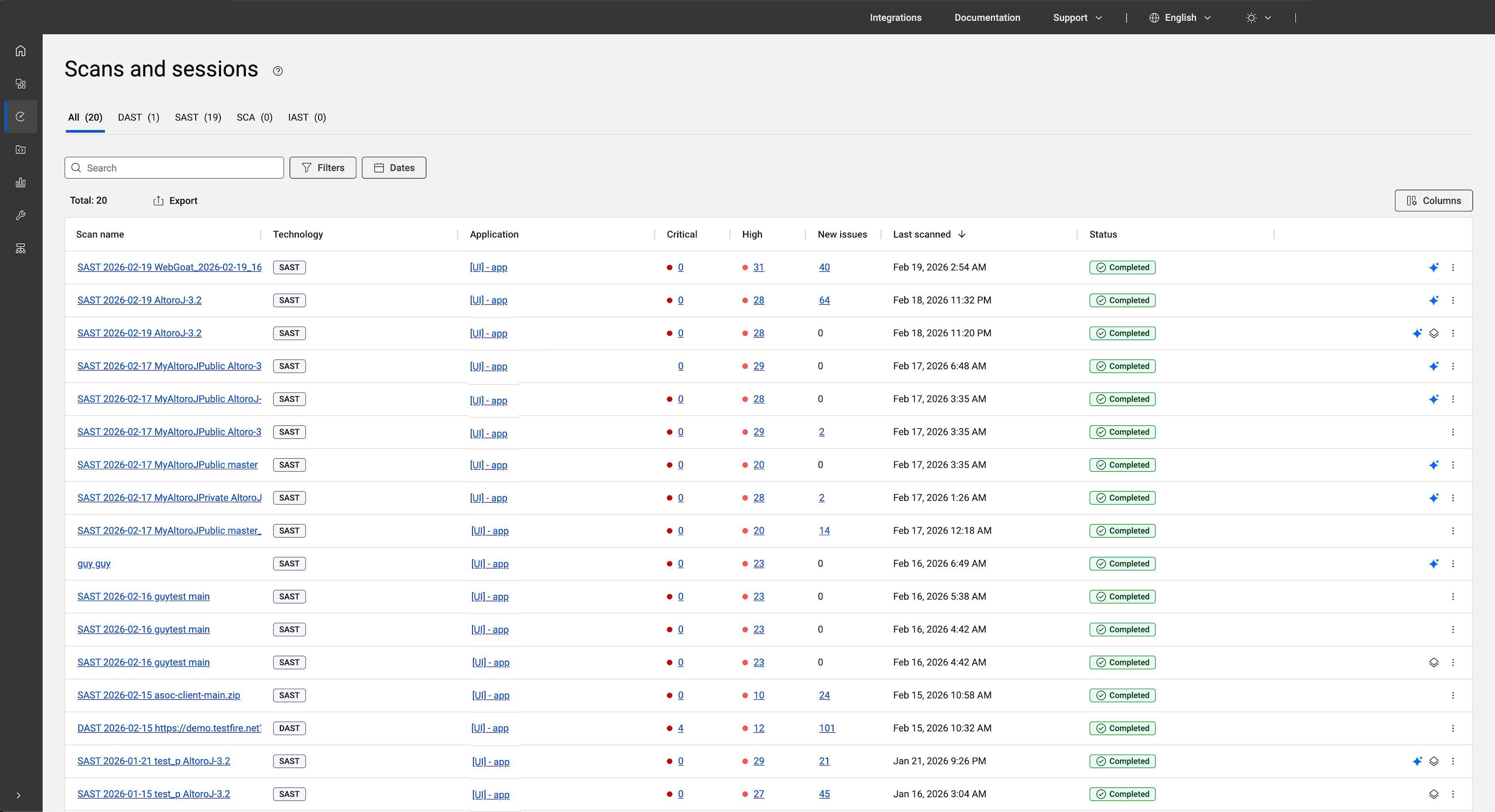
- The Issues page for the scan
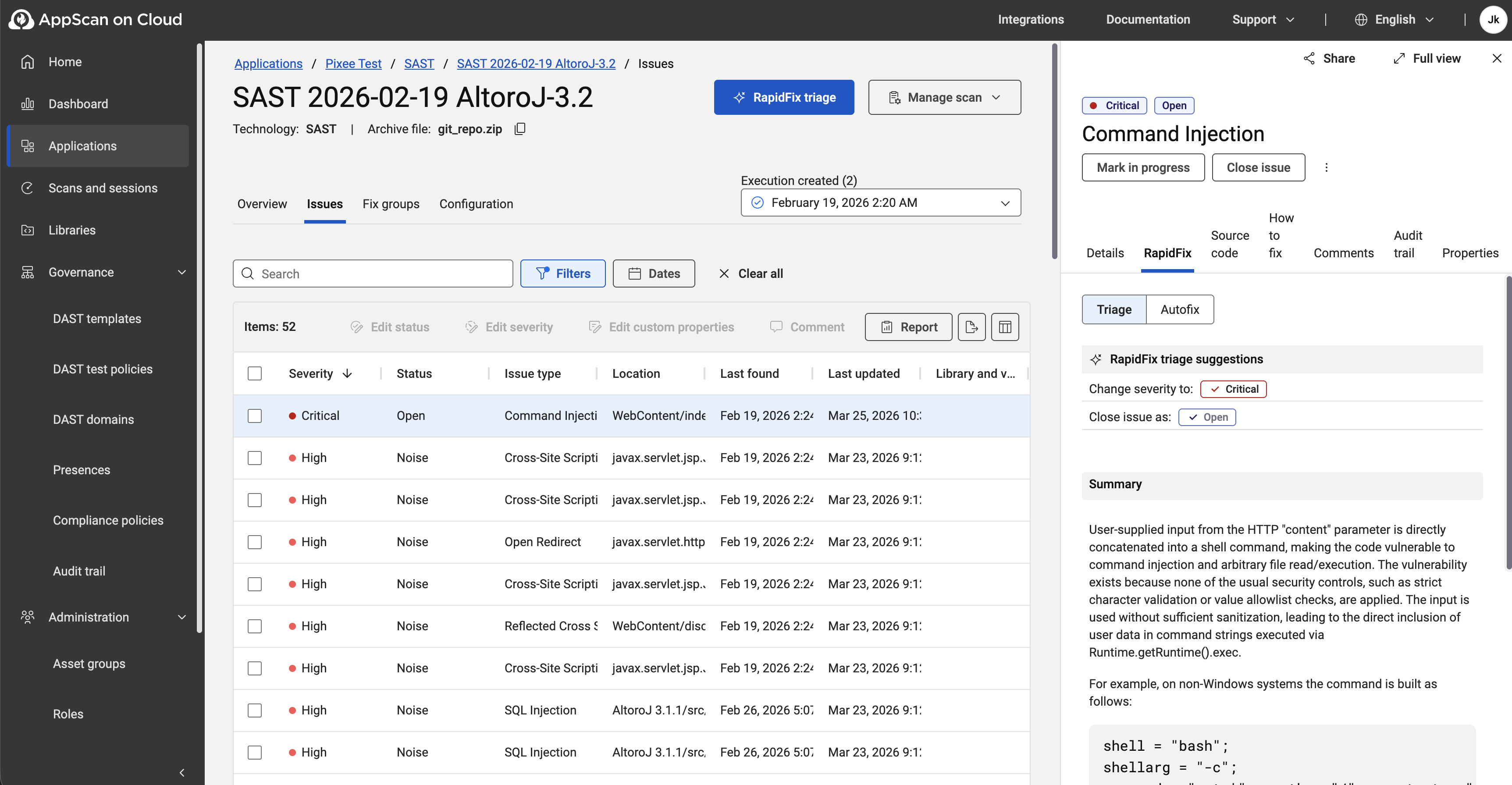
displays two new columns, RapidFix autofix and
RapidFix triage.
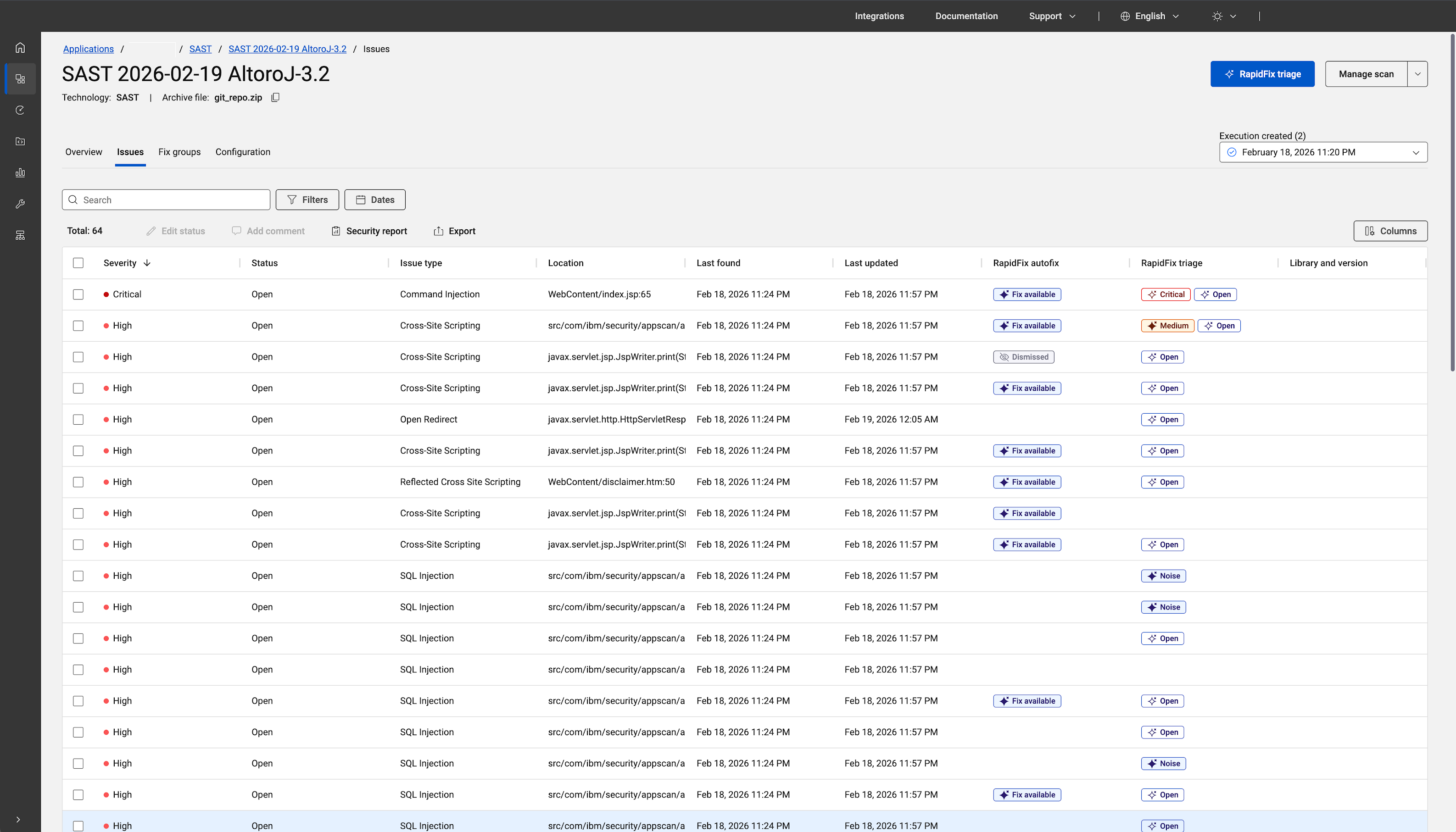
- RapidFix autofix indicates if an autofix is available for the issue.
- RapidFix triage notes the results of AI
analysis of the issue. Note: If you decide to ignore the triage suggested by RapidFix, this noted in issue audit trail as
RFIgnoreTriage.
- A new tab – RapidFix – on the Issue information pane for the
scan allows you to review the findings and take action.