
Model Training
After selecting all the configurations for model training, a preview is displayed and can be downloaded as well.
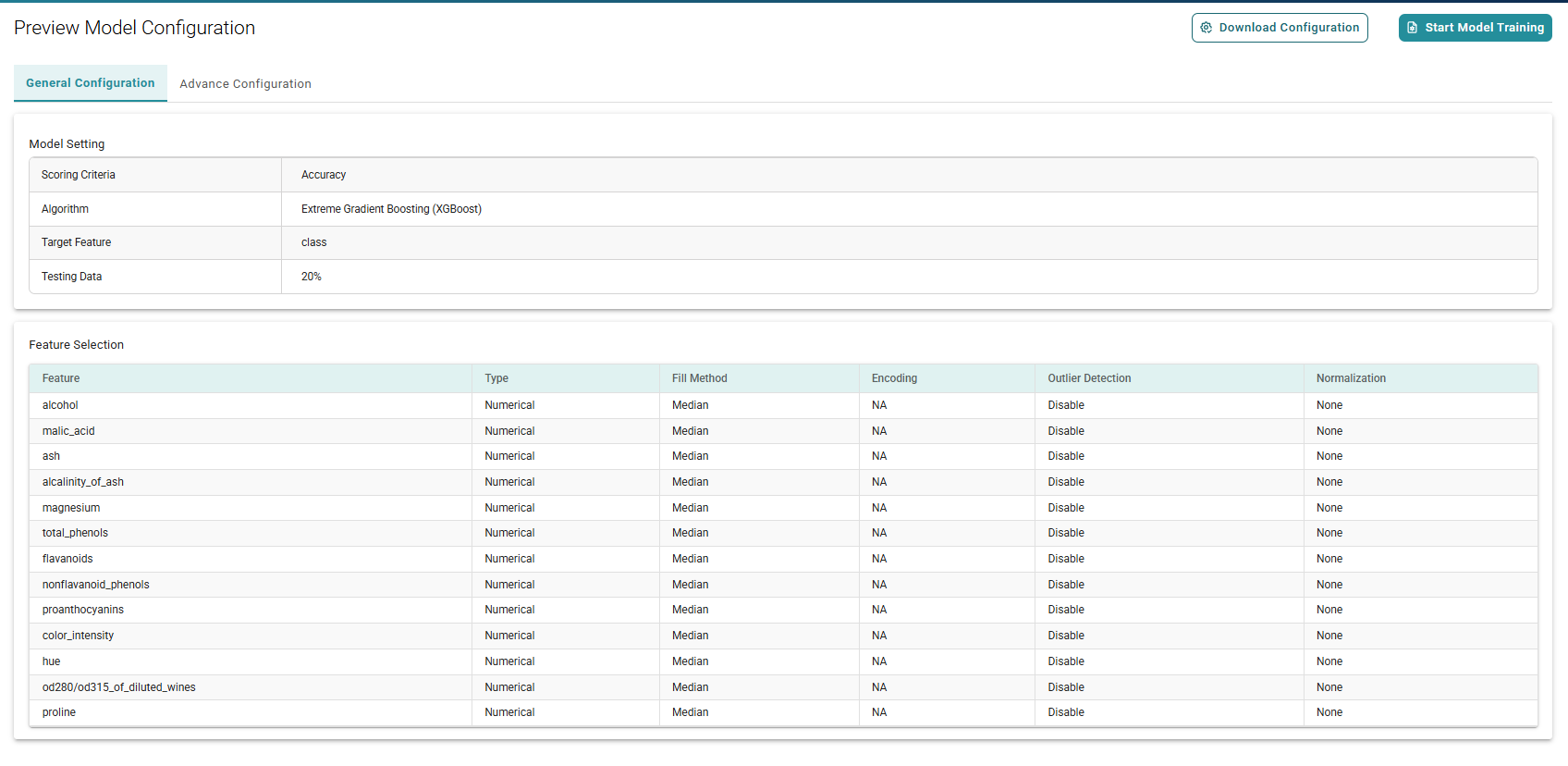
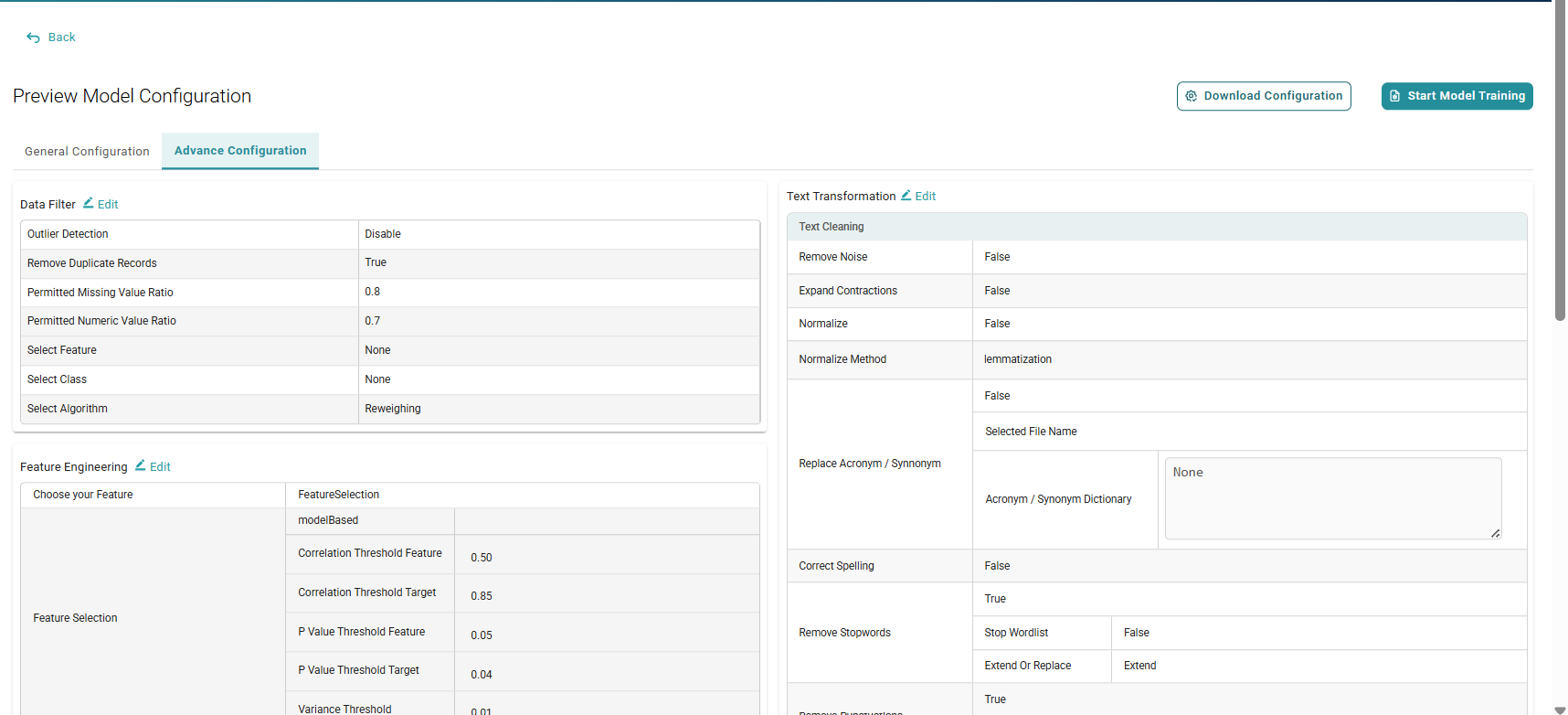
Click the Start Model Training tab to train the model.
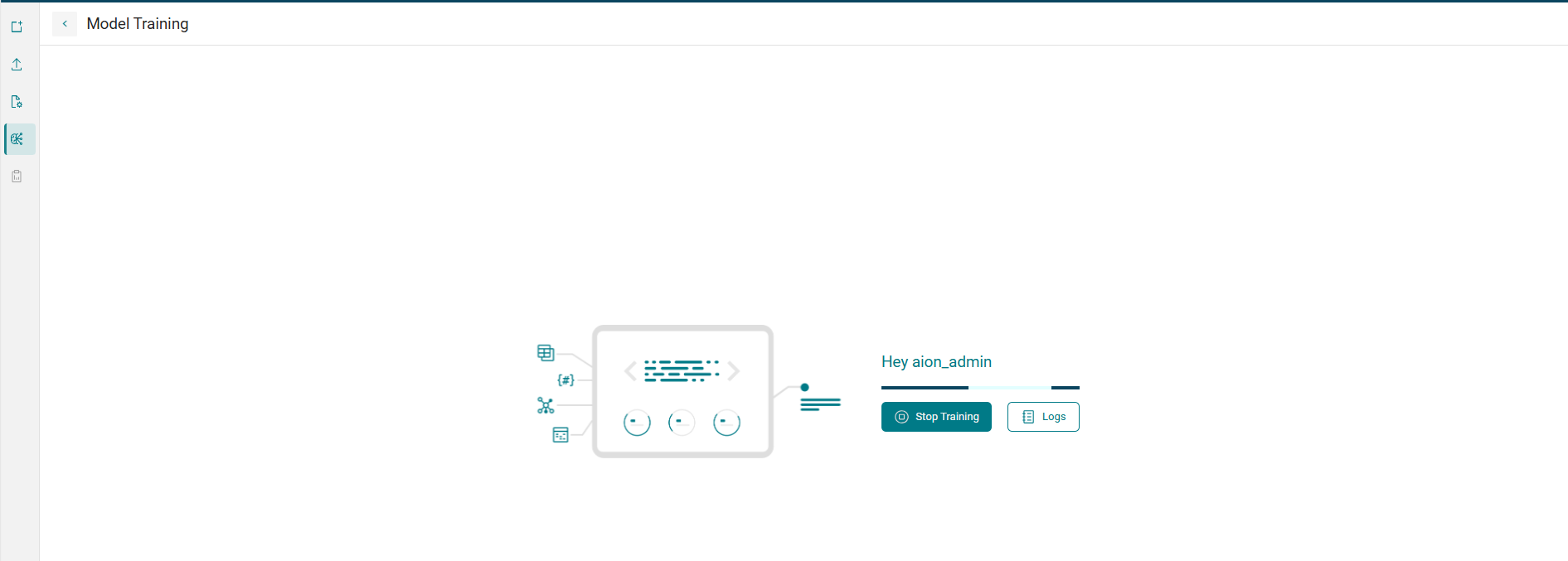
Click the Stop Training button to halt the training process. Click on Logs to view data ingestion steps, model configuration, and sample input records, feature engineering steps and much more.
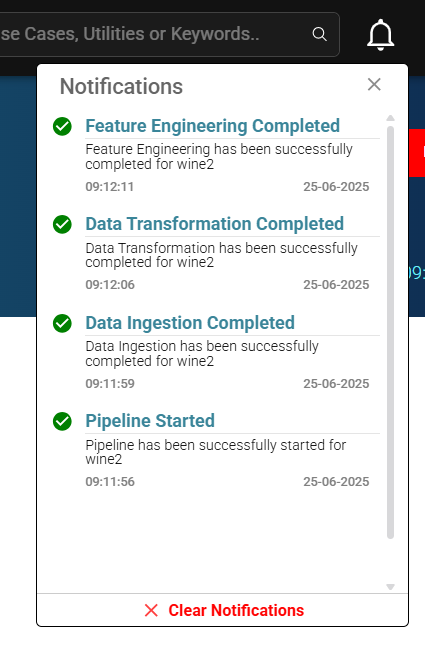
You can check the notification icon in the top-right corner to track the completion of key model training steps.
After successful training, the details of the trained model can be checked.