Import from Local and NiFi
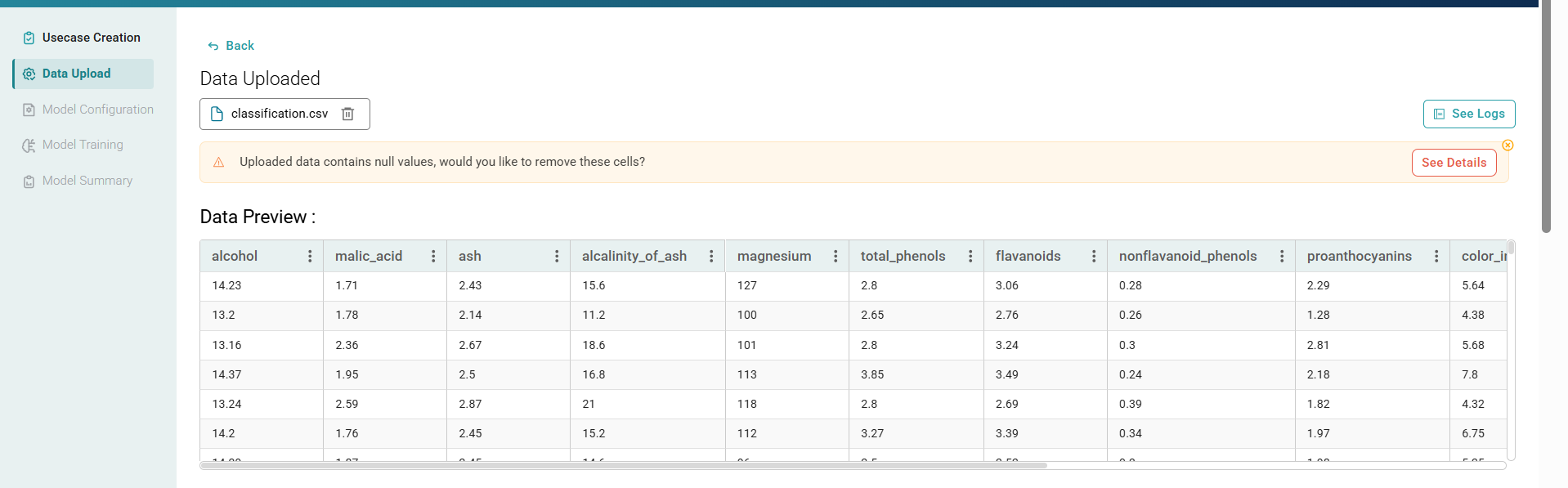
To upload the data file, follow the steps given below:
- Create use case
- Click the Data Upload tab.
- Files like .xls, .csv files can be uploaded from local, and NiFi.
- As we click on Submit, the file will be uploaded successfully.