
Enable HCL AION CLI
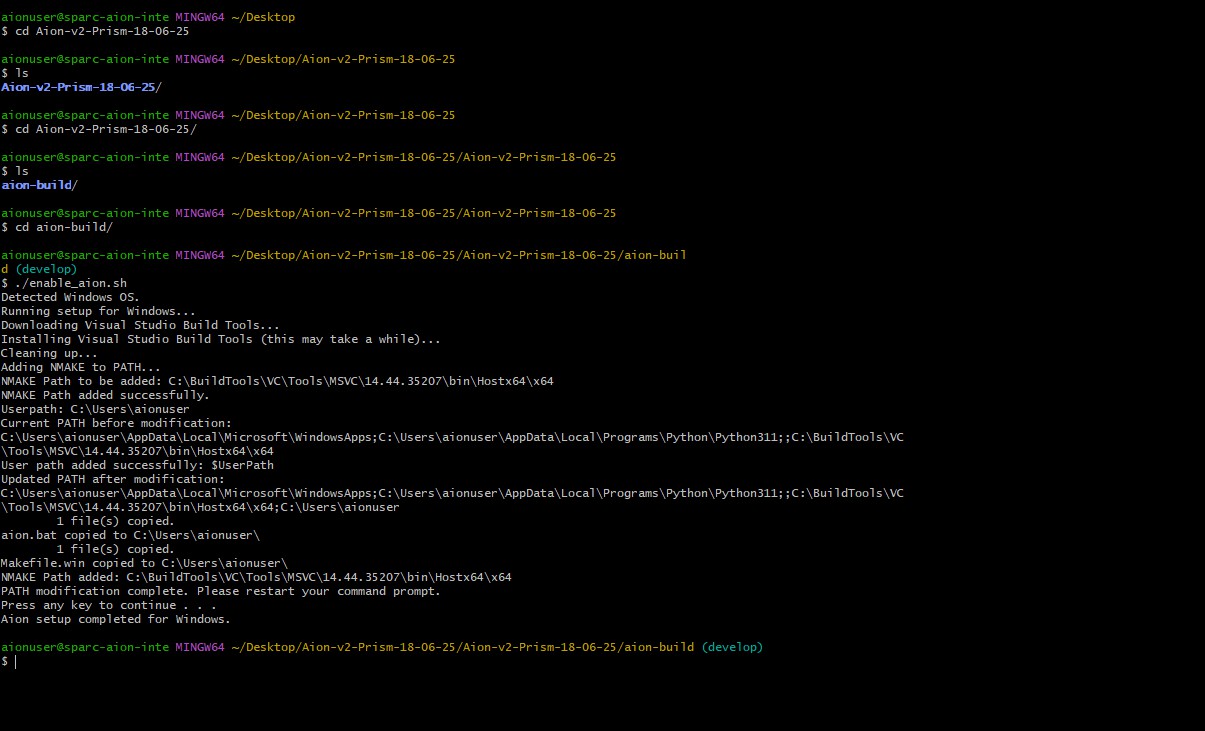
3.a: First change directory where you have unzipped the AION build
3.a.1: For Windows open Git Bash and follow this command:
& "C:\Program Files\Git\bin\bash.exe" enable_aion.sh
Note: Close and reopen all VS Code windows after this.
3.a.2: For Linux/Mac/Unix:
chmod +x enable_aion.sh
./enable_aion.sh
3.b: Ensure Docker is running before proceeding.
Note: You must have AION images access on Harbor