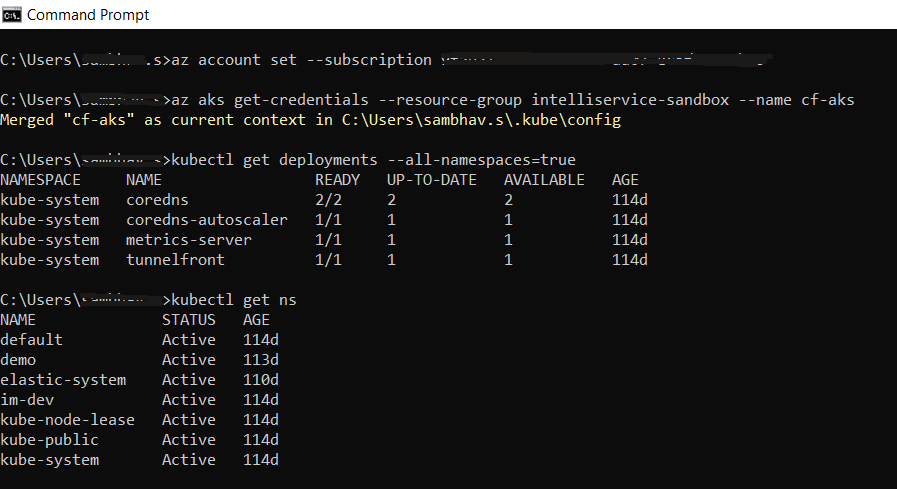
Configure Environment Variables for kubectl and run kubectl
To configure the environment variables for kubectl, follow the steps below:
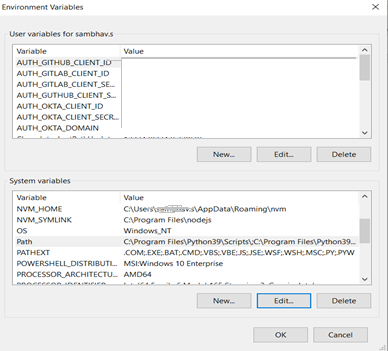
- In the control panel of the local machine, open Advanced System Settings > System properties.
-
Click Environment Variables, and in the System Variables, enter the kubectl path as shown below.
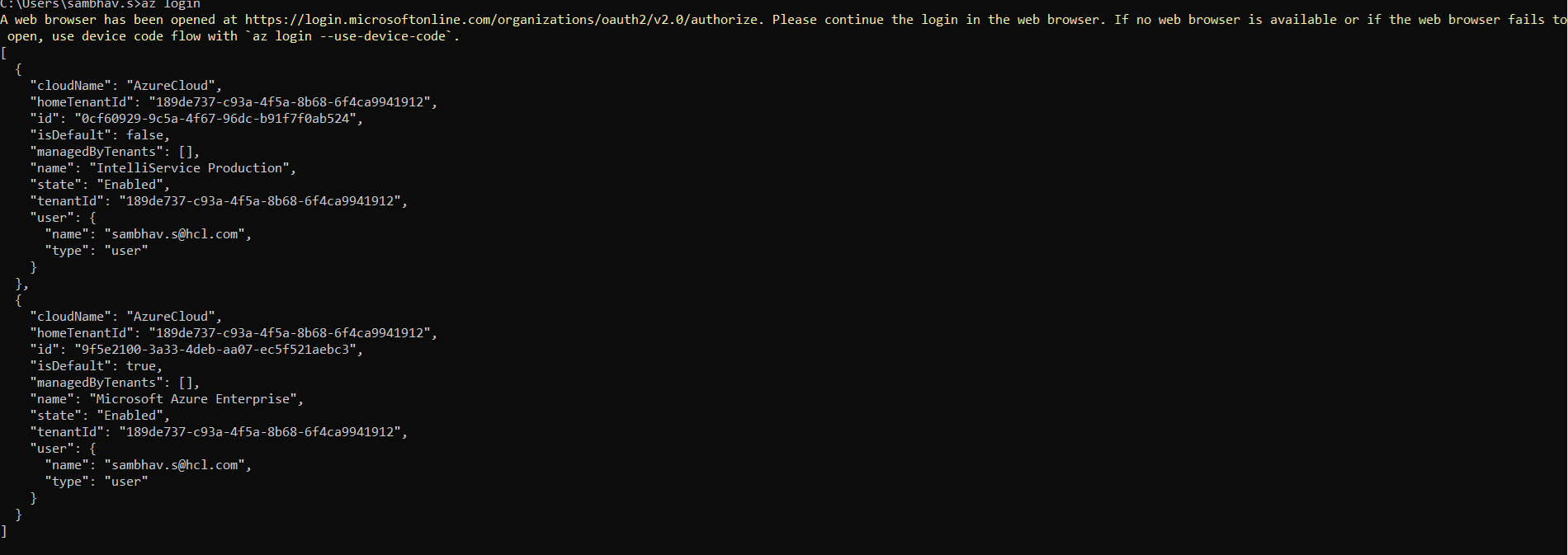
- After setting the environment variable for kubectl, in the command prompt, run the “Az login” command.
- As a result, a prompt to enter credentials for azure portal will be displayed. Login with the credentials.
-
On successful login, the status will be displayed in the command prompt as shown below.
-
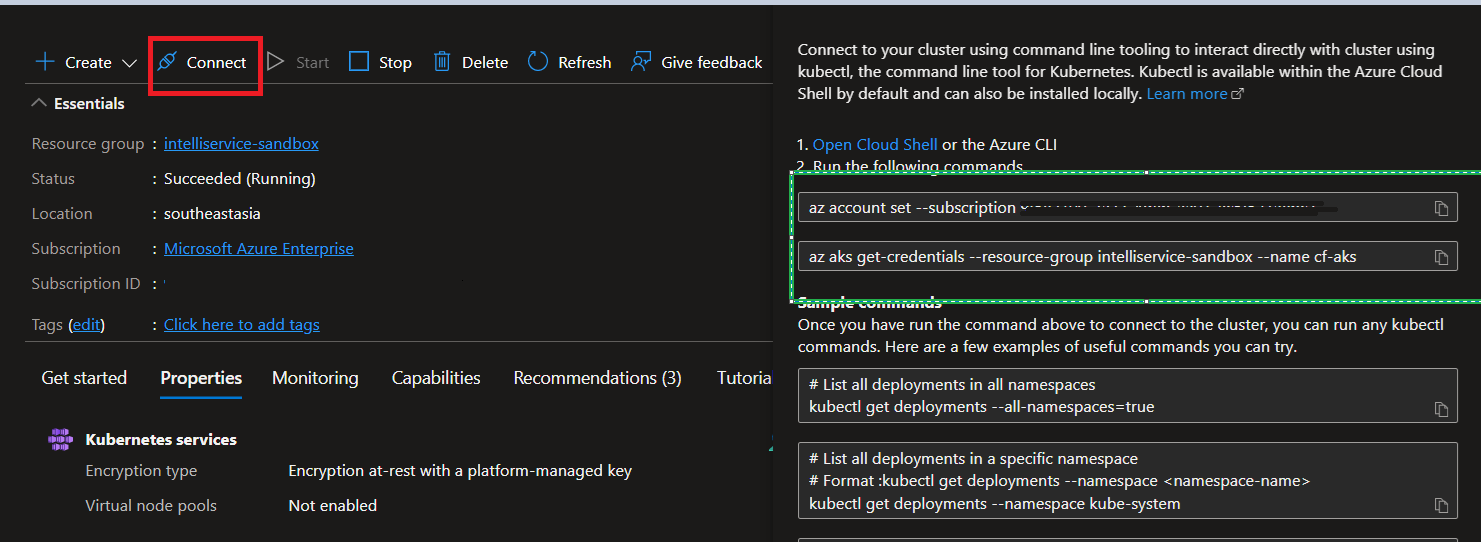
Open the cluster and click Connect.
-
Run the command highlighted in green color section in above screen shot. The result should appear as below screen shot. On successful execution, the cluster and local machine are connected.