
Accessing the interface for the first time
The preferred browser for accessing the user interface is Google's Chrome.
When accessing the user interface for the first time after the software installation, the
user will be presented with a screen to setup the admin password as
seen below:
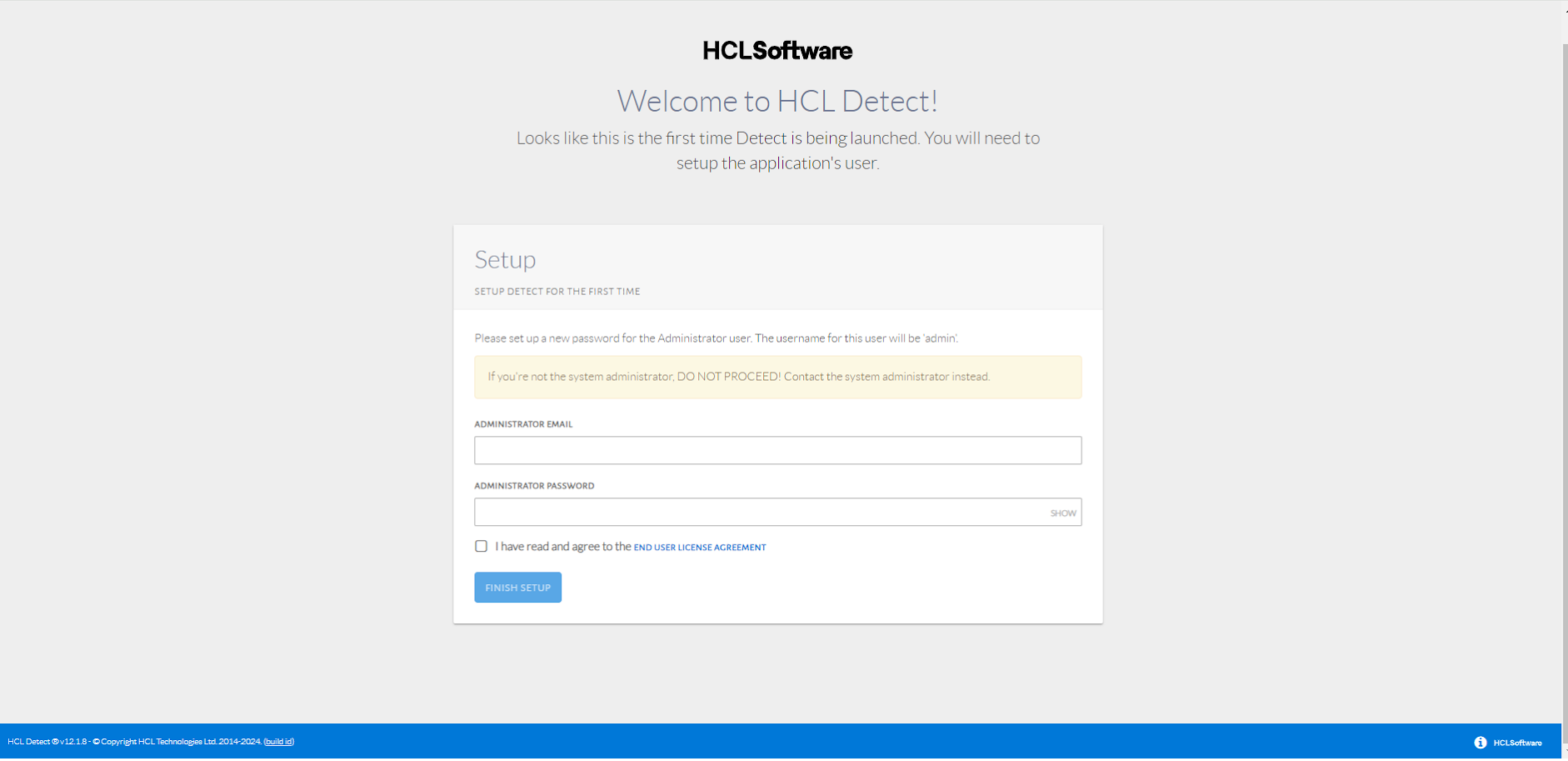
Setting up the admin password.
This should only be done by the user responsible for managing HCL Detect.
The admin login provides unrestricted administrative access to HCL
Detect and, among other tasks, can be used to add additional users.