Clara helps in problem determination
Clara can be very helpful in troubleshooting the most common error situations on which the Product Support Team is usually involved. Clara provides also useful links to technical notes, articles, and L3 documentation about issues, known limitations, and workarounds.
Notes:
Not all of Clara actions are available with the first release of HCL Universal Orchestrator. If you select an action that is not yet available, Clara will inform you with a message.
From the What can you do? conversation flow, select the Troubleshooting action.
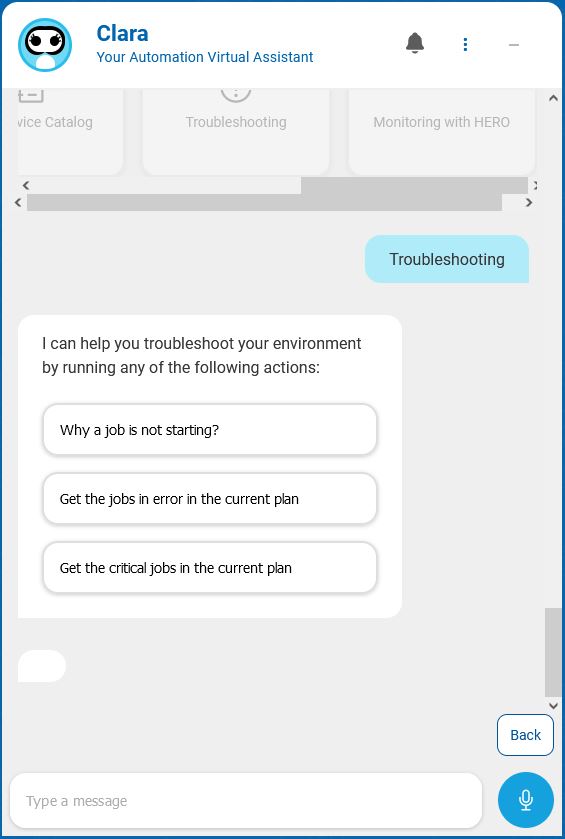
The following options are available:
-
Why a job is not starting? - You can find out why a job is not starting (available for WAd only).
-
Get the jobs in error in the current plan - You can find all the jobs in error in the current plan (available for WAd and WAz).
-
Get the critical jobs in the current plan - You can find all the jobs in high or potential risk of missing their deadline in the current plan (available for WAd and WAz).
Why a job is not starting?
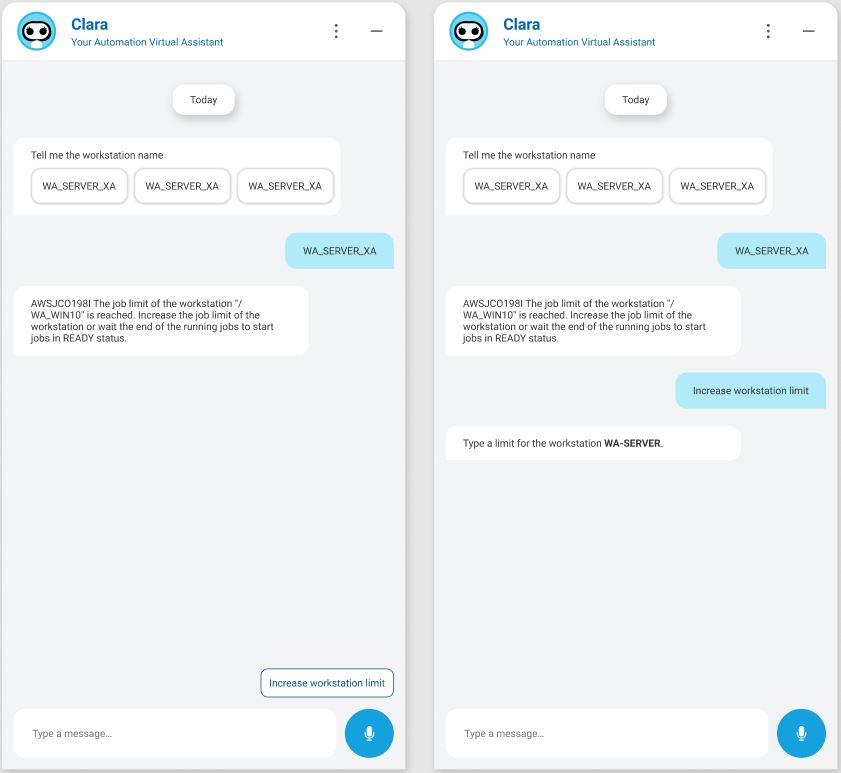
After selecting this action, provide the job name or select one from the list of jobs supplied by Clara.
Clara can understand if a job doesn’t start for any of the following reasons:
-
the job limit of the workstation is set to zero
-
the agent is unlinked, or stopped
-
there are unresolved dependencies
-
the job priority is set to zero
In all the above situations, Clara suggests the next action she can run to solve the issue, such as changing the priority, increasing the limit, or releasing the dependencies.
Get the jobs in error in the current plan
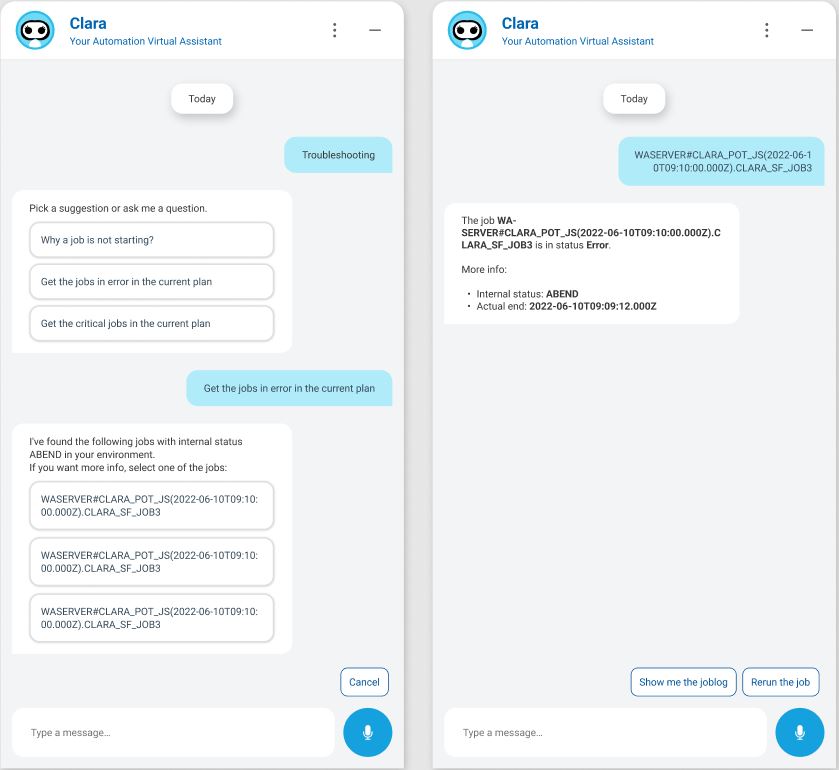
By selecting this action, Clara displays the list of jobs in error in the current plan.
Select a job from the list. Clara provides more information about the job and suggests, as a next action, to analyze the joblog or rerun the job.
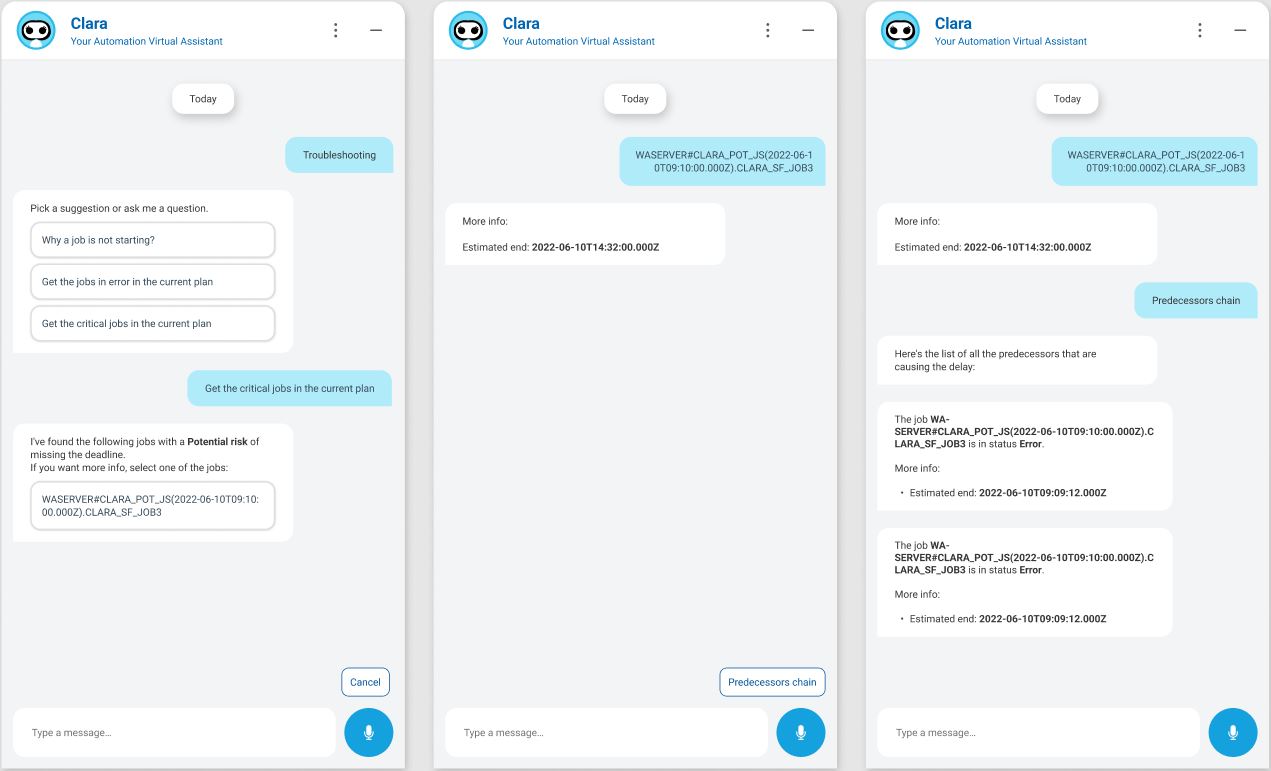
Get the critical jobs in the current plan
By selecting this action, Clara displays the list of jobs in high or potential risk of missing their deadline in the current plan.
Select a job from the list. Clara provides more information about the job and suggests, as a next action, to display the list of predecessor jobs that are causing the delay.