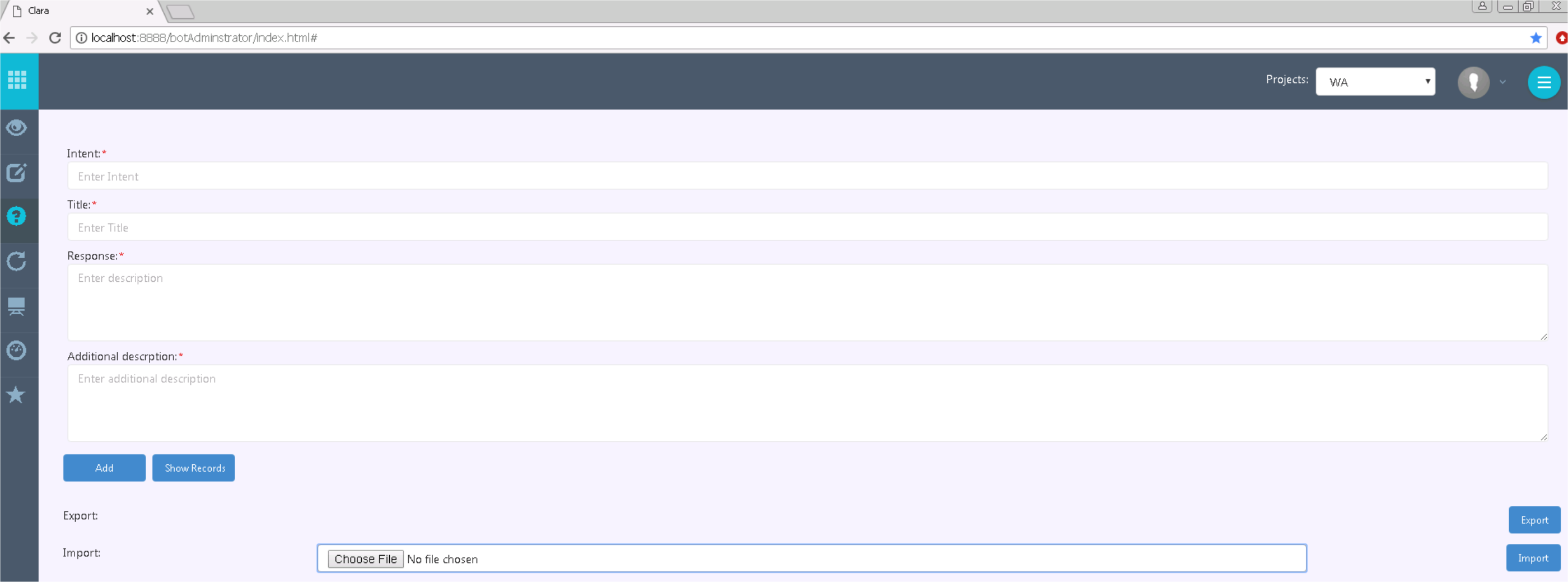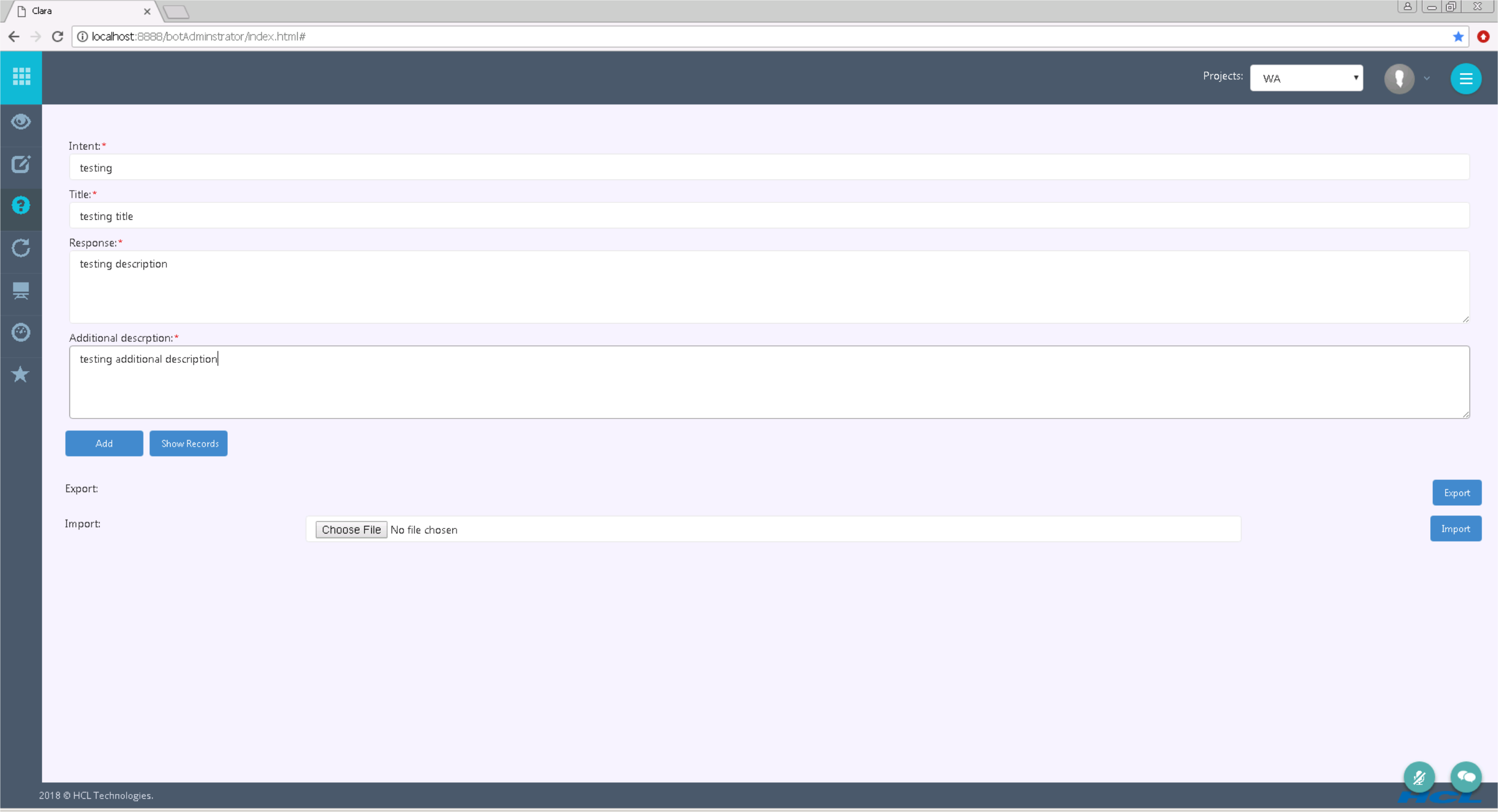
You can create a custom Knowledge Base using the Smart FAQ functionality. You can create Smart FAQs in two ways:
By using the Smart FAQ user interface
Importing the Smart FAQs from an Excel file
To create Smart FAQs by using the Smart FAQ user interface, run the following procedure:
Connect to Clara Administration Console https://<Clara_machine_IP>/botAdministrator/index.html
Open the Workload Automation project
Click the Smart FAQ tab and fill in the following text boxes:
Intent
Title
Description
Additional description
Click the Add button
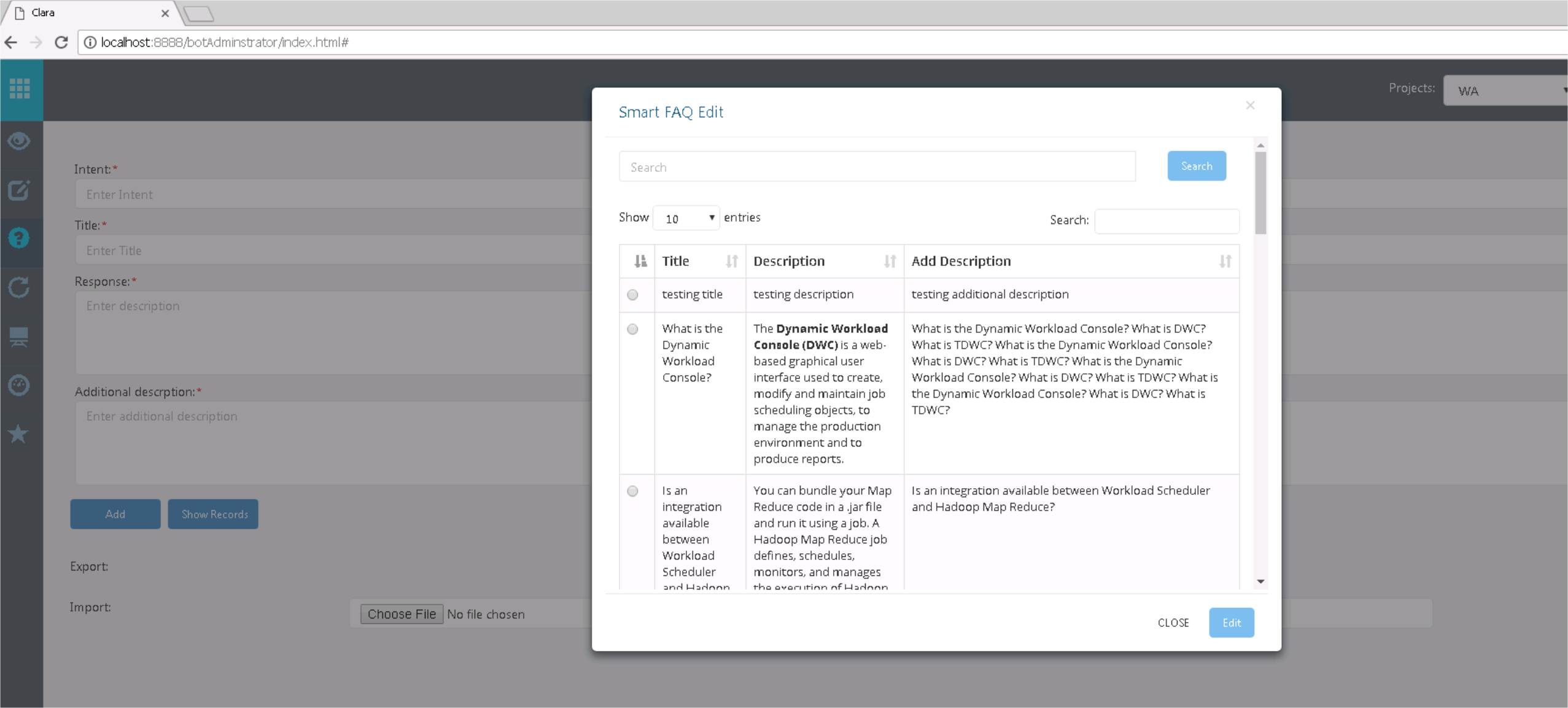
You can see the added records by clicking the Show Records button
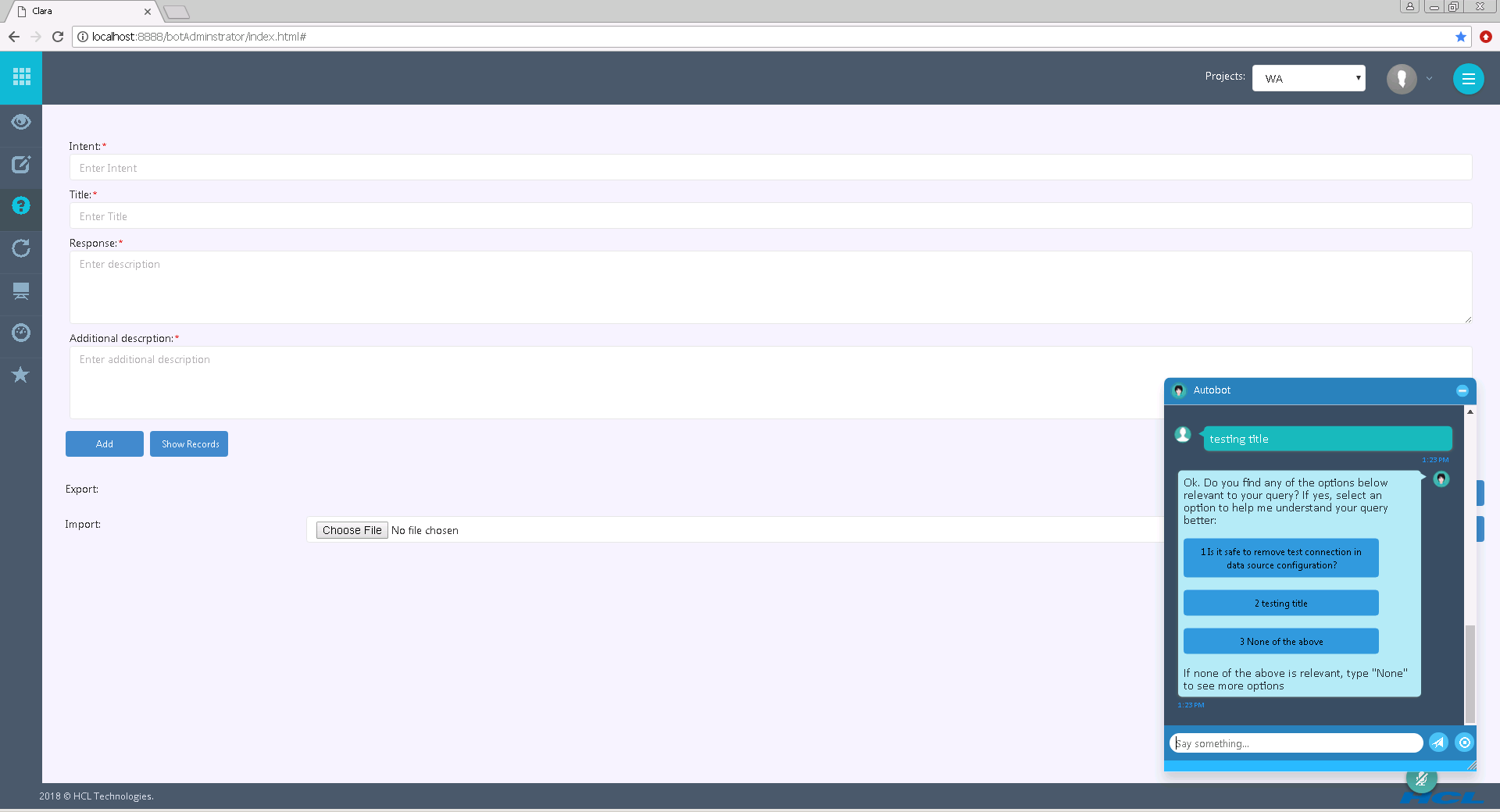
You can test the Smart FAQs by entering testing in the chatbot. It will connect the FAQ bot and will provide an answer.
To import Smart FAQs from an Excel file, from the Clara Administration Console, run the following procedure:
Click the Choose file button and select the Excel file containing your Knowledge Base
To upload the file, click the Import button.
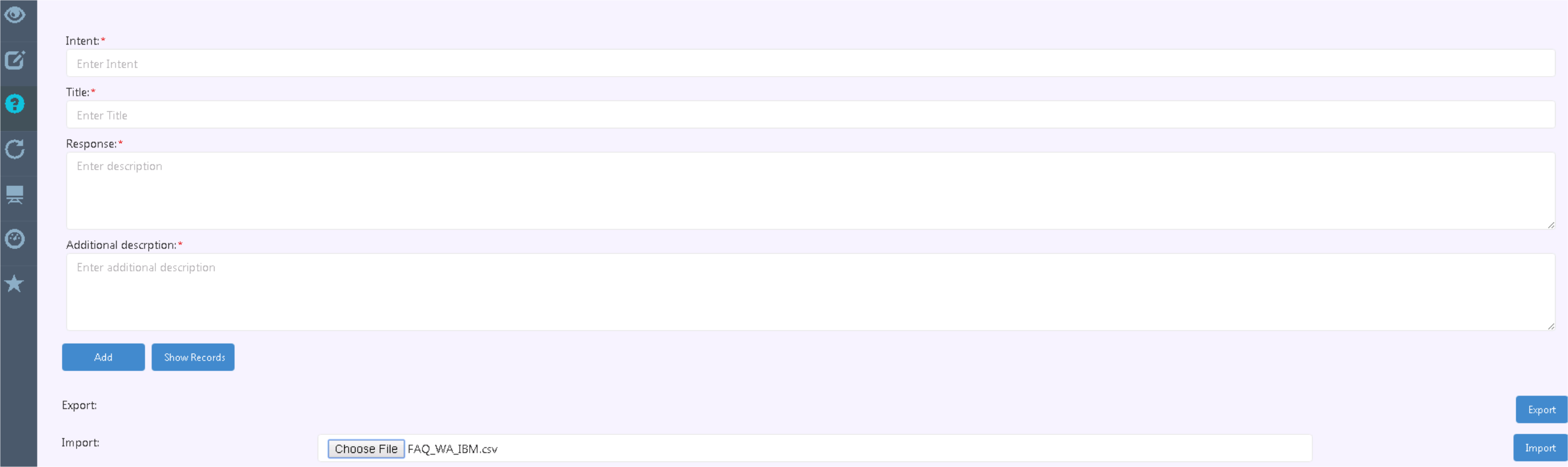
In the same way, you can export the Smart FAQs into an Excel file by clicking the Export button.