How can I choose to save sent mail?
You can decide whether to save your sent messages on the Mail settings page. You can choose to save all sent messages, not save any sent messages, or be prompted to save each message when you send it.
Procedure:
- Go to the Mail Settings > Mail > Save Sent Mail.
-
Choose from the three options to save sent mail:
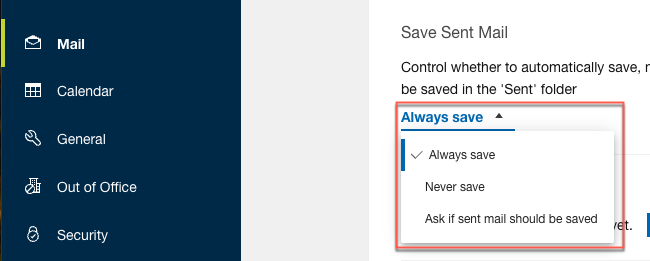
- Always save - This is the default option if the preference has never been set. As you send mail, the messages will be saved in the Sent folder.
- Never save - As you send mail, the messages will not be saved in the Sent folder.
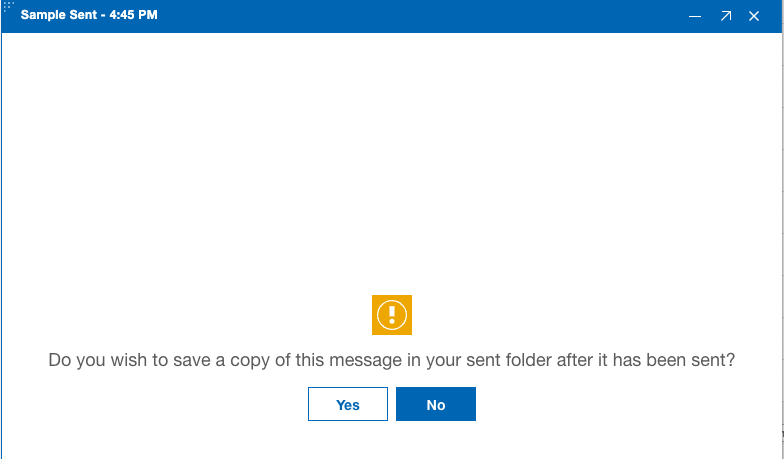
- Ask if sent mail should be saved - This option prompts when you press the Send button when composing mail.
Parent topic: How do I personalize Mail?