How do I import events from an internet calendar?
You can import single and repeat events from an internet calendar (.ics) file into your HCL Domino Workspace Mail calendar. For example, import events from a Google calendar .ics file.
The .ics file that you import can be on your local computer or attached to a mail message.
- Only events and alarms are imported from the .ics file. To Do, Journal, and busytime entries are not imported.
- The .ics file must be 5 MB or less.
- You can import up to 100 events from one .ics file. All occurrences of a repeating event are considered one event.
- To import the contents of an .ics file that is attached to a message, the message cannot be encrypted.
To import an .ics file saved on your computer:
-
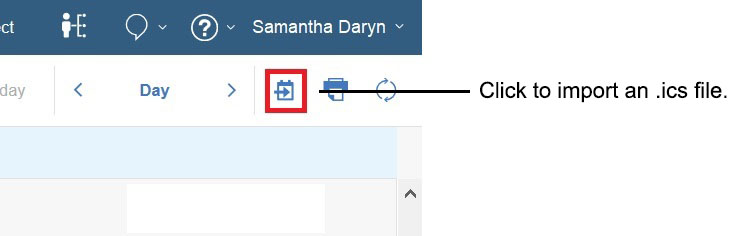
From your Mail calendar, click the import calendar button at the top, right:
-
Select and open the .ics file.
To import an .ics file attached to a message:
-
Open the message with the attachment and click the import calendar icon next to the attached .ics file:

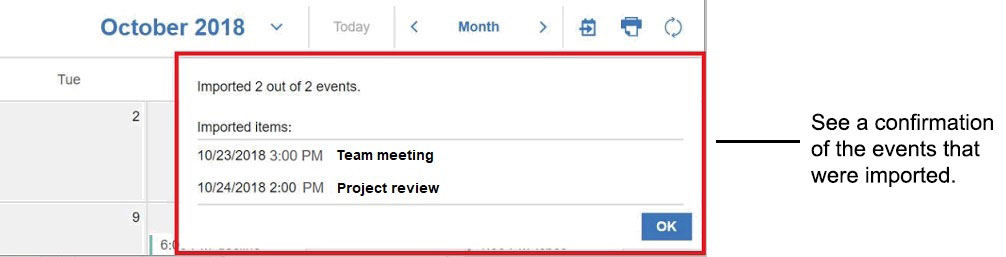
A prompt confirms the events that are imported. Click OK.
Parent topic: How do I manage my calendar?