Summarizing Email with Domino IQ
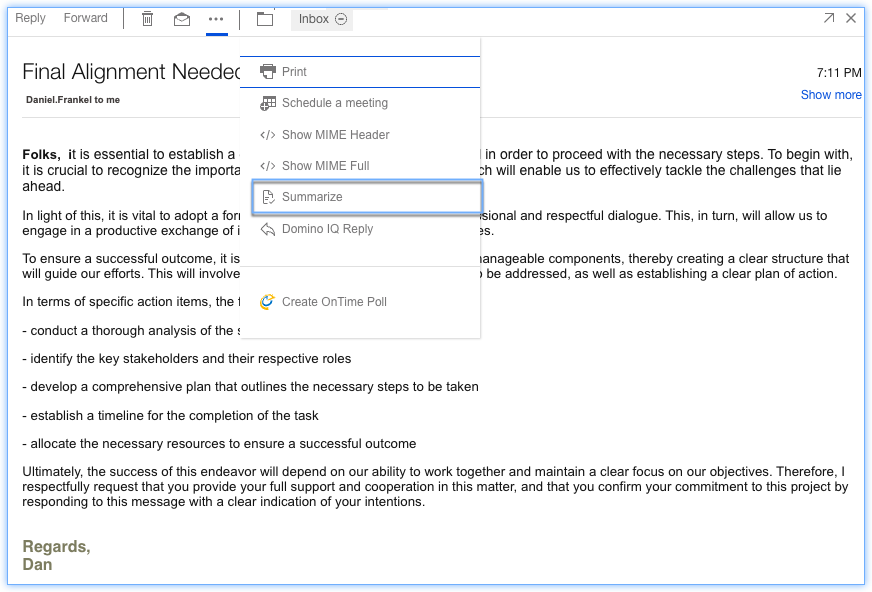
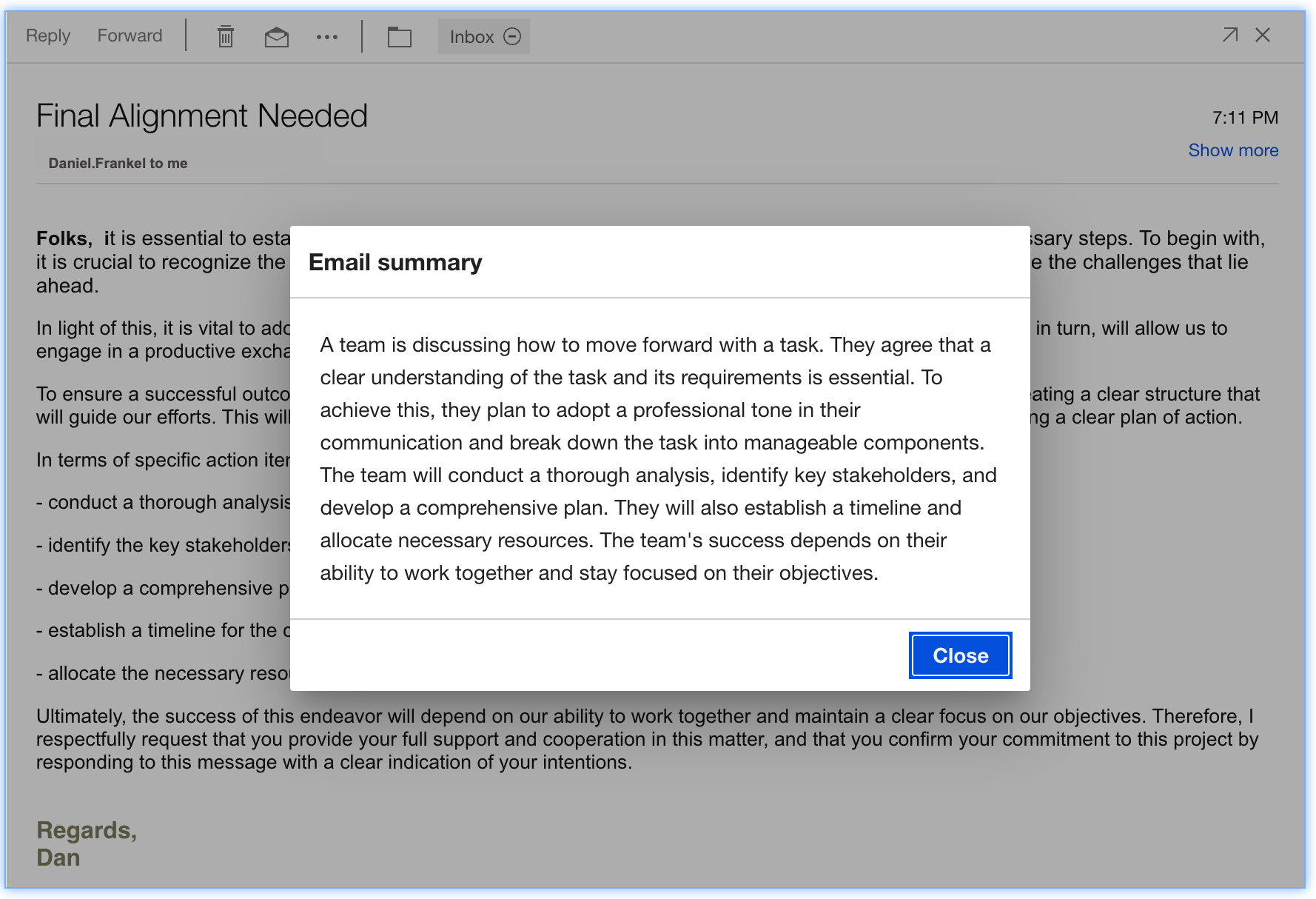
In HCL Domino Workspace Mail, users have a Summarize action available in the action bar of a Mail message. This action generates a summary of the selected Mail thread which may highlight key action items and dates to help the user quickly understand the context of the email thread.
- Click email.
- Click the ellipsis (
 ) icon.
 - Click Summarize action.
Parent topic: How do I master mail?