How do I show my picture?
You can add or change the picture of yourself in the Mail "important to me" bar by uploading an image, pointing to a URL that has an image, or taking a photo of yourself.
- Click the arrow next your name at the top, right of Mail, then select Change My Picture. If you don't see this option, your administrator hasn't enabled it.
- If you haven't already, when you're prompted to, give Mail permission to use your camera.
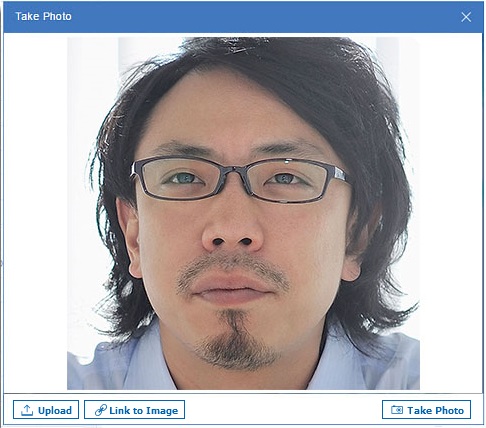
-
Click any of the following options:
-
To upload an image from your computer, click Upload.
-
To use an image stored on a web site, click Link to Image and specify the web site URL. This option may not be available depending on how your administrator configures this feature.
-
To take a photo to use as the image, click Take Photo
-
Parent topic: User Documentation