Managing video quality
All meeting participants can change the meeting video quality from audio only to high definition (HD) depending on the quality of your connection. You can make changes to these settings at any time, and these settings affect only the local quality of each individual's video.
Scroll over the bottom of the meeting window, and then select the three dots to go to the settings. Select Manage video quality.
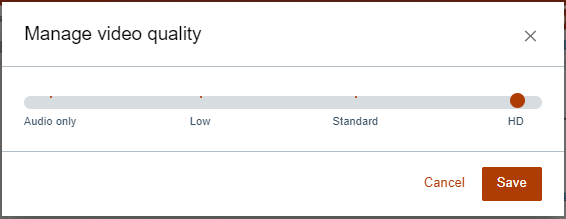
Note: Changing to low automatically disables all video streaming, focusing on voice connections only.
Parent topic:How do I