Joining a meeting by phone
When configured, you can dial in to a Domino Workspace meeting without a computer or internet connection.
To join a Domino Workspace meeting from a SIP-capable phone, you need the following details.
- Dial-in phone number
- Conference number
You can find the list of dial-in phone numbers for various geographic locations and the conference number on the meeting preview window.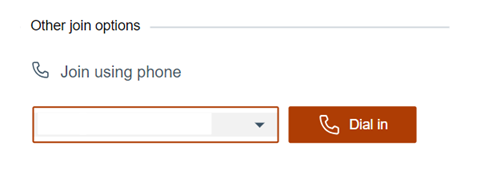
-
Select the phone number from the drop-down menu provided in the preview window. The list consists of numbers for different locations.
-
Dial into the meeting by doing one of the following:
- Expand the phone number list and select the phone number to use. Select Dial in. If a default calling app is available, it is used. Otherwise, you are prompted for the calling app to use.
- If using a telephone, manually dial the phone number.
- Enter the conference number when prompted.
Depending on the meeting configuration, you might be placed in a waiting room until the moderator admits you into the meeting. If you are logged into Domino Workspace Meetings as a guest and guest are not allowed, you are not given access. To access the meeting, you must login with your Domino Workspace credentials.
Parent topic:Joining a Domino Workspace meeting