
My Account: My Orders
The My Orders page displays the customer's order history with the store in three tabs. Information is provided for orders that were previously processed, orders that are waiting for approval, and scheduled orders.
Each of the three tabs shows the following order details within a table:- Previously Processed tab: order number, date, purchase order, status, and total price. A Re-Order button is located next to each order in the table, giving customers the option to create a new order by duplicating a previous order.
- Waiting for Approval tab: order number, last updated, purchase order, and total price.
- Scheduled tab: order number, next order,
and total price. A Cancel button is located
next to each order in the table, giving customers the option to cancel
a scheduled order.Note: When a user schedules an order with a purchase order number, the purchase order number is not displayed in the scheduled orders status table. However, when the scheduled order is processed, the processed order number associated with the order is displayed in the previously processed orders status table.
Elements of the My Account: My Orders page
The
My Account: My Orders page contains three tabs: Previously Processed,
Waiting for Approval, and Scheduled.
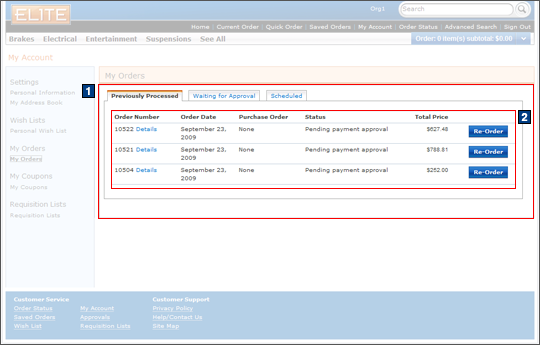
Full size screen capture
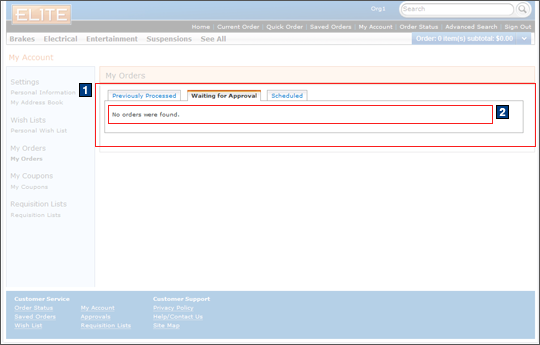
Full size screen capture
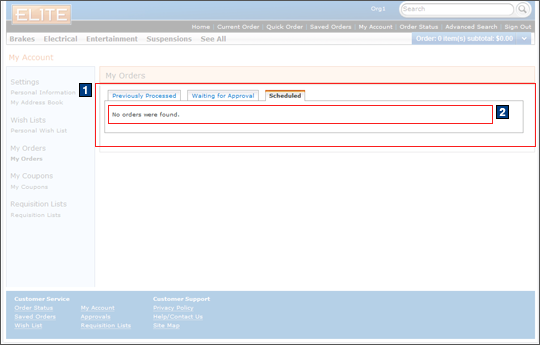
Full size screen capture
Full size screen capture
Full size screen capture
Full size screen capture
JSP files
- OrderStatusCommonPage.jsp represents the entire page if AJAX My Account is enabled.
- OrderStatusDisplay.jsp represents the entire page if AJAX My Account is disabled.
- 1 OrderStatusTableDisplay.jsp displays the information under the My Orders heading. This includes the order number, date, purchase order, status, total price, and the option to reorder for each order.
- 2 OrderStatusTableDetailsDisplay.jsp represents
the table portion of the order information in the Previously Processed
tab.Includes:
- OrderStatusTableDetailsHelper.jsp optimizes
performance when loading pages.Includes:
- OrderStatusTableDetailsDisplay.jsp represents the table portion of the order information in the Waiting for Approval and Scheduled tabs.
- OrderStatusTableDetailsHelper.jsp optimizes
performance when loading pages.
e-Marketing Spots
- There are no e-Marketing Spots on the My Account: My Orders page.
Store functions
- AJAX My Account can be enabled or disabled.
- Schedule Orders can be enabled or disabled.
Links and buttons
- When the Details link under an order number
is clicked:
- AjaxOrderDetail is called if AJAX My Account is enabled to display the details of the order.
- NonAjaxOrderDetail is called if AJAX My Account is disabled to display the details of the order.
- When the Re-Order button of an order is
clicked, AjaxOrderCopy is called to copy that
order into the current order:
- Double-click handling is implemented using JavaScript to prevent multiple requests from being sent.
- The cursor_wait() method is called and displays the progress bar if AJAX My Account is enabled.
- When the Cancel button is clicked, the scheduled order is canceled.