
Creating a new alternate disk clone
Use the VIOS Advanced Deployment Wizard to create an alternate disk clone of the current rootvg on targeted VIOS systems.
Before you begin
Procedure
- From the BigFix console, click .
- Under the Alternate Disk Tasks tab,
click Create a New Alternate Disk Clone to
expand the deployment options pane.
Figure 1. Create a New Alternate Disk Clone 
- Enter a name for the new alternate disk volume group.
Figure 2. Available options 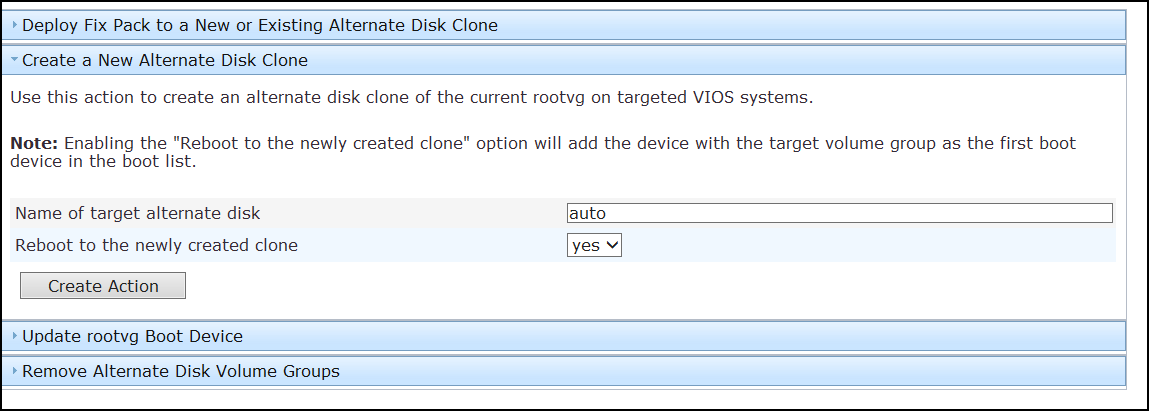
- Enter the files or directories that are to be excluded from the alternate disk clone.
- Verify that the reboot option is at the preferred setting.
- Click Create Action.
- Deploy the action.