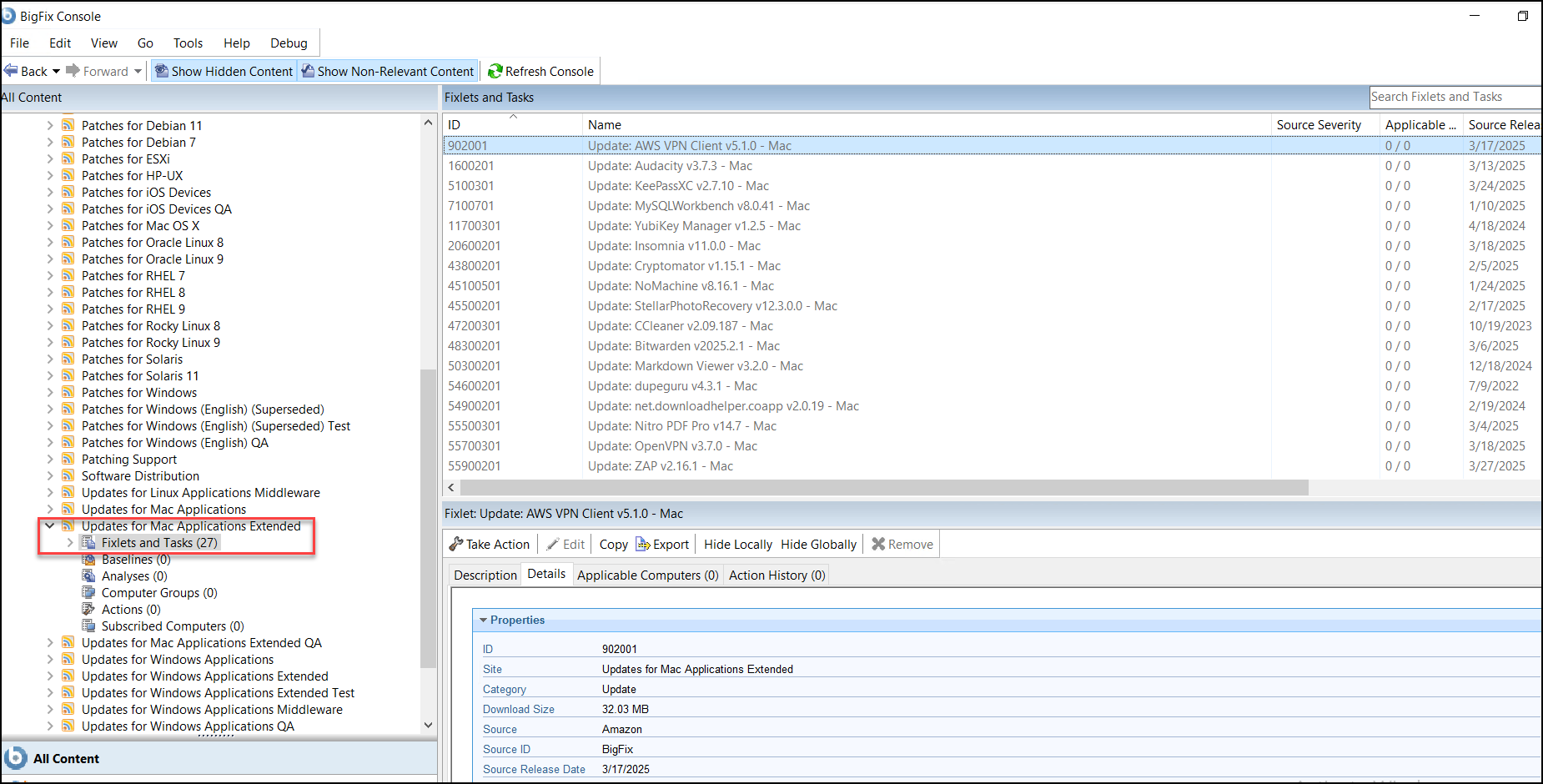
Subscribe to Updates for Mac Applications Extended
Subscribe to the Updates for Mac Applications Extended through the License Overview dashboard.
Before you begin
Procedure
- From the BigFix Management domain, click License Overview dashboard.
-
Scroll down to locate the Updates for Mac Applications Extended site and
click Enable.
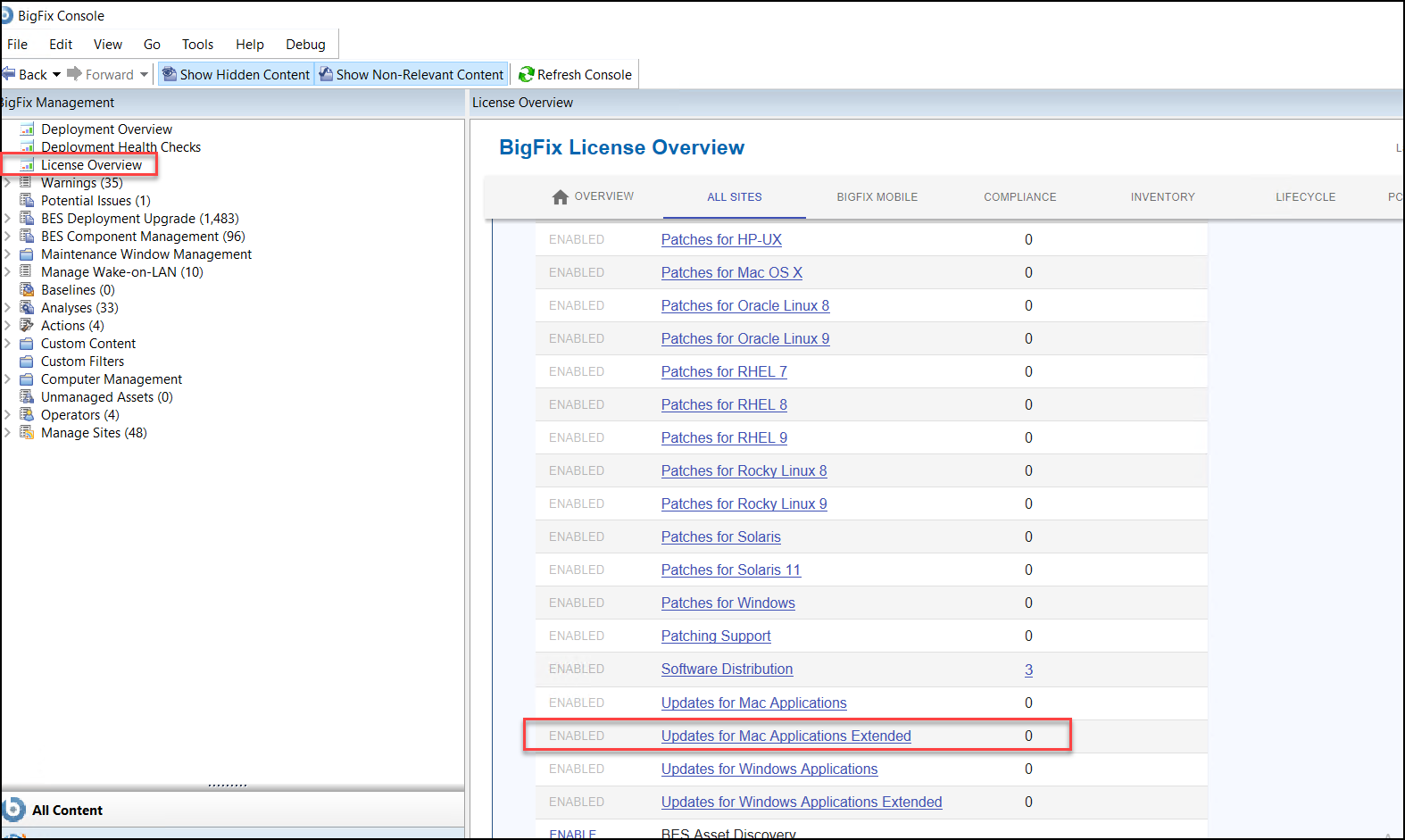
- Open the License Dashboard and select the External Sites.
- Select the Updates for Mac Applications Extended site.
- Click on the Fixlets and Tasks tab to view the list of Fixlets available for the selected endpoint.
-
Choose the appropriate Fixlet, then click Take action to
run the Applications.